

Fix greasy hair in a photo you already took
Remove oily appearance. Tap info to generate better images.
Hair Retouch · Fix Greasy Look
One photo in, the same photo back with the oily shine and stuck-together strands gone from your hair.
Flash, sweat and a long day all make hair look wet and flat on camera, and it is usually the photo you like most where it shows. This page runs one retouch, Fix Greasy Look, on a picture you upload. The instruction sent to the image model (Nano Banana 2) is "Fix Greasy Look in hair", so the edit is aimed at the hair alone: the shine on the scalp and the clumped, separated strands are replaced with hair that looks clean and dry. Your haircut, its length and its color are meant to stay as they are, and so are your face, clothes and background. It is a retouch for one photo, not a new hairstyle.
What it does
Only the hair is touched
The instruction names the hair and nothing else. The model aims to leave your face, skin, beard and the background alone, which matters when the rest of the shot is already right.
Keeps your haircut
Fixing the greasy look is not a restyle. The cut, the parting and the length stay recognisably yours; what changes is the oily shine and the way strands stick together.
One step in a full retouch
Hair Retouch has other single-purpose edits for men, such as Neat, Remove Frizz and Add Volume. Run them one at a time on the result to build up the look you want.
How it works
- 1
Add the photo
Upload the picture where your hair looks oily. If you are signed in, you can reuse an image from your recent generations instead.
- 2
Set the frame
Leave the ratio on Auto to keep the shape of your photo, or pick a fixed ratio for a square or vertical version.
- 3
Generate and compare
Press Generate, which shows the price and asks you to sign in if needed. The result opens in your Create Image history next to the original.
Who it's for
Profile and dating photos
A good smile in a photo where your hair looks unwashed is a waste. Clean up the hair and keep the shot.
Event and gym pictures
Weddings, nights out and training sessions leave hair sweaty by the time the camera comes out. Fix the hair afterwards instead of hiding the photo.
Work headshots in a hurry
When there is no time to reshoot, a quick retouch on the hair makes a casual photo presentable enough for a profile or a team page.
More to try
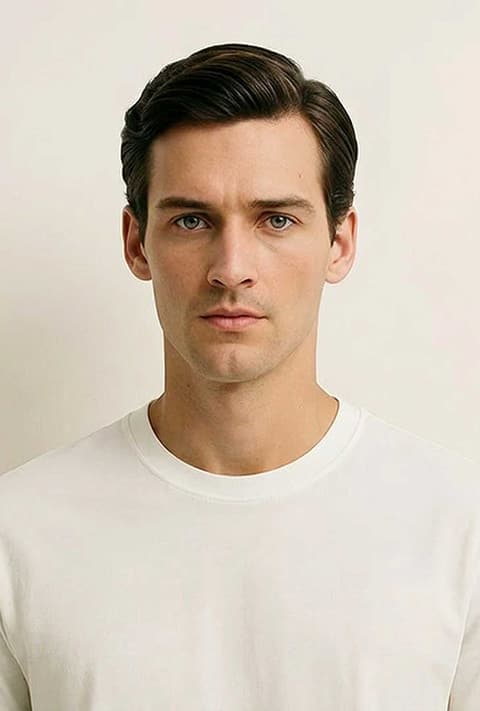
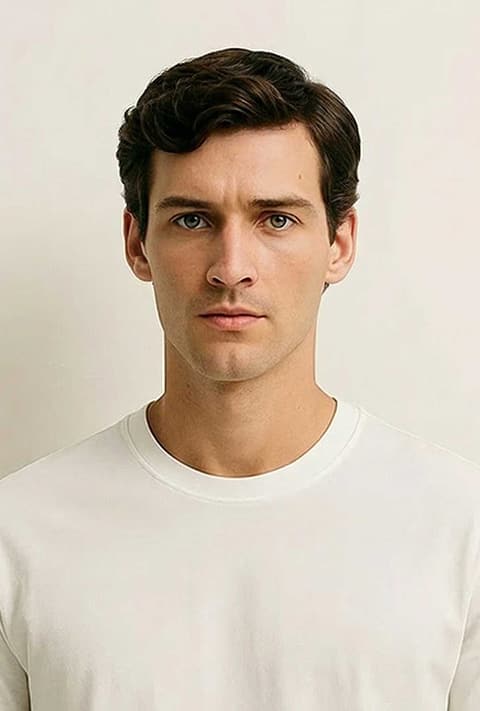
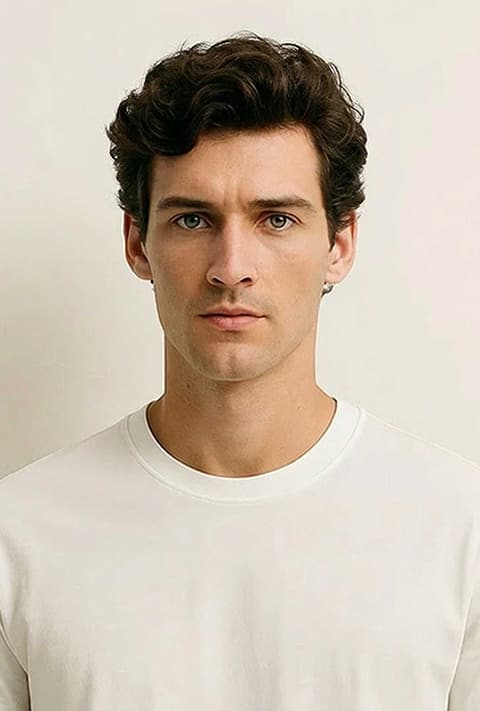
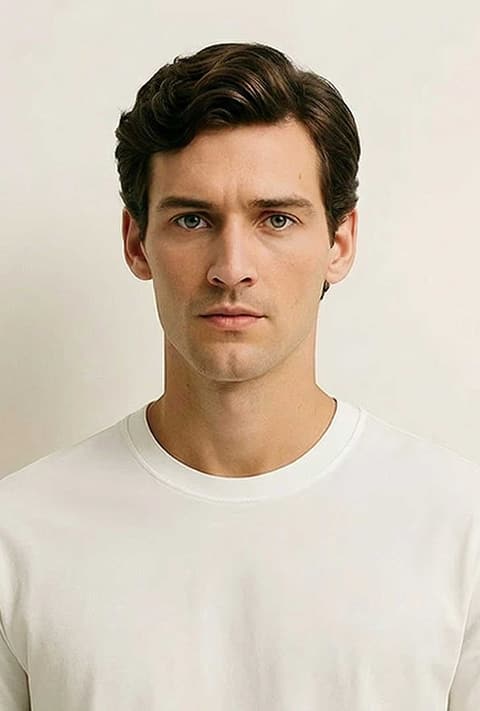
Frequently asked questions
How do I fix greasy hair in a photo?
Upload the photo on this page and press Generate. The template sends the instruction "Fix Greasy Look in hair" to the image model, which returns the same picture with drier, cleaner looking hair.
Will it change my hairstyle?
It is not meant to. The instruction only asks for the greasy look to be fixed, so the cut and length should stay the same. Since it is AI, small details around the hairline can shift; generating again gives another attempt.
Does it work on women's photos too?
Yes. Hair Retouch has a women's version of the same template, which you can switch to with the Male and Female chip on the page.
Does it keep my face?
The model aims to change only the hair. Faces usually stay as they were, but skin tone or small details can vary slightly between results.
What photo works best?
A sharp photo where your hair is clearly visible and not covered by a hat or hood. Very dark or blurry pictures give the model less to work with.
Can it fix frizz or add volume as well?
Not in the same step. Use Remove Frizz or Add Volume from Hair Retouch on the result if you want those changes too.
Try it on your own photo
The tool is at the top of this page. The price shows on the button before you start.
Back to the tool