Prompt guide · Nano Banana Pro
Nano Banana Pro Prompt Guide
Nano Banana Pro behaves like a photographer who also does retouching: it responds to camera and lighting language, renders real words correctly, and (its party trick) edits photos without losing the person in them. These patterns get the most out of it; every example opens directly in the editor.
Last updated July 11, 2026
01Speak photography, not adjectives
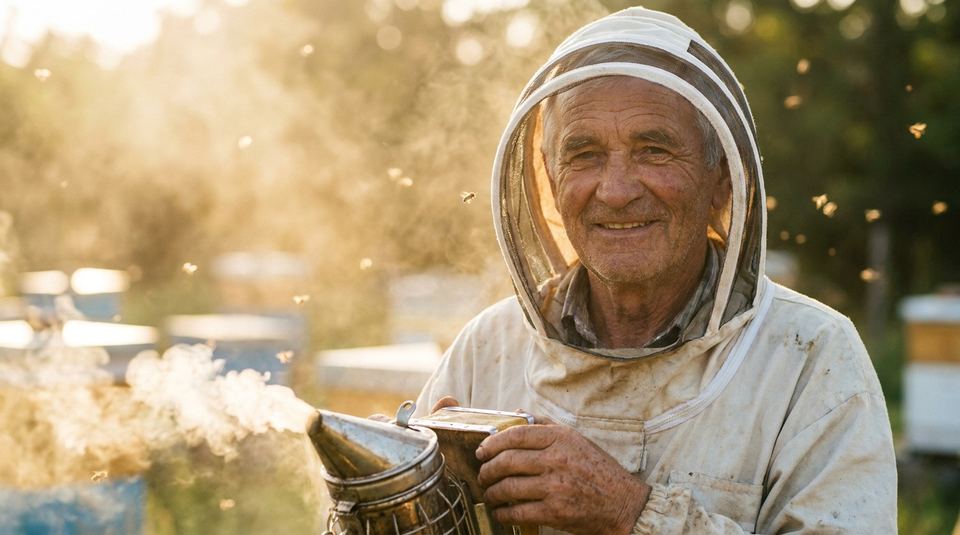
Swap "beautiful, high quality, 8k" for the words a photographer would use: lens, light direction, film stock, time of day. Nano Banana Pro maps these to consistent looks: "medium format, north window light" beats "stunning portrait" every single time.
02Text in images: quote it and place it
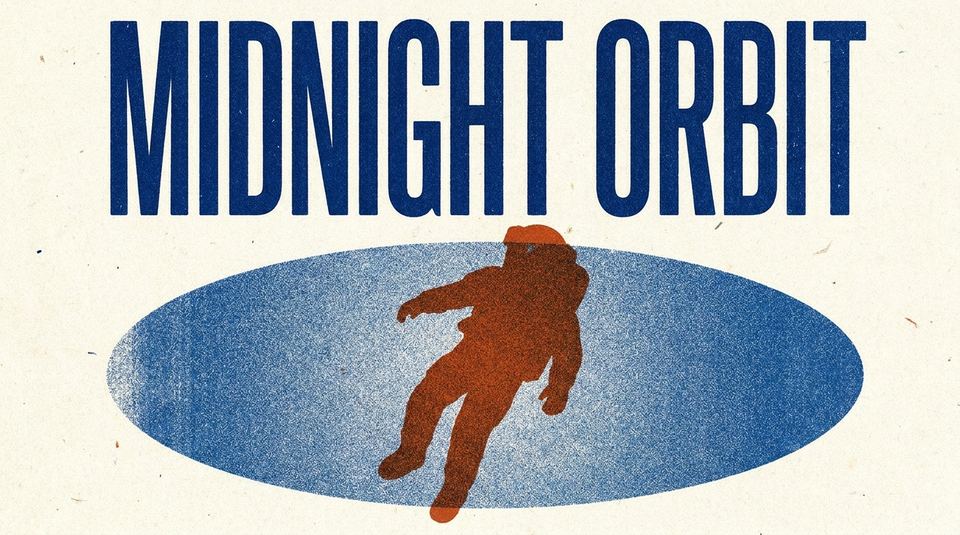
Give the exact wording in quotes, then say where it goes and in what style. Spelling holds up remarkably well for display text. Keep it under about six words per text element; paragraph-length text still belongs in a design tool.
03Editing photos: describe the change, protect the rest
Upload a photo and state only what changes. The model keeps everything you don't mention, including the face. Be explicit about what must stay ("same expression, same pose") when the edit is dramatic, like changing era or outfit.
04Batch and ratio strategy
Generate 4 variations at 1K to explore, then re-run the winner at 4K in the final aspect ratio. Composition changes meaningfully between ratios, so pick 9:16 or 4:5 up front for social work instead of cropping a square later.
Frequently asked questions
How do I keep faces consistent in Nano Banana Pro edits?
Mention it explicitly ("keep the face, expression, and pose exactly the same") and change one thing at a time. Chained small edits preserve identity better than one giant instruction.
Can it render long text accurately?
Short display text (up to ~6 words per element) is reliable. For dense multi-line layouts, generate the art in Nano Banana Pro and set long copy in a design tool.
What's the best workflow for social posts?
Explore with 4-image batches at 1K in your target ratio, then upscale the pick to 4K. Choosing the ratio up front matters, because the model composes for it.
Do these prompts work in the standard Nano Banana model?
Yes, the language carries over. Pro just holds detail, text, and identity better. If a result matters, run it on Pro.
More guides
Put the guide to work
Every example above opens in the Nano Banana Pro editor with the prompt loaded. Free credits on signup.
Open Nano Banana Pro