Image model · by Google
Nano Banana Pro Image Generator
Google's viral image model, pro tier: sharper detail, better text, and edits that keep faces intact.
Last updated July 11, 2026

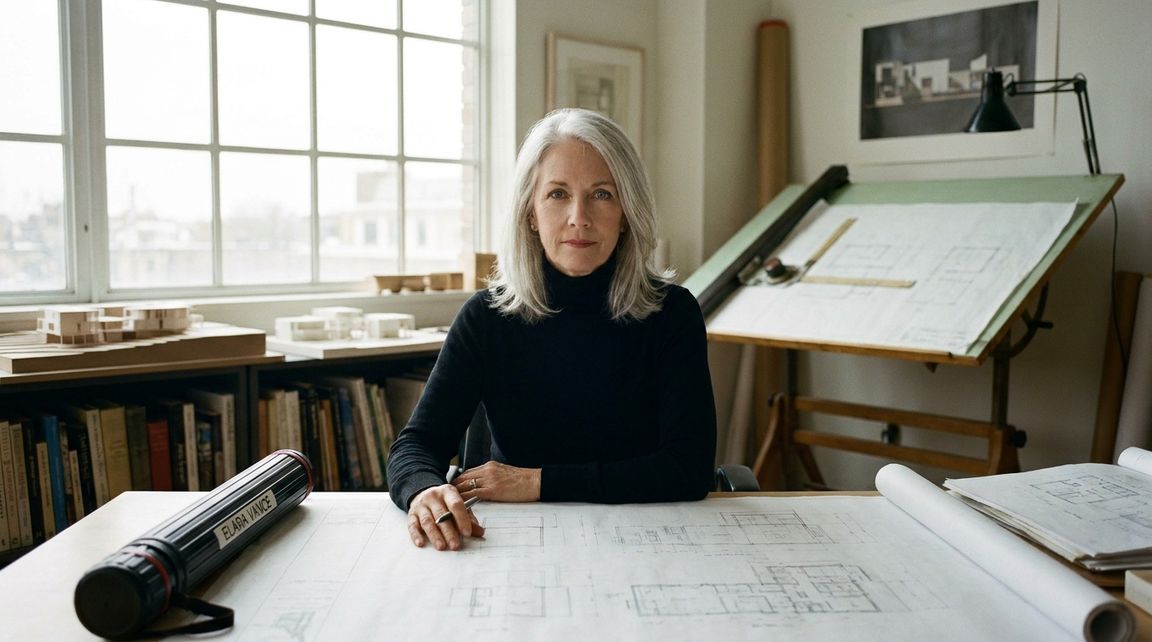
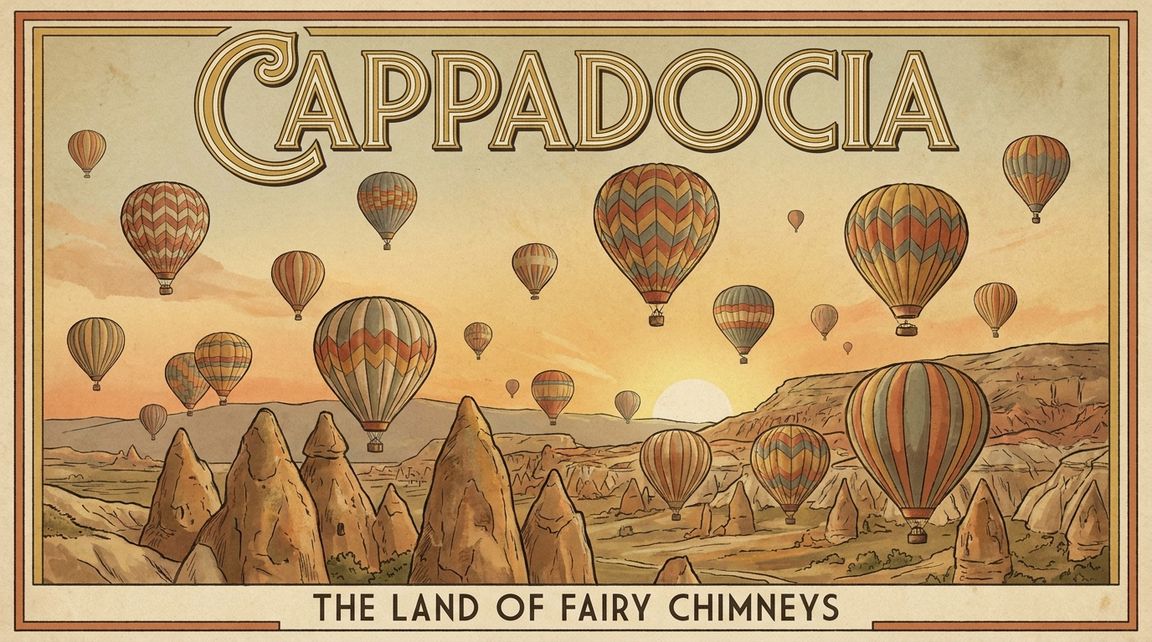
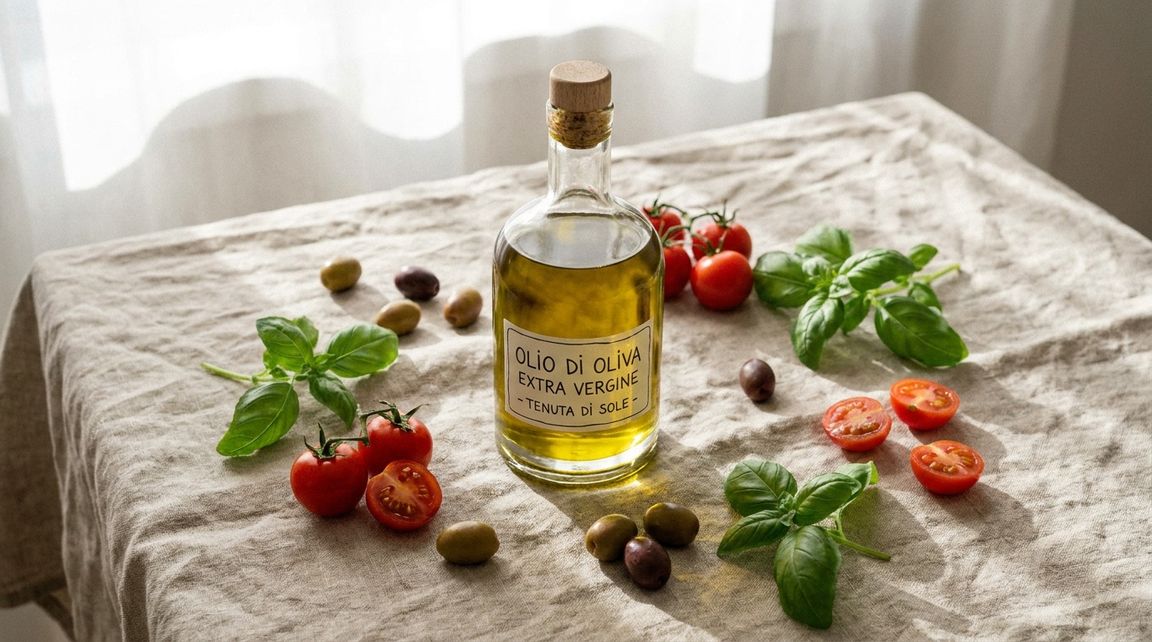
Nano Banana Pro is the professional tier of Google's Nano Banana family, the model that made AI photo editing mainstream. Its strengths are photorealism, legible text inside images, and (the reason it went viral) edits that preserve the identity of people in the source photo. On AI Canvas you can generate from text, edit an uploaded image, and export at up to 4K, in nine aspect ratios.
Example prompts for Nano Banana Pro
Editorial portrait of a silver-haired architect in her studio, blueprints on the desk, north-facing window light, medium format film aesthetic, sharp eyes
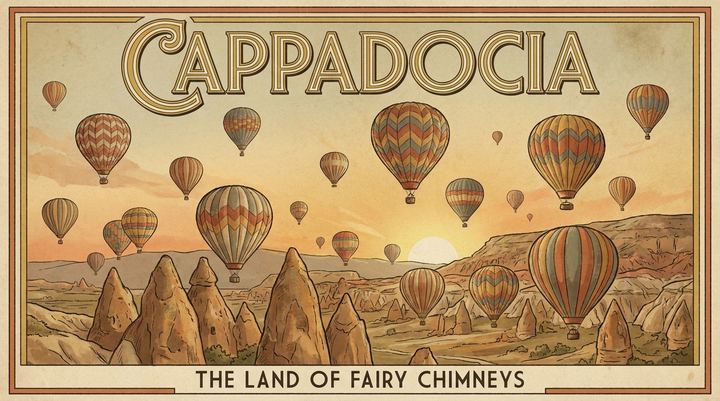
Vintage travel poster for Cappadocia with hot air balloons at sunrise, the word CAPPADOCIA in art-deco lettering at the top, muted warm palette
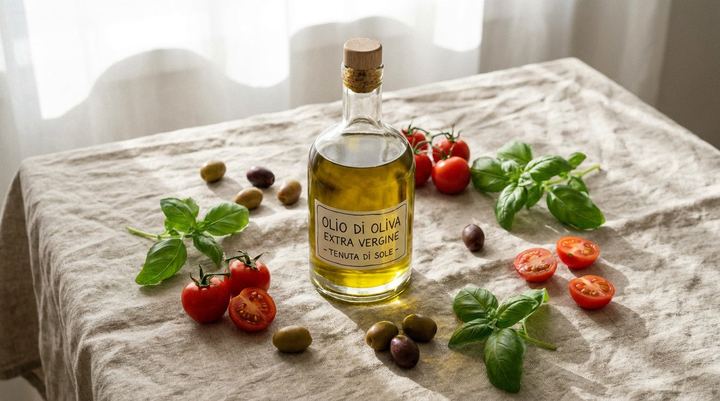
A bottle of olive oil on a rustic linen tablecloth surrounded by fresh basil and cherry tomatoes, overhead shot, soft morning light, food magazine style
What Nano Banana Pro is good at
Identity-preserving edits
Upload a photo and change the outfit, background, lighting, or era, and the face stays the same person. This is the capability that made Nano Banana famous, and Pro is its sharpest version.
Text that's actually readable
Posters, labels, signage, UI mockups: Nano Banana Pro renders real words with correct spelling far more reliably than most image models, which makes it usable for design work, not just art.
4K output in nine formats
From square avatars to 16:9 covers to 4:5 feed posts: nine aspect ratios and up to 4K resolution, with up to four variations per generation to pick from.
How to use Nano Banana Pro on AI Canvas
- 1
Prompt it, or upload a photo
Describe the image you want, or add a source photo and describe the change, like "put me in a 1970s detective film", "swap the background for a Tokyo street at night".
- 2
Pick format and quality
Choose one of nine aspect ratios and 1K, 2K, or 4K output. Generate up to four variations at once; the credit cost is visible before you run it.
- 3
Refine and reuse
Edit any result again with a follow-up instruction, upscale it, or send it to image-to-video with Veo or Kling to set it in motion.
Who it's for
For personal photos and avatars
New profile pictures, themed portraits, and the viral edits: different decade, different outfit, same face. No LoRA training or reference sets needed.
For designers and marketers
Readable text rendering means usable posters, packaging comps, and social graphics straight out of the model, then export at 4K for print-adjacent work.
For video creators
Generate the perfect opening frame here, then animate it with image-to-video. A Nano Banana Pro still plus Veo 3.1 motion is one of the strongest pipelines on AI Canvas.
Other models to try
Compare & guides
Frequently asked questions
What is Nano Banana Pro?
Nano Banana Pro is the professional tier of Google's Nano Banana image model, with higher detail, better text rendering, and more faithful photo edits than the standard version, with output up to 4K.
Can I try Nano Banana Pro for free?
Yes, new AI Canvas accounts get free credits, and there's no subscription. You pay per generation in credits only when you need more.
Can it edit my existing photos?
Yes. Upload a photo and describe the change: background, outfit, lighting, style, added or removed objects. Nano Banana Pro is known for keeping faces recognizably intact through edits.
What resolutions and formats does it support?
1K, 2K, or 4K output in nine aspect ratios (1:1, 16:9, 9:16, 3:4, 4:3, 2:3, 3:2, 4:5, 5:4), with up to four images per generation.
Nano Banana Pro or GPT Image 2: which is better?
Nano Banana Pro generally wins on photorealism and identity-preserving edits; GPT Image 2 is stronger at following complex multi-step instructions. Both run on AI Canvas, so you can compare on your own prompt.
Can I use the images commercially?
Yes, images you create on AI Canvas are yours to use commercially, from client work to products and ads.
Make your first image with Nano Banana Pro
Free credits on signup. No subscription, pay only for what you generate.
Start Creating