AI Tools on AI Canvas
Every edit is a prompt away.
Background removal, face swap, lip sync, upscaling, voice cloning: 100+ tools running on the best model for each job, with one credit balance and no subscription.
Start CreatingImage tools
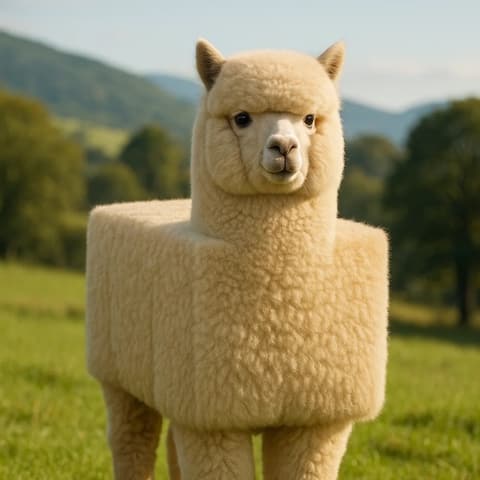
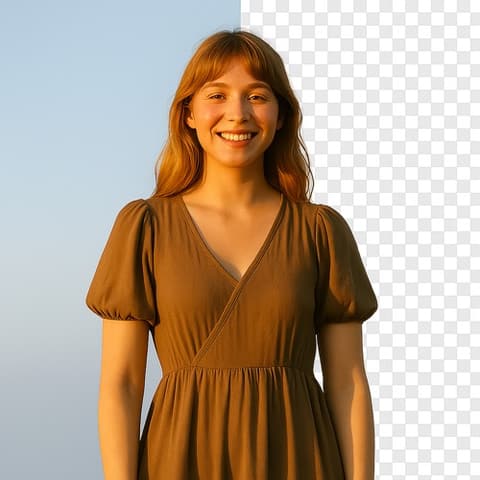
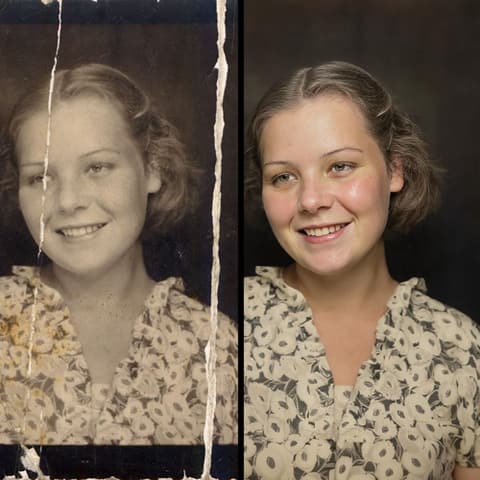
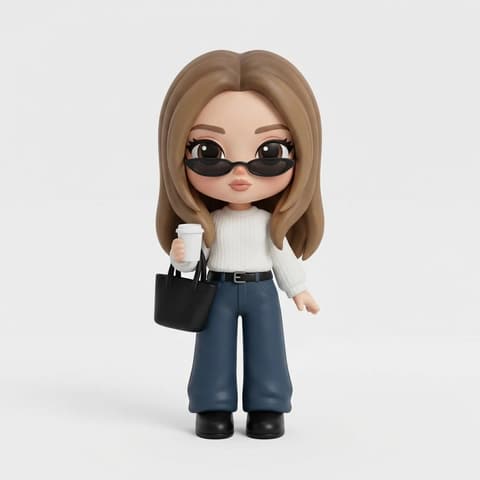
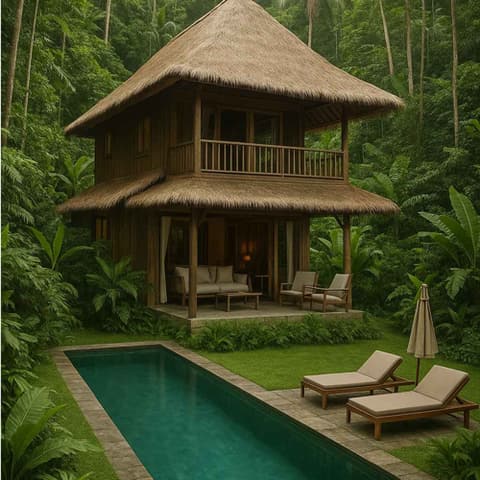
Generate images from text or fix the ones you have: remove backgrounds and objects, restore old photos, swap faces and outfits, restyle anything. Each tool runs on the model that does that job best, from Nano Banana Pro to Flux.


Video tools
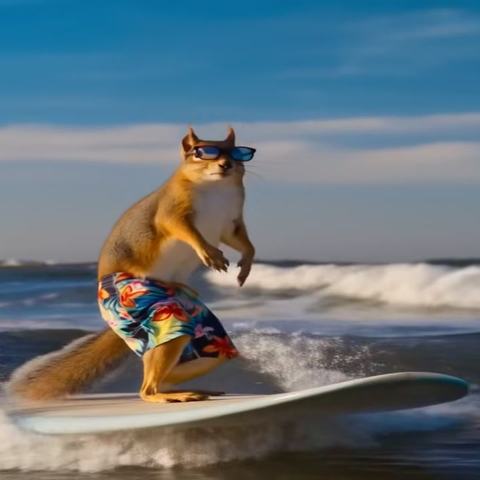
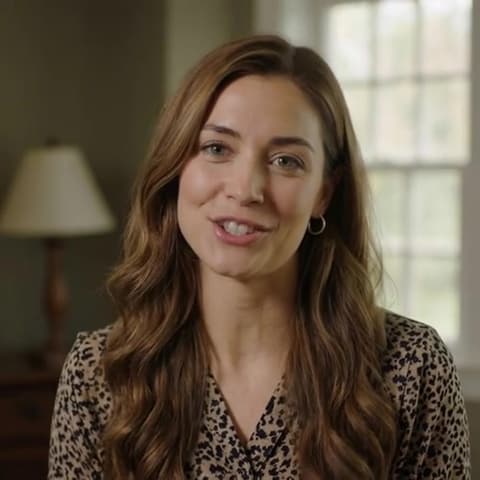
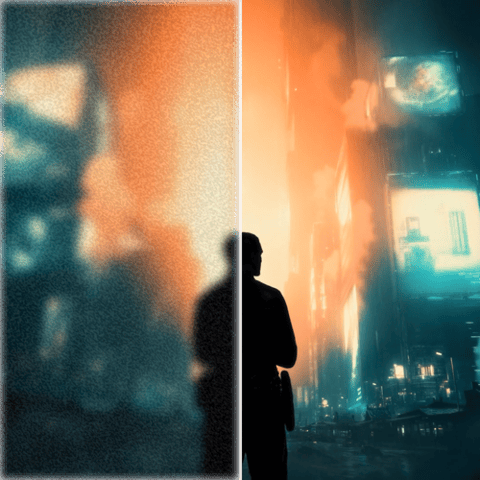
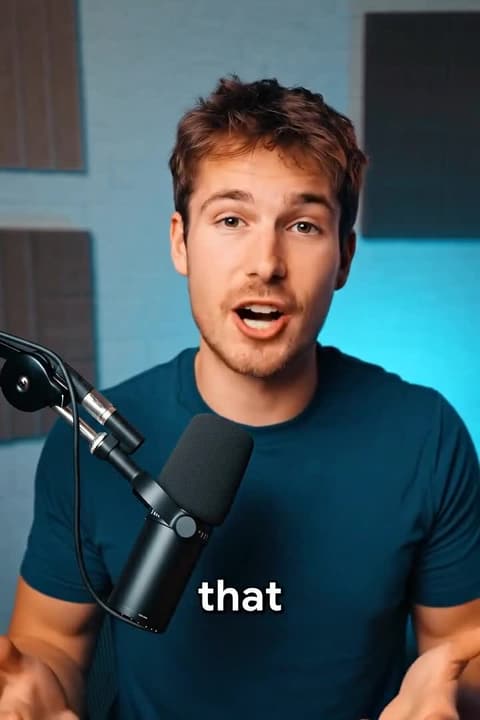
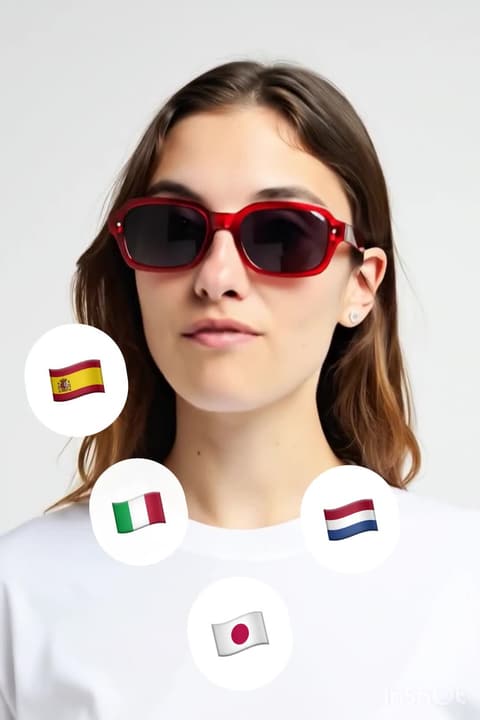
Make videos from prompts with Veo, Kling, and Seedance, then keep working on them: upscale to 4K, animate photos, sync lips to any audio, burn in captions, translate speech, or cut the background out of moving footage.



Audio tools
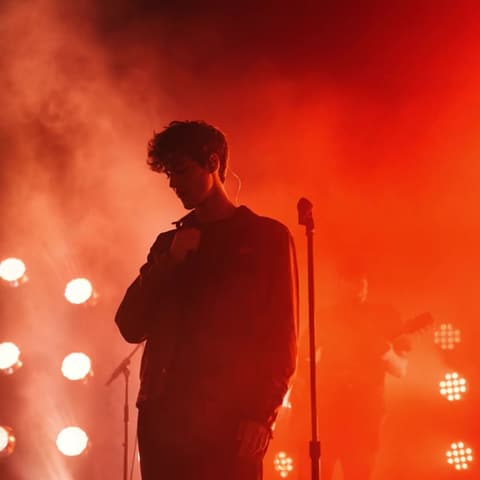
Generate music and voiceovers, clone a voice from a short sample, or transform your recordings into a different voice. Studio-grade audio without a studio.
Design tools
Logos, product staging, mockups, and interior redesigns: production-ready visuals for brands and spaces, no design software required.

How it works
- 1
Pick the tool for the job
Every task has a dedicated tool with its own editor, so no prompt engineering is needed for common edits like background removal or upscaling.
- 2
Drop in your file or prompt
Upload an image, video, or audio clip, or start from a text prompt. The credit cost shows before you run anything.
- 3
Generate, refine, reuse
Results land in your library, where any output can go straight into the next tool: generate an image, animate it, upscale it, caption it.
All tools
Frequently asked questions
Are the AI tools free to use?
New accounts get free credits that work across every tool, and there is no subscription. After the free credits you pay per generation, only for what you use.
Do I need to install anything?
No. Every tool runs in the browser, on desktop and mobile. Upload a file, generate, download the result.
Which AI models power the tools?
Each tool routes to the model that currently does that job best: Nano Banana Pro and Flux for image work, Veo, Kling, and Seedance for video, dedicated speech models for audio. As better models land, tools upgrade automatically.
Can I use the results commercially?
Yes. Everything you create on AI Canvas is yours to use, including in commercial projects like client work, ads, and monetized content.
Can I chain tools together?
Yes. Outputs save to your library and any result can be sent into another tool: generate an image, animate it into a video, upscale it to 4K, then add captions, all in one place.
What file formats are supported?
Standard formats work everywhere: JPG, PNG, and WebP for images, MP4 and MOV for video, MP3 and WAV for audio. Exports are watermark-free.
Pick a tool, drop a file, done
Every tool opens with its editor ready. Free credits on signup, pay only for what you generate.
Start Creating