

See yourself bald without shaving
See how you'd look with new hairstyles.
Hairstyles · Bald
Upload a photo and get back a version of you with a smooth, shaved head, ready to look at before you make the call.
Going fully bald is a decision many people circle for months. This page runs a single template, Bald, on a photo of you. The image model (Nano Banana 2) receives the instruction "change the hairstyle to bald haircut" and generates a clean scalp where your hair was, while trying to leave your face, clothes and background alone. It is a quick way to answer the question you cannot test in a mirror: what does my head look like with nothing on it? The template is part of the men's hairstyles, yet the instruction says nothing about gender, so any clear photo of a person works. Keep in mind the scalp is generated by AI, so treat it as a preview and not a forecast.
Examples
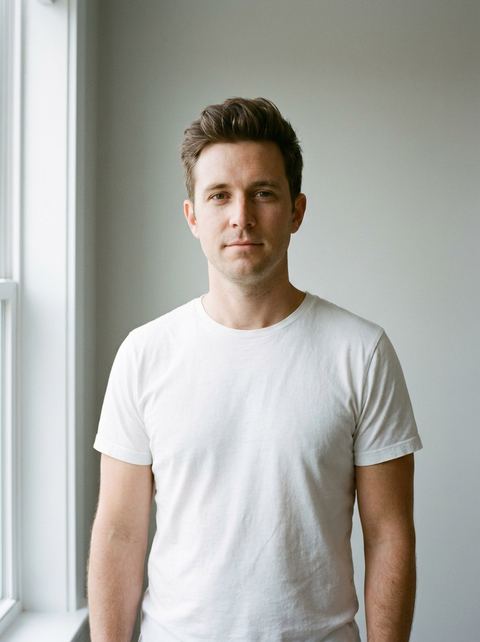
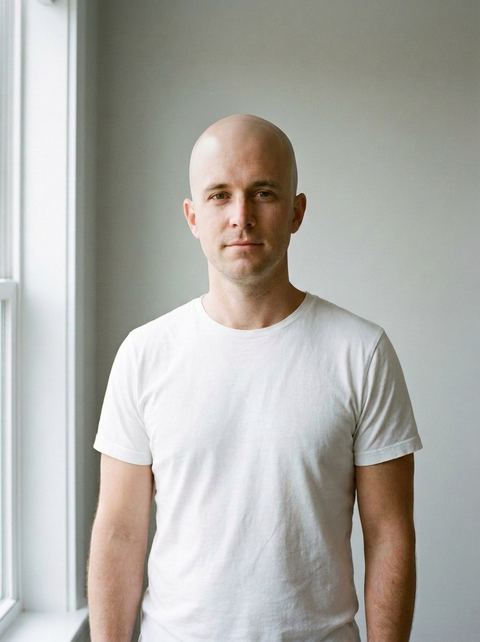
“change the hairstyle to bald haircut”
Try it on your own photo ↑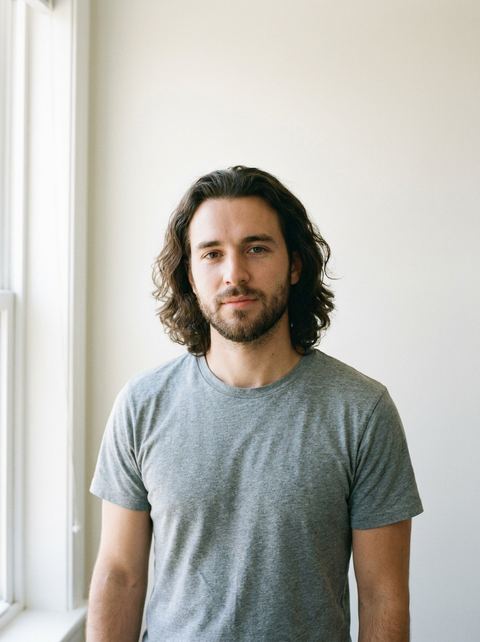
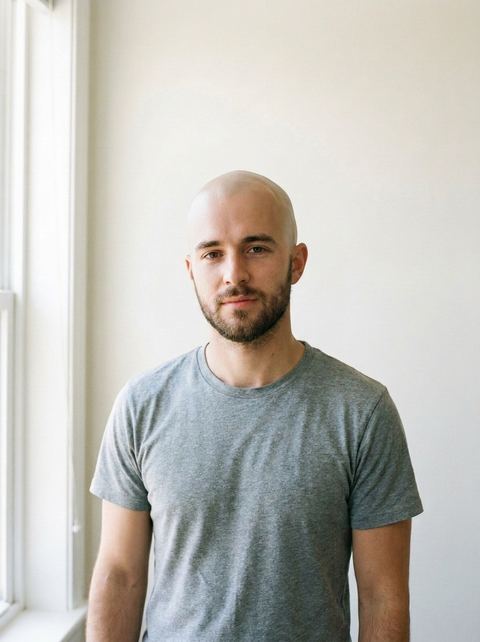
“change the hairstyle to bald haircut”
Try it on your own photo ↑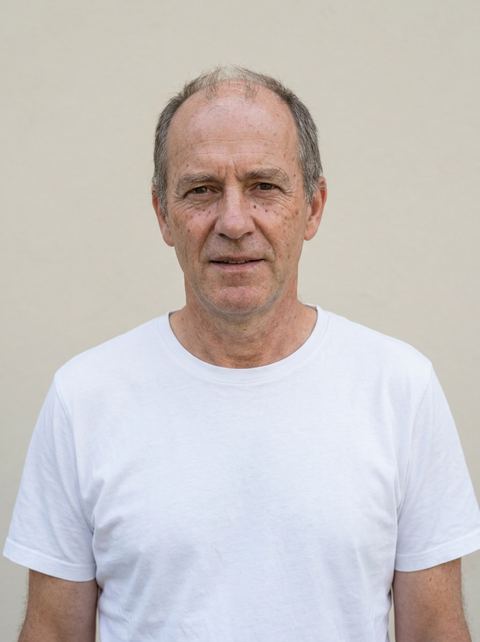
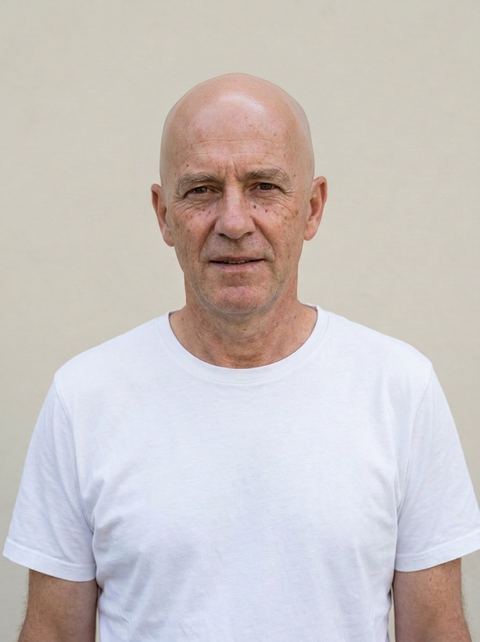
“change the hairstyle to bald haircut”
Try it on your own photo ↑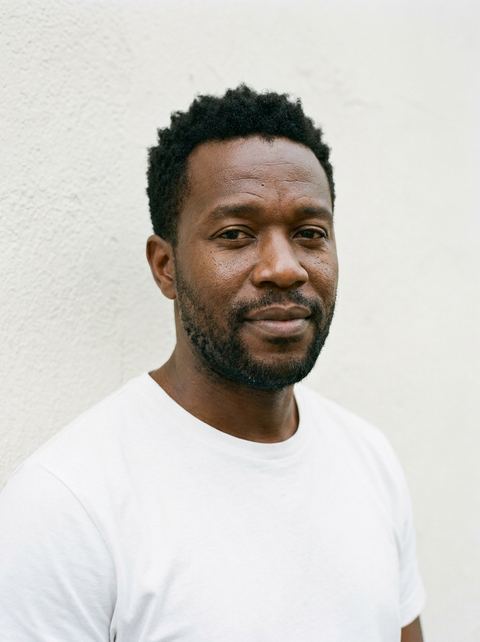
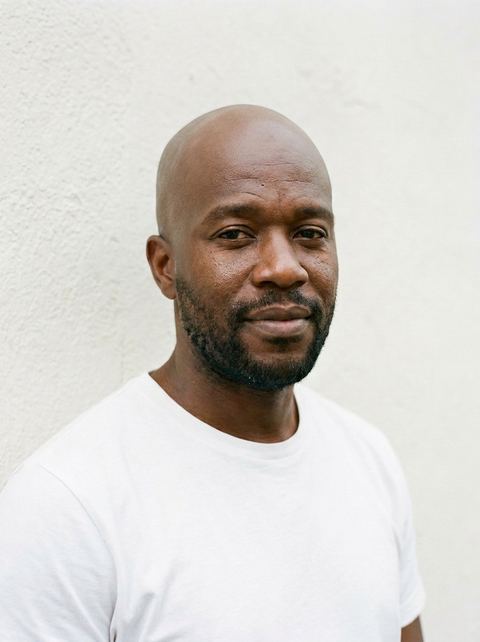
“change the hairstyle to bald haircut”
Try it on your own photo ↑What it does
A shaved head, on your own photo
The bald look is created on the picture you upload, so you judge it with your own eyes, skin tone, glasses and beard, if you have one.
Try it as often as you like
Each run gives a slightly different take on the scalp and head outline. Running it on two or three photos from different angles gives a fairer picture than one shot.
A step back if bald feels too far
If the result feels like too much, Buzzcut keeps a short, even layer of hair, and High and Tight leaves a bit more on top.
How it works
- 1
Choose your photo
Upload a clear portrait with your current hair showing. If you are signed in, an earlier generation of yours works too.
- 2
Keep Auto or pick a ratio
Auto matches the shape of your photo. A fixed ratio crops the result for a profile picture or a story.
- 3
Generate
The Generate button shows the price and prompts you to sign in if you have not. The finished image opens in your Create Image history.
Who it's for
Deciding whether to shave it all
If your hair is thinning and you are tired of working around it, a preview of the fully shaved look helps you decide on your own terms.
Men who already clip short
Already wearing a buzz cut? See whether taking it down to the skin makes a real difference on your face.
Curious, or here for a laugh
Make a bald version of yourself or a friend, or see how you would look shaved for a costume or a charity challenge.
More to try
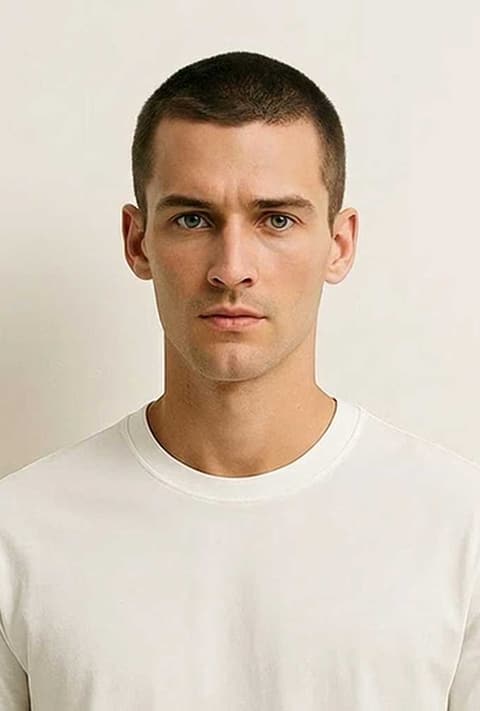
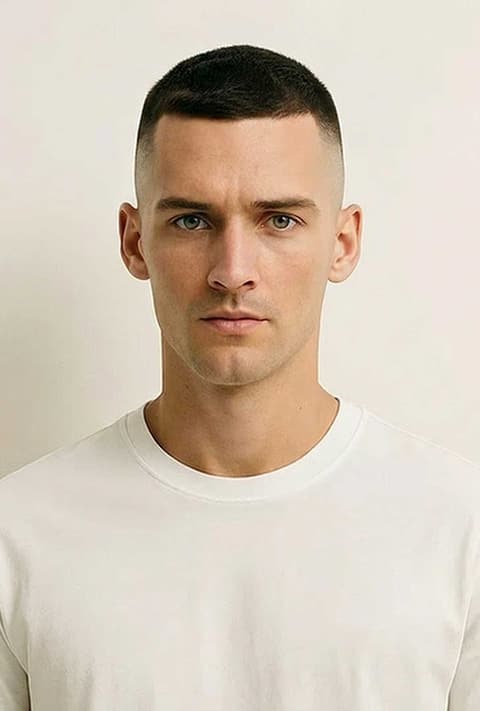
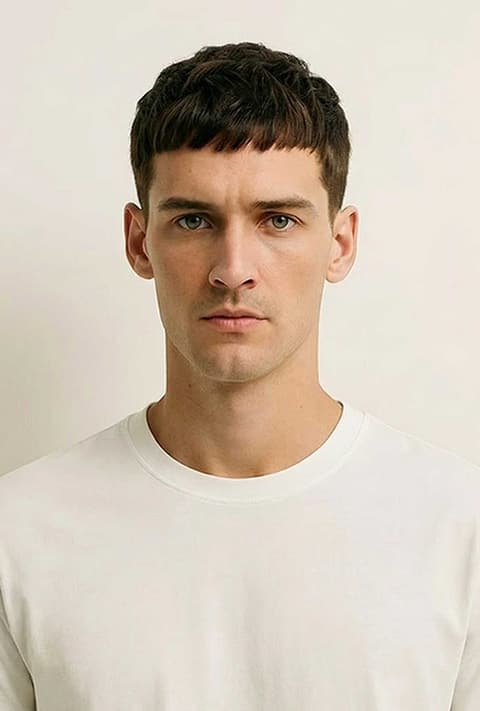
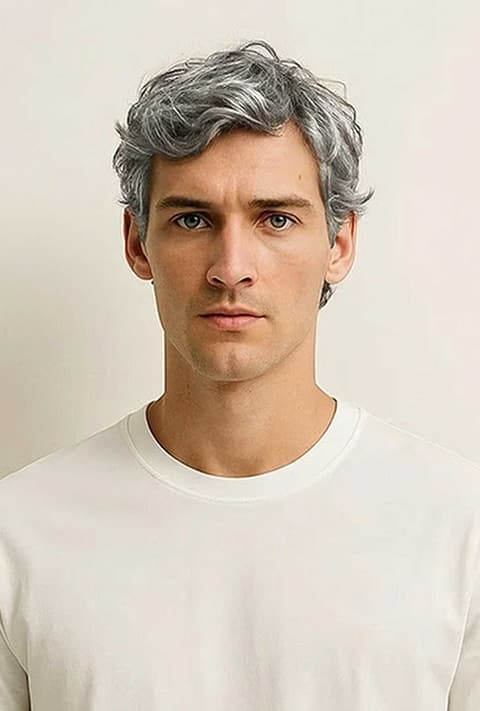
Frequently asked questions
Can I see myself bald without shaving?
Yes. Upload a photo and the Bald template generates a version of it with your head shaved. Nothing changes in real life until you decide.
How accurate is the bald filter?
It is a good impression, not a scan. The model cannot see the real shape of your scalp under your hair, so it fills that in. Bumps, scars and skin tone on top may differ from reality.
Does it work on women?
Yes. Although Bald sits with the men's cuts, the instruction only asks for a bald haircut, so it works on any clear photo of a person.
Does it work with long or thick hair?
Usually, but long hair is harder to remove cleanly. Strands over the shoulders or around the ears can remain. Try a photo with the hair tied back, or generate again.
Does it keep my face and beard?
The template asks only for a hairstyle change, so the model aims to keep your face and facial hair. As with any AI edit, small details can vary from run to run.
What photo should I use?
A front-facing photo in even light, with nothing on your head and the top of your head inside the frame. A cropped forehead leaves the model guessing.
Try it on your own photo
The tool is at the top of this page. The price shows on the button before you start.
Back to the tool