

See a taper fade on you before the barber does it
See how you'd look with new hairstyles.
Hairstyles · Taper Fade
Upload a photo and get it back with a taper fade: hair that shortens gradually toward the neckline and around the ears.
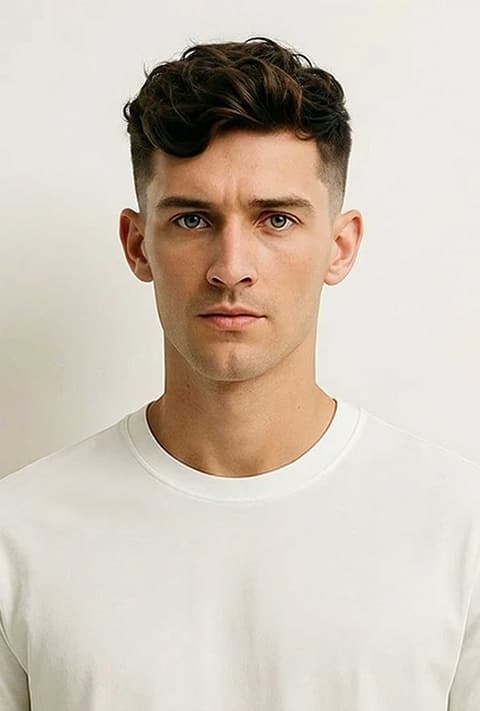
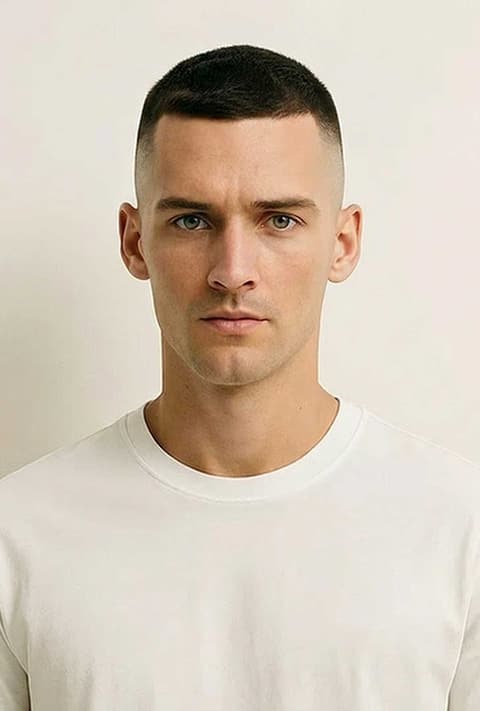
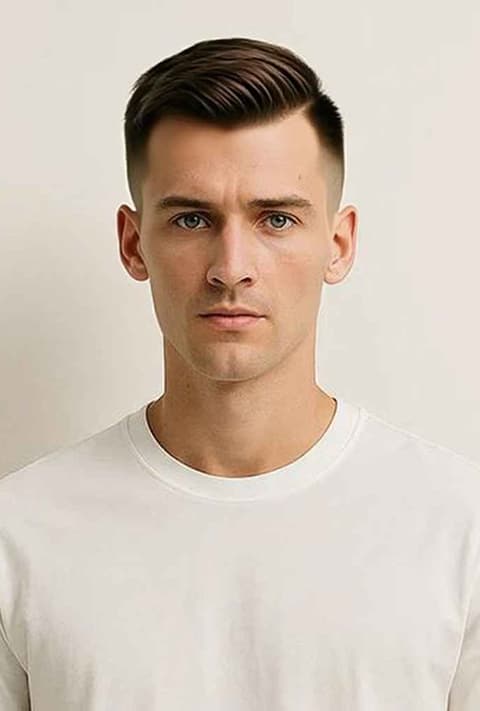
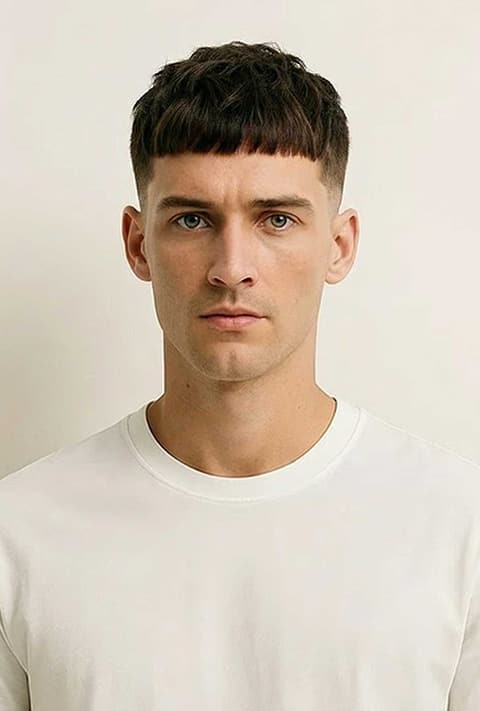
A taper fade keeps length on top while the sides and back get gradually shorter toward the neckline and around the ears. It is one of the most requested cuts at barbershops because it looks clean without being severe. This page runs one template, Taper Fade, on a photo you upload. The instruction sent to the image model (Nano Banana 2) is "change the hairstyle to Taper Fade haircut", so it reshapes your hair into a taper fade while keeping your face, clothes and background. It is part of the men's Hairstyles, next to Undercut Fade, High and Tight and French Crop.
What it does
Your face, the new cut
The template edits your own photo instead of pasting a stock haircut over it, so you see the taper against your face shape, ears and jawline.
Easy to compare fades
Run Taper Fade, then Undercut Fade or High and Tight on the same photo to see how a sharper or shorter fade changes the look.
Something to show the barber
Saving the result gives you a picture of the cut on your own head, which is easier to point at than a celebrity photo.
How it works
- 1
Add a photo
Use a sharp picture where the sides of your head are visible. Signed-in users can reuse a recent generation.
- 2
Pick the frame
Auto keeps the shape of your photo; a square ratio is handy for sharing.
- 3
Generate
Press Generate, which shows the price and asks you to sign in if needed. The result opens in your Create Image history.
Who it's for
Deciding on a new cut
Check how a taper fade looks on you before committing, especially if you are growing out longer hair.
Choosing between fades
Taper, low, high, skin: the differences are hard to picture. Comparing results on your own photo helps you choose.
Just curious
See yourself with a fresh barbershop cut, or send a friend their version.
More to try
Frequently asked questions
Can I choose a low, mid or high taper?
No. The template asks for a taper fade without specifying the height, so the model picks one. For a more dramatic fade try Undercut Fade or High and Tight.
Does it work on long hair?
Yes, though the bigger the change, the more results vary. Very long or voluminous hair can leave traces around the ears; generate again for a new attempt.
Does it work on curly or coily hair?
Yes. A taper fade works with any texture, and the model aims to keep your natural texture on top.
Which angle works best?
A front or three-quarter photo where your ears and the sides of your head are visible. Hats and hoods hide exactly what the fade changes.
Try it on your own photo
The tool is at the top of this page. The price shows on the button before you start.
Back to the tool