

Change your pose to relaxed, hands in pockets
Change the pose in your photos.
Poses · Hands in Pocket
Upload a photo where your arms look awkward and get it back with a casual, confident hands-in-pockets stance.
Not knowing what to do with your hands is the most common reason a photo looks stiff. Hands in the pockets is the pose photographers reach for when someone looks tense, because it relaxes the shoulders and reads as confident without trying. This page runs one pose template, Hands in Pocket, on a photo you upload. The instruction sent to the image model (Nano Banana 2) is "make the pose hands in the pocket relaxed", so the edit changes how you stand while keeping who you are, what you wear and where you are. It is one of the standing poses in Poses, alongside Arms Folded, Power Stance and Standing Still.
What it does
A relaxed stance, not a stiff one
The instruction asks for the pose to look relaxed, so the result aims for loose shoulders and a natural lean rather than arms jammed into pockets.
Your outfit and setting stay
Only the pose is meant to change. Your clothes, face and background stay as in the original, which keeps the photo believable.
Compare with other poses
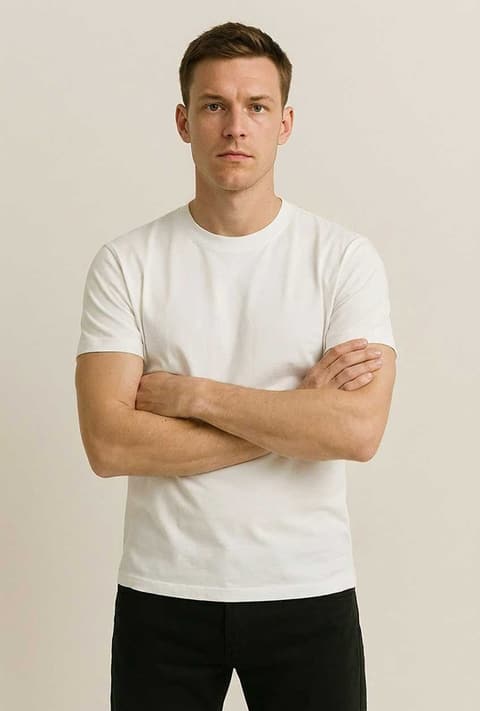
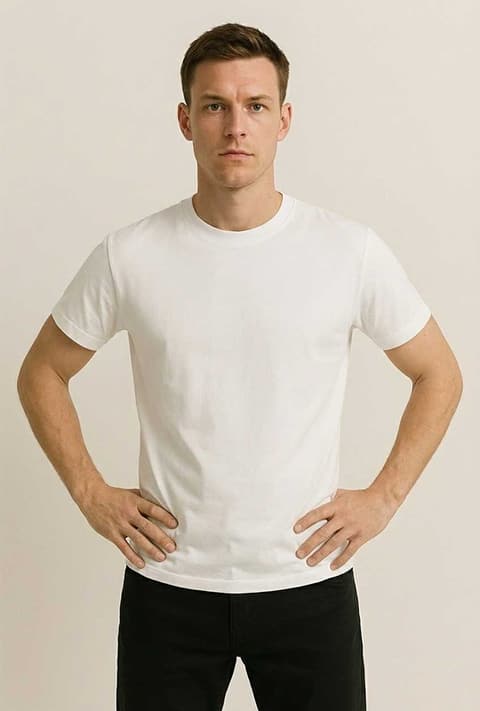
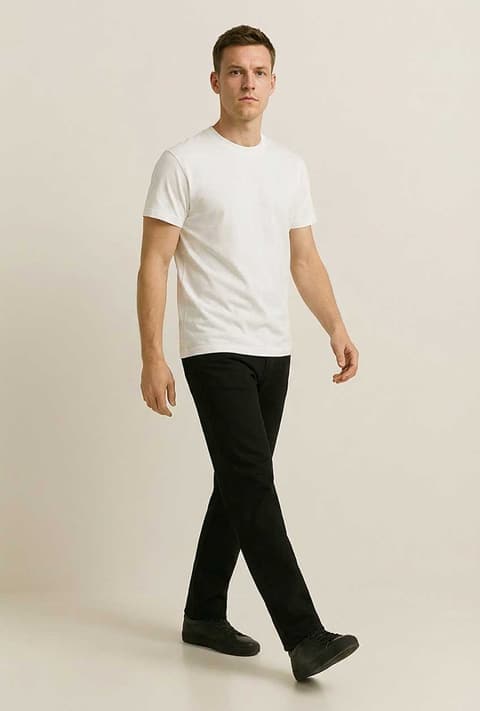
Not sure this is the right one? Run the same photo through Arms Folded, Power Stance or Walking and keep the version that suits the picture.
How it works
- 1
Upload a photo
Pick a picture where most of your body is in frame, ideally from the thighs up or full length. If you are signed in, you can reuse a recent generation.
- 2
Set the frame
Leave the ratio on Auto to match your photo, or pick a fixed ratio if the new pose needs more room.
- 3
Generate
Press Generate, which shows the price and asks you to sign in if needed. The result opens in your Create Image history.
Who it's for
Profile and dating photos
A relaxed stance makes a casual photo look easy and confident, which is what a profile picture is for.
Outfit and fashion posts
Hands in pockets shows off a jacket or trousers without arms covering the clothes, a staple of menswear and streetwear shots.
Team and speaker photos
For a bio or company page, the pose looks approachable and professional at the same time.
More to try
Frequently asked questions
How do I change my pose in a photo?
Upload your photo on this page and press Generate. The template asks the image model to make the pose hands in the pocket, relaxed, and returns the same picture with the new pose.
What if my clothes have no pockets?
The model works from what is in the photo. If there are no visible pockets it may add them or place the hands where pockets would be; results vary, so generate again if one looks off.
Will my face and outfit stay the same?
The instruction only changes the pose, so face, clothes and background are meant to stay. Since it is AI, small details can shift slightly.
Does it work from a seated photo?
It works best on standing photos. Turning a seated picture into a standing pose is a bigger change and the results are less predictable.
Is it for men only?
No. The instruction says nothing about gender, so it works on any clear photo of a person.
What photo works best?
A sharp photo with your arms and hips visible. Tight head-and-shoulders crops leave the model nothing to change.
Try it on your own photo
The tool is at the top of this page. The price shows on the button before you start.
Back to the tool