
Poses
Photo effect · 27 poses
AI Pose Changer for any photo of you
Stood stiff in the only good photo from the day? Upload it, pick a pose, and see yourself walking, seated or mid stride instead.


This page holds 27 pose presets you can apply to a photo of yourself. Some are everyday body positions (Walking, Sitting, Hands in Pocket, Crossed Legs), some are small gestures (Tilting Head, Hand in Hair, Touching Shoulder, Looking Up), and some are full looks built for a shoot: Influencer, Fashion Editorial, 90s Editorial, Pose Pop, Ballet and Goal Celebration. Each preset is a short instruction such as "make the pose walking", run on Nano Banana 2 with your photo as the input.
Examples
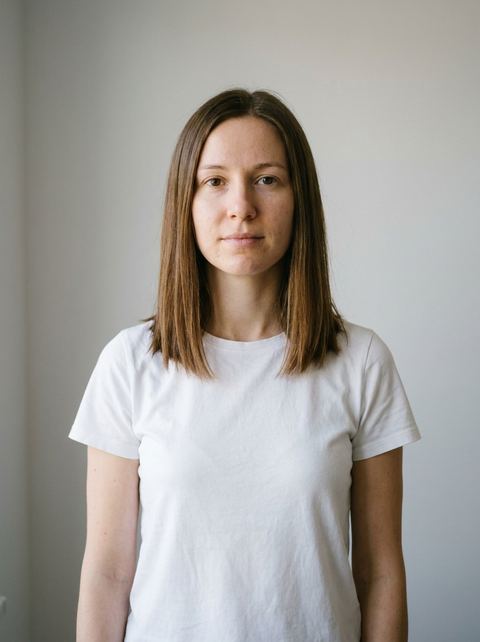
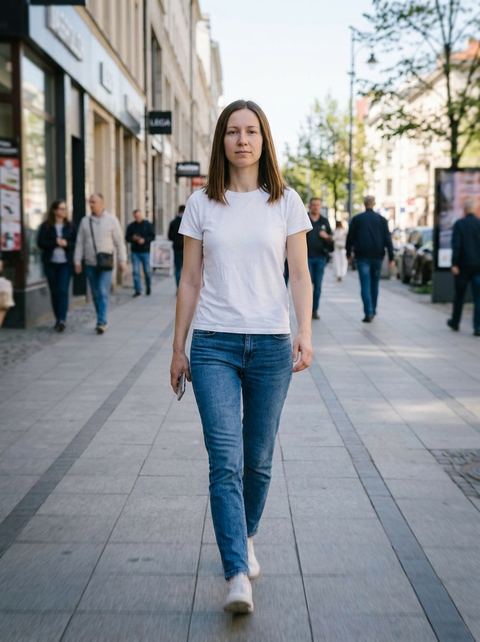
“make the pose walking”
Try this style → 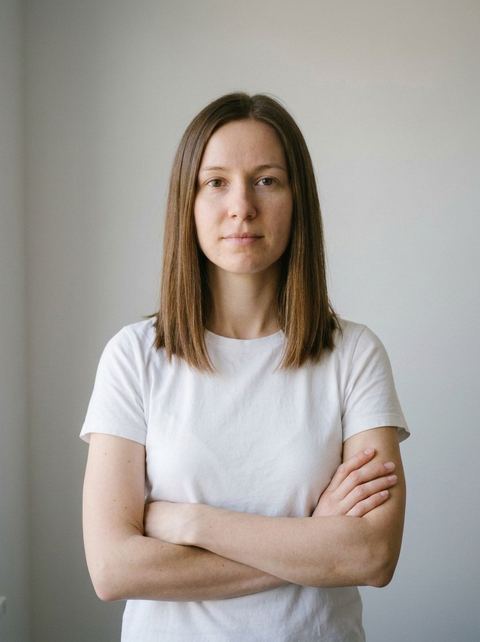
“make the pose arms folded across chest”
Try this style → 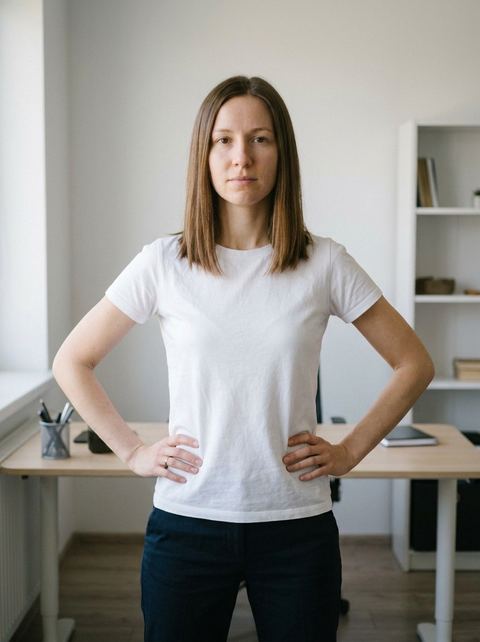
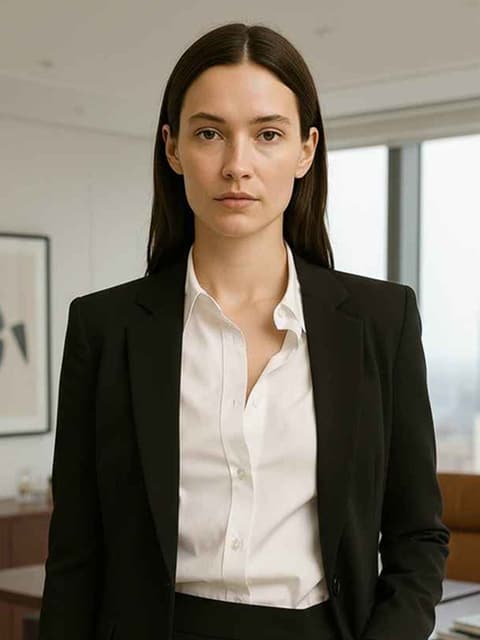
“feet apart hands on hips, boss look”
Try this style → 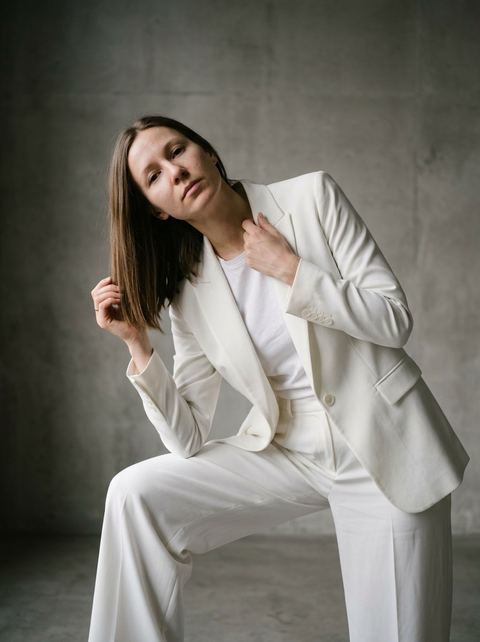
“make the pose fashion editorial shot pose”
Try this style →What the poses styles do
Everyday poses
Walking, Sitting, Standing Still, Arms Folded, Hands Behind Back and Holding Coffee cover the poses people actually want from a casual photo, without restaging it.
Editorial and statement poses
Power Stance asks for feet apart and hands on hips. Walk Forward heads straight toward the camera with a runway feel. Pose Pop goes for exaggerated angles, and 90s Editorial borrows a decade of fashion shoots.
Small gestures
Smaller presets change one thing: Looking Down for a lowered gaze, Thoughtful Touch with a hand at the collarbone, One Hand Out, Arms Open. Useful when the photo is close to right.
How it works
- 1
Pick a pose
Browse the 27 presets and open the one you want. The Info button on each pose page explains what makes a good input photo.
- 2
Upload a clear photo
Use a sharp, well lit picture with your face visible. Poses like Walking or Crossed Legs move the whole body, so a photo that shows more of you gives the model more to work with.
- 3
Set the frame and generate
Keep Auto to match your upload's shape or choose a ratio such as 4:5 or 9:16, then press Generate. The result appears in your History in the image workspace, ready to download.
Who it's for
For dating and social profiles
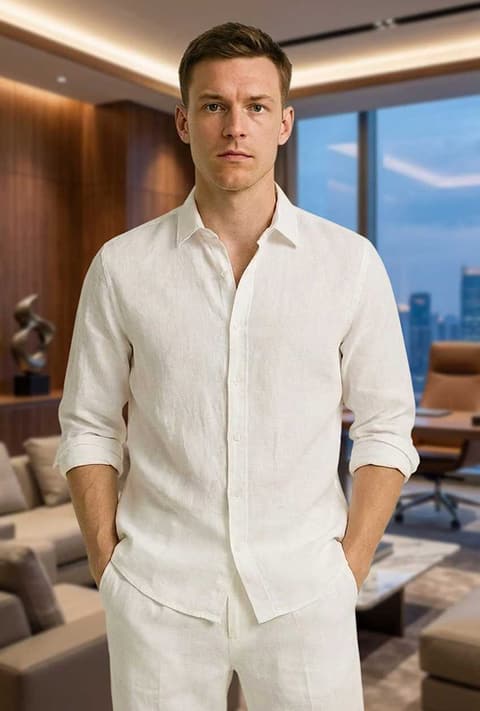
Turn a stiff, straight-on photo into Hands in Pocket, Candid Moment or Tilting Head, so the profile looks relaxed and natural.
For fashion and content creators
Test Fashion Editorial, 90s Editorial and Pose Pop on one outfit photo before booking a shoot, or fill a feed with variations from a single session.
For professional portraits
Arms Folded, Hands Clasped and Power Stance give a team page or speaker bio the confident framing that a quick phone photo usually lacks.
More to try
Frequently asked questions
How do I change the pose in a photo?
Choose one of the 27 poses here, upload a photo of yourself, and press Generate. You need to be signed in to generate. The new image keeps your photo as its starting point and changes the body position to match the preset.
Will the result still look like me?
The model starts from your photo and aims to keep your face and look. Results are AI generated and vary from run to run; a clear face, good lighting and a photo that is neither too close nor too far help most. If one attempt misses, generate again.
Can I copy a pose from a reference image?
No. This page takes one input, your photo, and the pose comes from the preset you picked. There is no slot for a second pose reference.
What aspect ratio will I get?
On Auto, the output follows the shape of the photo you upload. You can also pick 1:1, 16:9, 9:16, 3:4, 4:3, 2:3, 3:2, 4:5 or 5:4 before generating.
How much does a pose change cost?
Generations are paid in credits. The amount for your current settings is shown on the Generate button, so you see it before anything runs.
Pick a style and try it on your photo
Choose any of the 27 styles above, upload a photo, and generate. The price shows on the button before you start.
Browse the styles