Image tool · powered by 20+ models
AI Image Generator
Type what you see in your head, pick a model, get it back in seconds — photoreal, illustrated, or anything between.
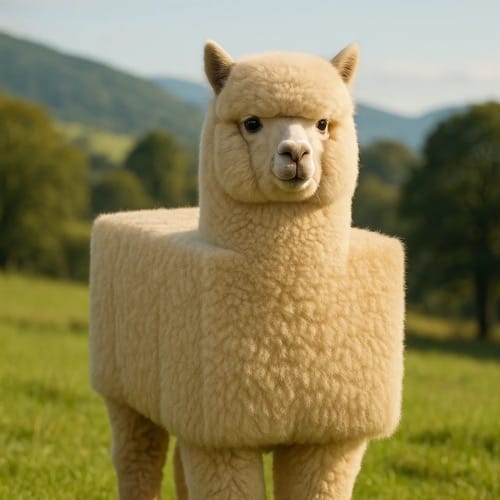
Most AI image generators lock you into one model and one look. AI Canvas runs the whole frontier — Nano Banana Pro for photorealism, GPT Image 2 for complex briefs, Flux for speed, Recraft for design work — behind a single prompt box with one credit balance. Write the prompt once, and if the first model's take isn't it, rerun the same prompt on another until it is.
Made with the AI Image Generator
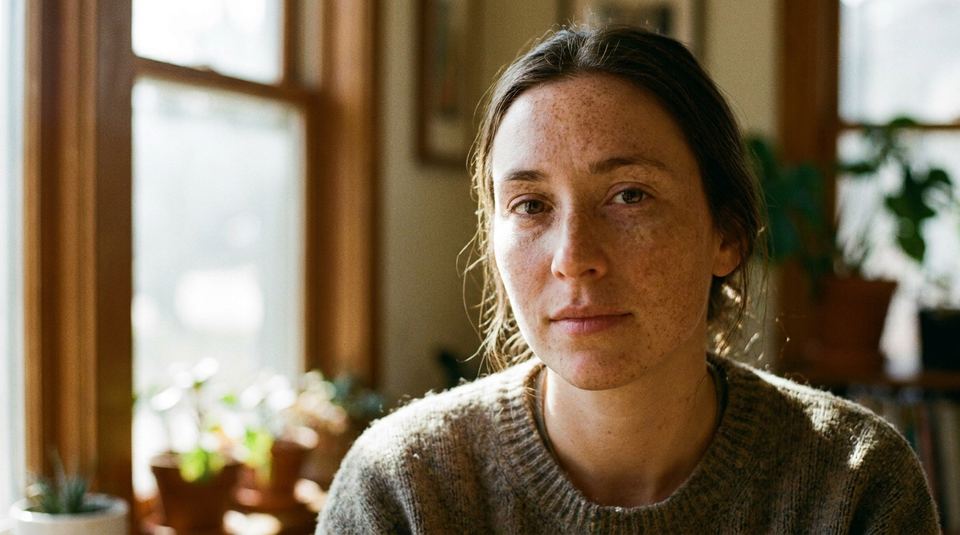
“Close-up portrait of a freckled woman in soft window light, shallow depth of field, medium format film aesthetic”
Try this prompt →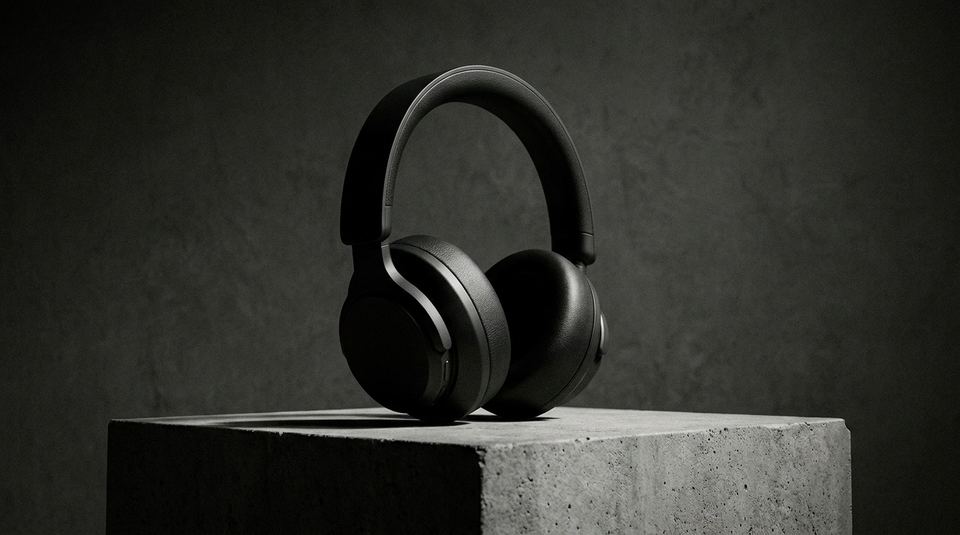
“Matte black wireless headphones on a concrete plinth, dramatic side lighting, studio product photography”
Try this prompt →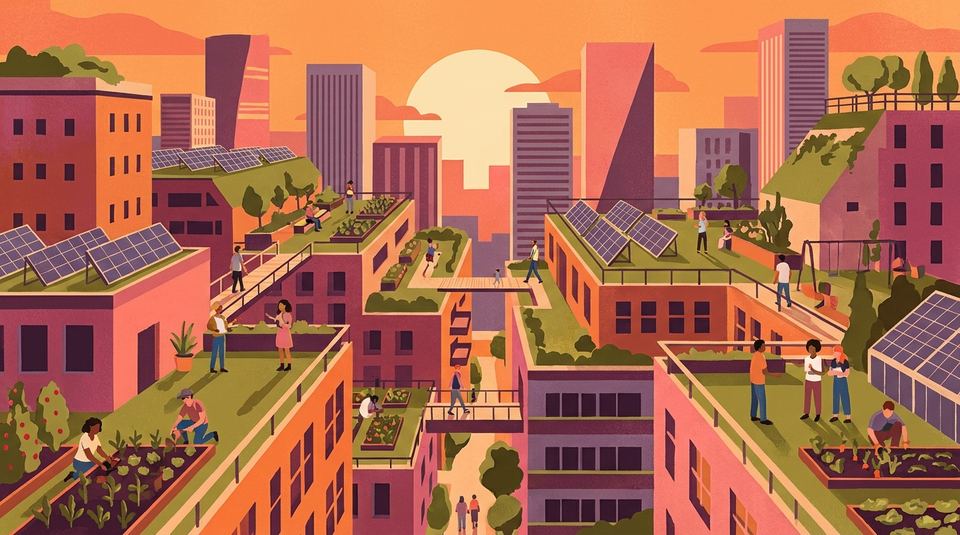
“Flat vector illustration of a rooftop garden city at sunset, warm palette, editorial style”
Try this prompt →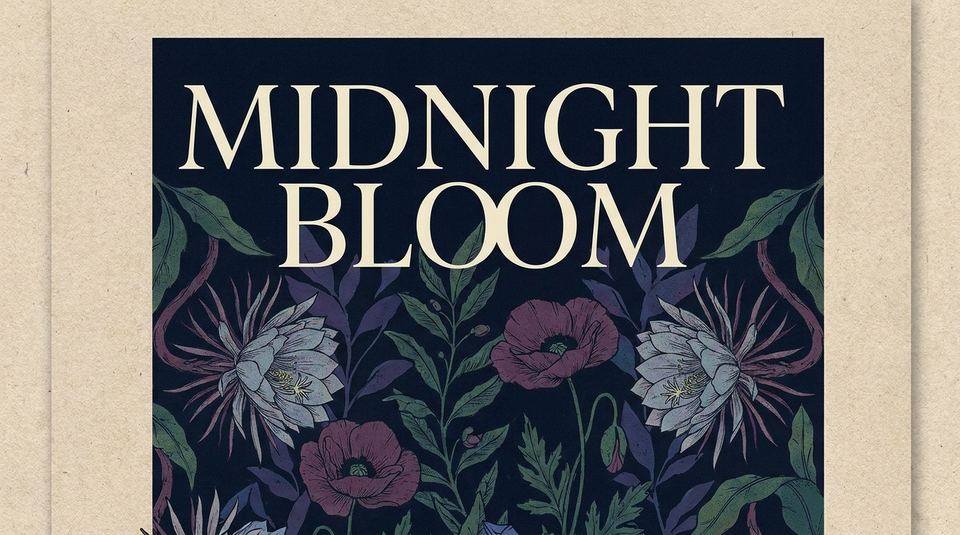
“Minimalist concert poster with the words MIDNIGHT BLOOM in elegant serif type over a dark floral background”
Try this prompt →Why this image tool
Every flagship model, one prompt box
Switch between Nano Banana Pro, GPT Image 2, Flux 2, Seedream, and 20+ more without new accounts or subscriptions. The same prompt, different eyes — keep the best take.
Up to 4K, nine formats, no watermark
Generate in the ratio the work will live in — square avatars, 16:9 covers, 9:16 stories — at up to 4K. Everything you make downloads clean and is yours to use commercially.
From generation to finished asset
Results land in your library, where the rest of the toolkit is one click away: upscale, remove the background, swap a detail, or animate it into video with Veo or Sora.
How it works
- 1
Describe the image
Write what you want like you'd brief a photographer or illustrator — subject, style, light, mood. No prompt engineering required to start; specificity just gets you there faster.
- 2
Pick a model and format
Choose the model that fits the look (the picker shows each one's strengths), set aspect ratio and quality, and generate up to four variations at once.
- 3
Refine or move on
Edit the result with a follow-up instruction, upscale it, rerun the prompt on a different model, or send it into the video tools — all from the same screen.
Who it's for
For creators and social teams
Thumbnails, covers, and post visuals in the exact ratio each platform wants — generated, edited, and exported in minutes instead of commissioned in days.
For designers
Concept boards, style explorations, and readable text-in-image comps. Generate wide, curate hard, and upscale only the keepers to 4K.
For product and marketing
Product-in-scene shots, campaign visuals, and A/B variants of the same concept — swap one sentence in the prompt instead of rebooking a shoot.
More tools to try
Frequently asked questions
Is the AI image generator free?
New accounts get free credits that work on every model, and there's no subscription — after that you pay per image, only for what you generate.
Which AI models can I use?
20+ image models including Nano Banana Pro, GPT Image 2, Flux 2, Seedream, Recraft V4, and Qwen Image — all behind the same prompt box, priced per generation in credits.
What resolution can I generate at?
Up to 4K depending on the model, in nine aspect ratios from square to 16:9 and 9:16. You can also generate at 1K to explore, then upscale the winner.
Can I use the images commercially?
Yes — images you generate are yours to use in commercial work: client projects, ads, products, and monetized content. Downloads have no watermark.
Can I edit an image after generating it?
Yes. Any result can be edited with a follow-up instruction, upscaled, background-removed, or animated into video — outputs flow between tools through your library.
How is this different from Midjourney or ChatGPT?
Those give you one model's take. AI Canvas runs the same prompt across the current frontier — if Nano Banana Pro doesn't nail it, GPT Image 2 or Flux gets the next try, with no extra subscription.
Try the AI Image Generator now
Free credits on signup — no subscription, pay only for what you generate.
Open Create Image