
AI Photostudio
AI Photostudio · 20 looks for men and women
AI Headshot Generator for Work and LinkedIn
Upload one photo of yourself, pick a look, and get it back with professional attire and a new background.


AI Photostudio is a set of 40 portrait templates that turn an everyday photo into a professional headshot or a polished profile picture. Each template is a written brief for the outfit and the setting, such as a black suit on a plain white studio backdrop or a beige blazer on a blurred New York street, and Nano Banana 2 edits your photo to match with the aim of keeping you recognizable; results vary, and some looks change more than others. There are 20 looks, each in a men's and a women's version. It works from a single photo per run and returns one image, so it does not train a model on a batch of your pictures; what you get is the AI's edit of that one photo. AI results vary, so the practical approach is to try a few looks and keep the one that looks most like you.
Examples
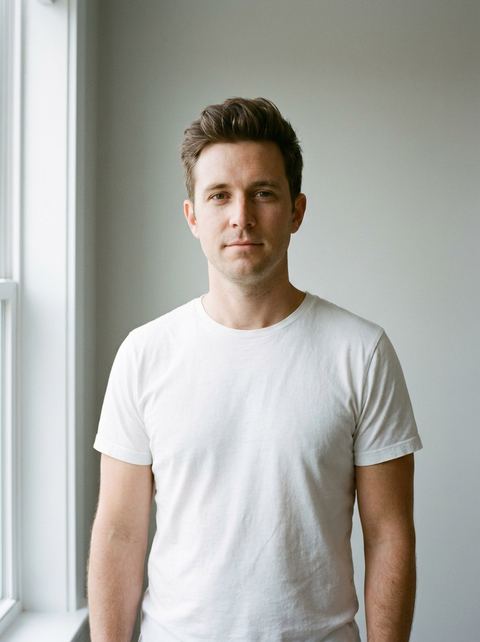
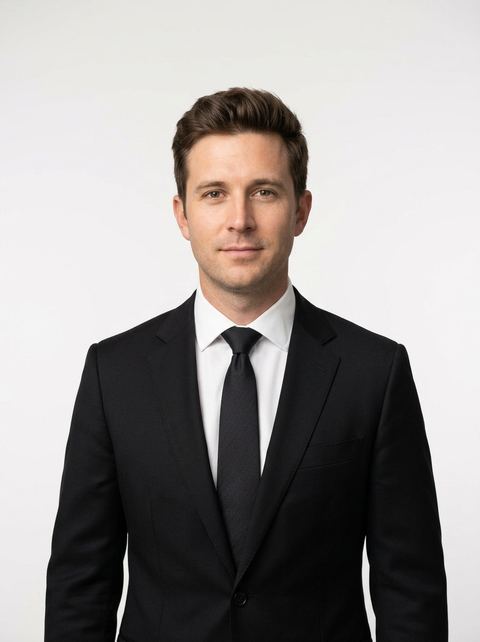
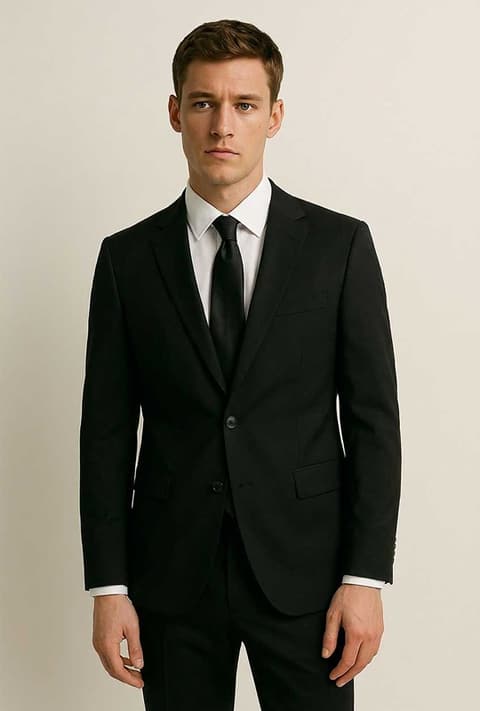
“Black suit on a plain white studio background.”
Try this style →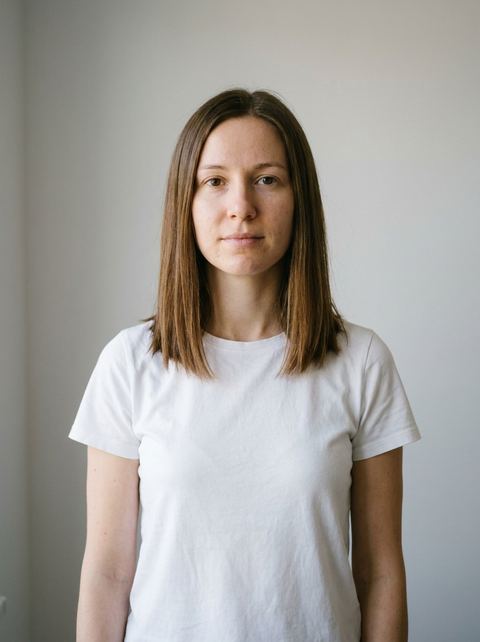
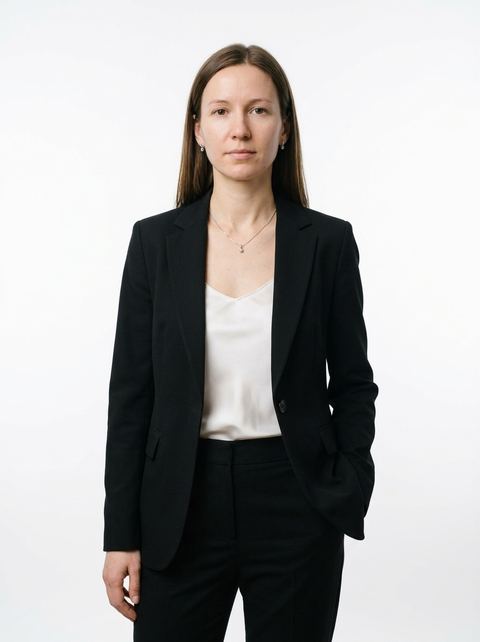
“Black tailored pantsuit over a white blouse, matching jewelry, plain white studio background.”
Try this style → 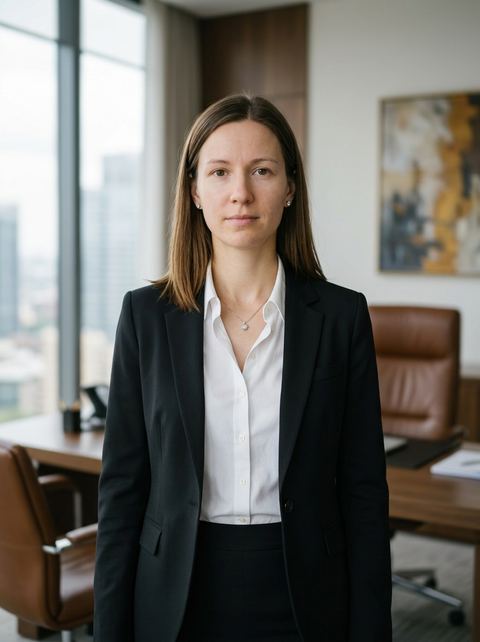
“Black blazer, white shirt and black skirt with matching jewelry, in a modern executive office with a softly blurred background.”
Try this style → 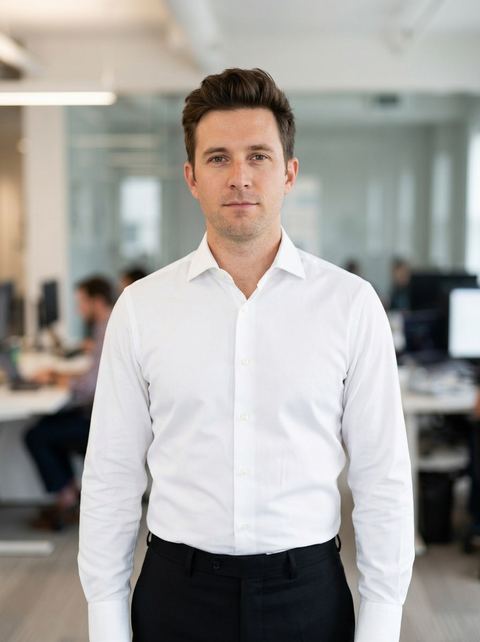
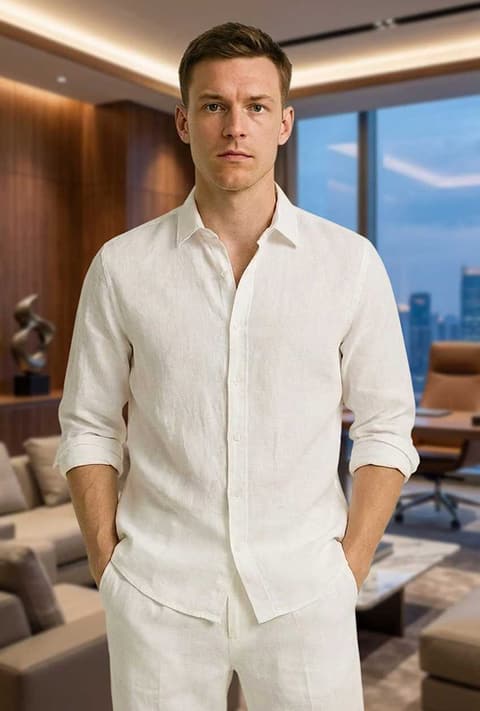
“White shirt and black trousers, in a modern office with a softly blurred background.”
Try this style →What the ai photostudio styles do
Studio headshots on white or black
Two Headshot looks per gender put you in tailored work clothes on a plain studio backdrop: a black suit or pantsuit on white, and a navy one on black. These are the closest to a classic corporate headshot for a LinkedIn profile, a company site or a speaker bio.
Office and executive settings
CEO places you in a modern executive room with a blurred background, Office in a modern office, and Library in a classic library in a brown suit or warm earthy tones. Smart Casual, Street and European cover a lighter business look outdoors.
A men's and a women's version of every look
Each look has two templates with their own prompt: the men's Office uses a white shirt with black trousers, the women's a white blouse with jewelry. On a template page, the Male and Female chip switches between the pair and runs that version's prompt.
How it works
- 1
Pick a look
Start with Headshot, CEO or Office for work photos. Open the card and set the Male or Female chip to match the person in your photo.
- 2
Upload one clear photo
Use a sharp, well lit photo with your face fully visible, or reuse an image from your recent generations. One person in frame works best.
- 3
Choose a ratio and generate
Leave the ratio on Auto to follow your photo, or pick 1:1 or 4:5 for a profile picture. Sign in when asked at Generate; the price shows on the button. The result lands in your Create Image history.
Who it's for
Job seekers and LinkedIn profiles
When you need a professional photo this week and only have casual pictures, run the Headshot and Office looks on your clearest photo and compare them before you update your profile.
Founders and consultants
CEO, Library and Private Jet give you an executive portrait for a pitch deck, an About page or a speaker profile without booking a studio day.
Small teams
Everyone can run the same Headshot look on their own photo for a team page. Results come from different source photos, so lighting and framing will not match perfectly.
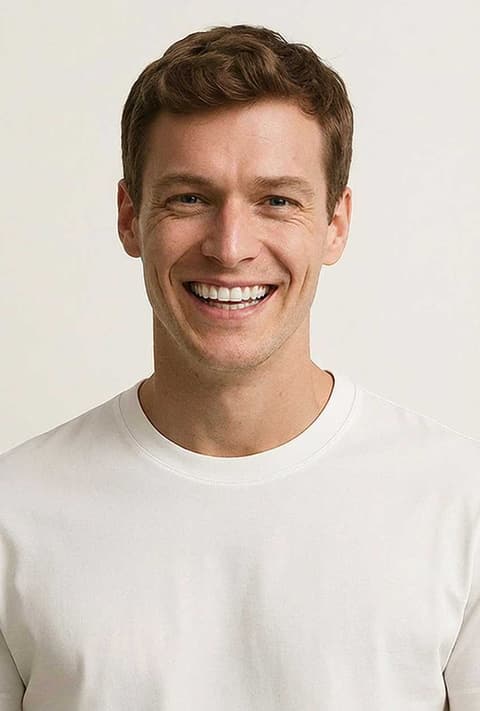
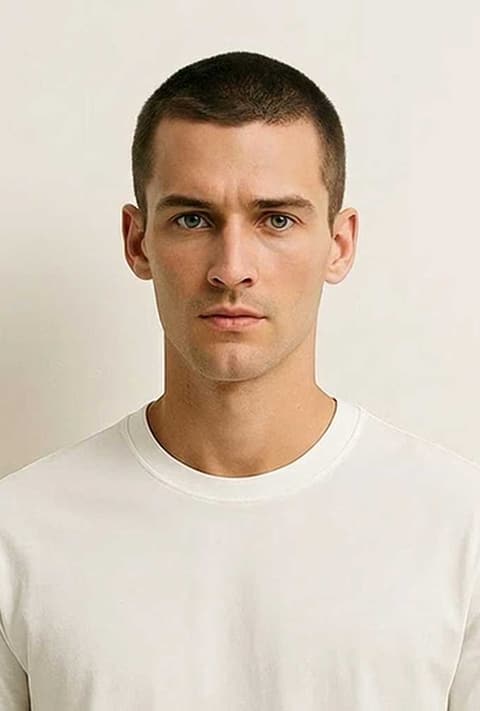
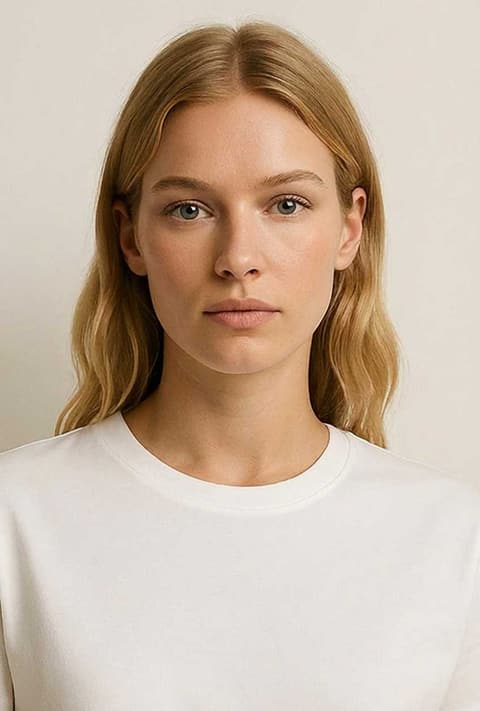
More to try
Frequently asked questions
How does this AI headshot generator work?
You upload one photo and choose a look. The look's prompt describes the attire and background, and Nano Banana 2 edits your photo to match. Each run returns one image, and results vary between runs.
How is this different from a dedicated headshot service?
It does not ask for a set of photos or learn your face from many pictures; each run edits the one photo you give it. AI Photostudio uses one photo and a fixed preset per run, with no training and no retouching. That makes it quick to try, but likeness can drift, so run a few looks and keep the one that looks most like you.
Can I use it for a LinkedIn profile picture?
Yes. The Headshot looks on a white or black studio backdrop are the most corporate. Choose 1:1 or 4:5 for a square or near square crop, and check that the face still looks like you before you upload it.
Are there looks for men and women?
All 20 looks come in both versions, for 40 templates in total. The outfits differ by version, for example a black suit for men and a black pantsuit with a camisole for women in Headshot.
What photo should I upload?
A recent photo where your face is clear, evenly lit and not covered by sunglasses or a hat. Blurry, very small or heavily filtered photos make it harder to keep your likeness.
How much does it cost?
Each look is priced per generation, and the exact price is on the Generate button before you run it. You need to be signed in to generate.
Pick a style and try it on your photo
Choose any of the 40 styles above, upload a photo, and generate. The price shows on the button before you start.
Browse the styles