
AI Backgrounds
Photo effect · 48 backgrounds in 6 groups
AI Background Changer for your photos
Upload a photo of yourself, tap a scene, and get the same shot back in a studio, a penthouse or a Tokyo street at night.


This page is a set of 48 ready-made backgrounds for photos of people. They are grouped into Luxury, Studio, Travel, Urban, Sport and Creative, so you can go from a plain sage green studio wall to a private jet cabin without writing a prompt. Each preset carries its own scene description, and many of them ask for a softly blurred backdrop, the way a portrait lens would shoot it. Every preset runs on Nano Banana 2, an image editing model that works from your uploaded photo.
Examples
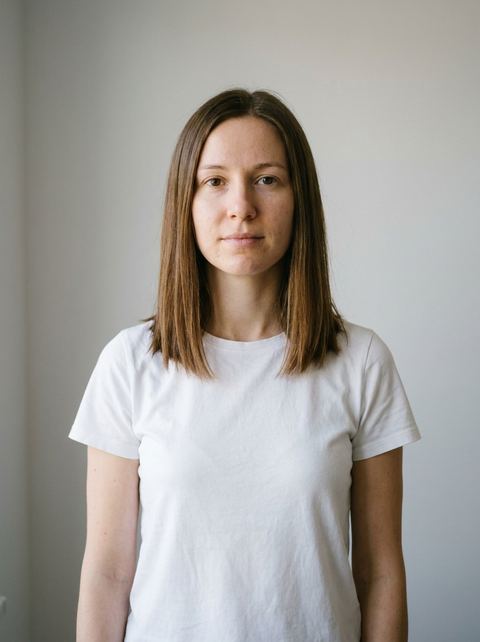
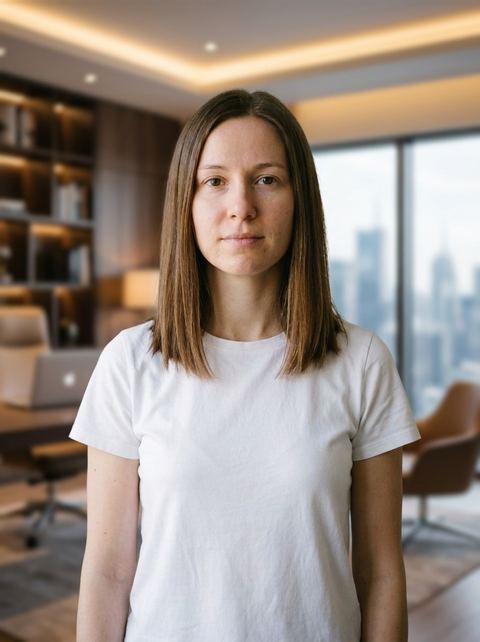
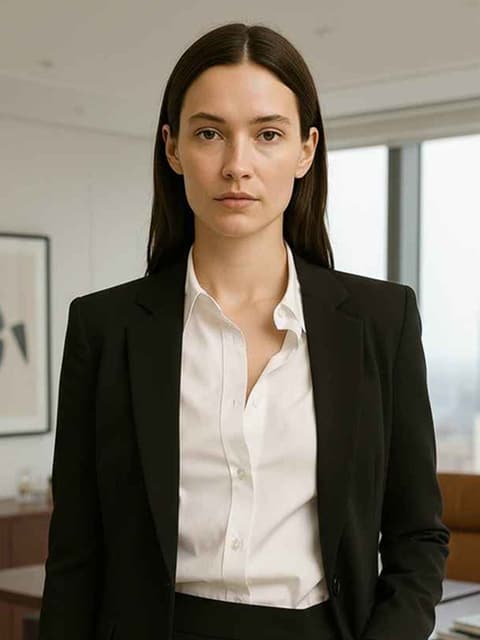
“luxury modern executive room background, camera focus blur for the background”
Try this style → 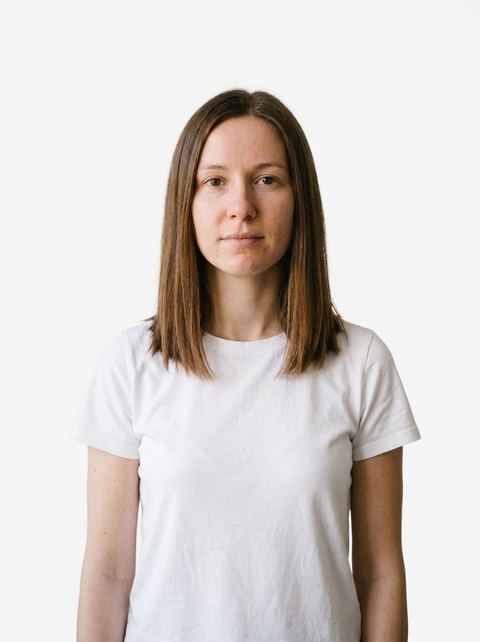
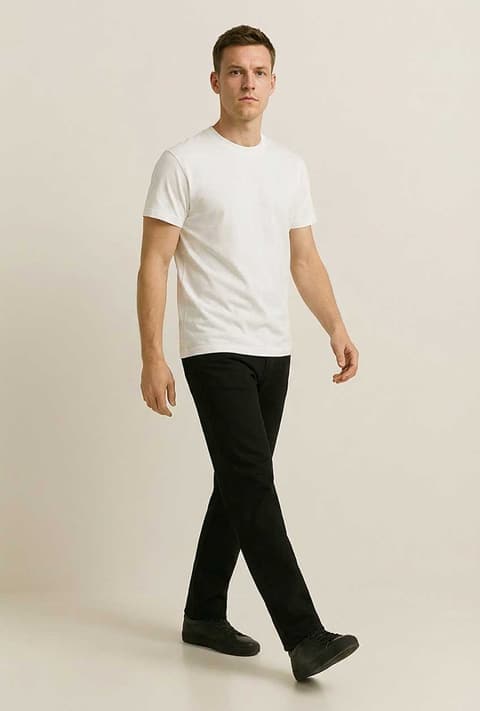
“professional studio plain white background”
Try this style → 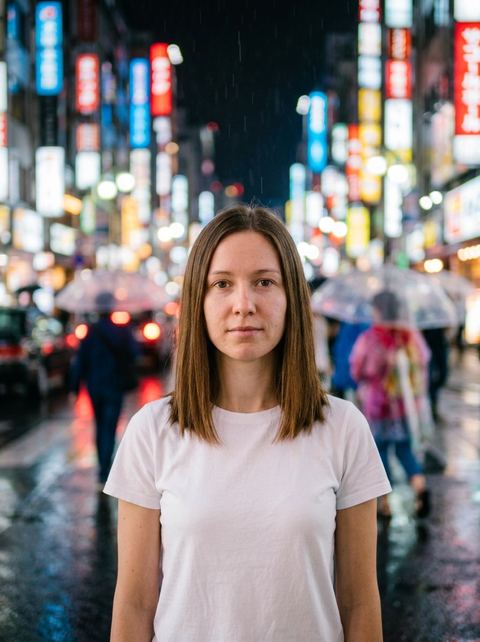
“vibrant tokyo street at night with neon signs and bokeh lights, camera focus blur for the background”
Try this style → 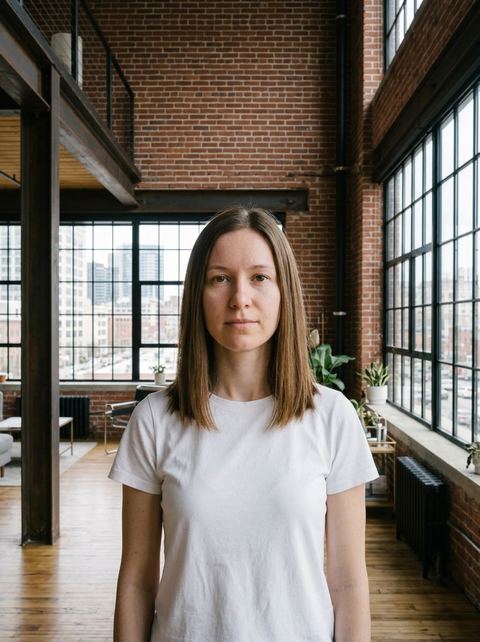
“exposed brick warehouse loft with metal beams and large windows, urban aesthetic background”
Try this style →What the ai backgrounds styles do
Thirteen plain studio colors
The Studio group covers white, black, navy, sage, lavender, blush, teal, mustard, mauve, pewter, beige, light gray and olive, plus a Minimalist Studio with geometric shapes and soft shadows. Useful when a profile photo or headshot needs a clean, consistent backdrop.
Scenes that place you in them
Some presets go beyond a backdrop: Yacht Deck puts you on the deck, Private Jet Interior seats you inside the cabin and Private Jet Exterior stands you outside it. Hotel Lobby, NY Rooftop and Tokyo Neon add camera focus blur behind you.
Pick the frame before you generate
Leave the ratio on Auto to follow your upload, or choose one of nine: 1:1, 16:9, 9:16, 3:4, 4:3, 2:3, 3:2, 4:5 and 5:4. The price for that run shows on the Generate button before you press it.
How it works
- 1
Choose a background
Filter the grid by Luxury, Studio, Travel, Urban, Sport or Creative and open the scene you want. Each one has its own page with a preview.
- 2
Upload your photo
Drop in a photo or click to pick one. On desktop, images from your history sit in a rail on the left and can be reused as the input without uploading again.
- 3
Generate and keep going
Press Generate. Your photo is sent to the image workspace and the result lands in your History, where you can download it, upscale it or animate it into a video.
Who it's for
For headshots and profile photos
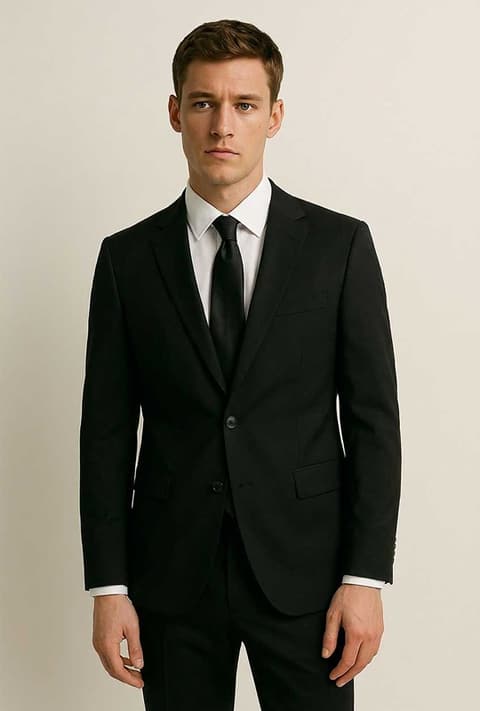
Swap a cluttered office or bedroom wall for Studio Navy, Studio Light Gray or Executive Room before the photo goes on a resume, team page or speaker bio.
For social posts
Try the same selfie in Santorini, a Tuscany Vineyard and a Rooftop Sunset, then post the one that fits the caption. Choose 4:5 or 9:16 so the crop is right from the start.
For creators building a look
Keep a channel or portfolio consistent by running every portrait through the same Studio color, or match a theme with Art Gallery, Artist Studio or LED Wall.
More to try
Frequently asked questions
How do I change the background of a photo with AI?
Open one of the 48 backgrounds on this page, upload your photo, pick an aspect ratio or leave it on Auto, and press Generate. You need to be signed in to generate.
Can I describe my own background instead of using a preset?
Not on this page; every option here is a fixed scene. The separate Change BG tool at /tools/change-bg has a Custom option where you type the background you want in your own words, alongside the same presets.
Can I get a transparent background?
These presets always replace the background with a scene or a solid studio color. For a transparent cutout, use the Remove BG tool at /tools/remove-bg.
Will I still look like me?
The model is given your photo and a description of the new scene, and it aims to keep you as you are. Results are AI generated and can vary, so a sharp, well lit photo with your face clearly visible gives it the best start. If a result is off, run it again.
Does it work on product photos?
The presets are written for photos of people; several of them, like Yacht Deck and both Private Jet scenes, describe where the person stands. For products, the Product Photos and AI Ads effects are built for that job.
How much does it cost?
Each generation is priced in credits, and the exact amount for your settings is shown on the Generate button before you run it.
Pick a style and try it on your photo
Choose any of the 48 styles above, upload a photo, and generate. The price shows on the button before you start.
Browse the styles