
AI Video Effects
Video Effects · 61 effects on Hailuo, PixVerse and Wan
AI Video Effects
Pick an effect, upload one photo, and get a short clip where money rains down, wings unfold or the scene explodes behind you.
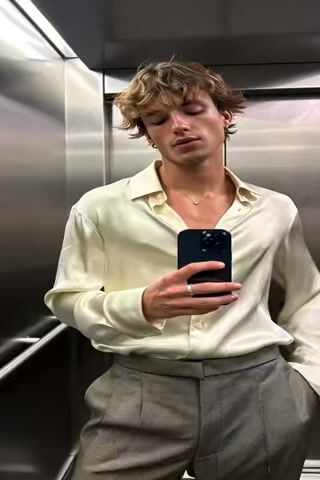


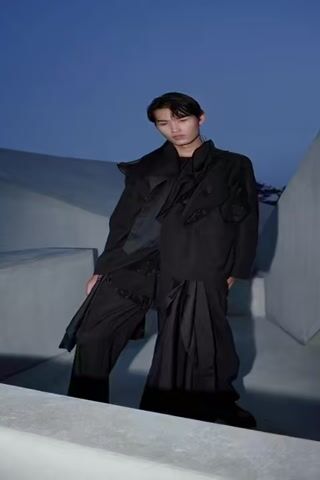

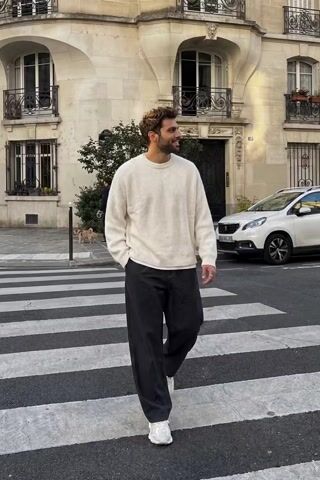
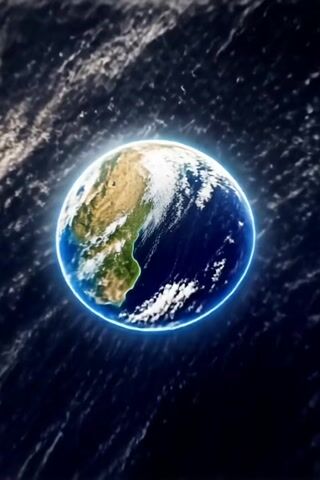
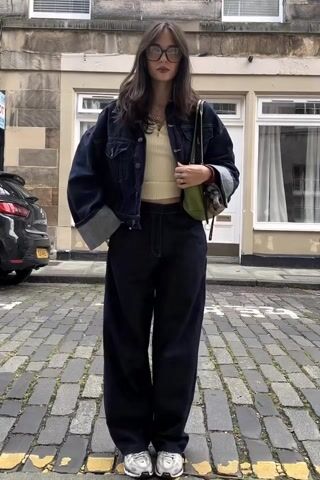
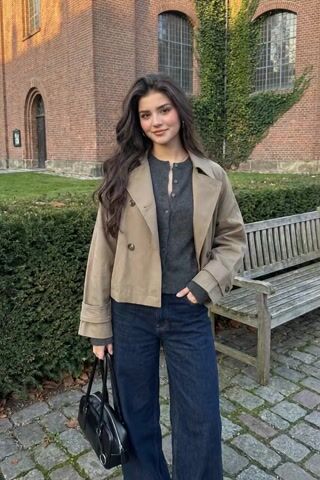

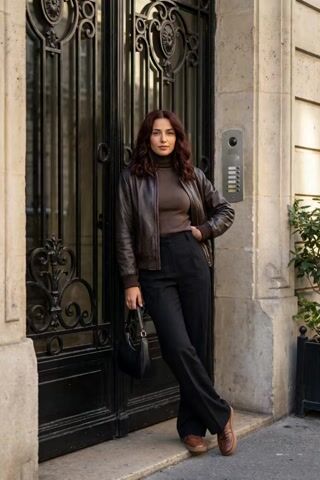

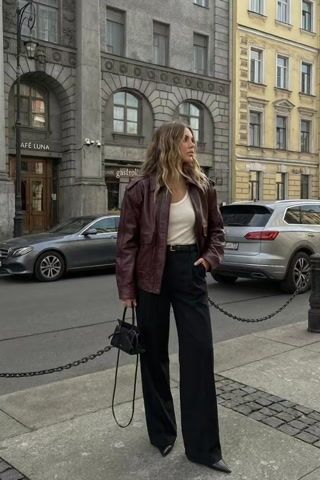
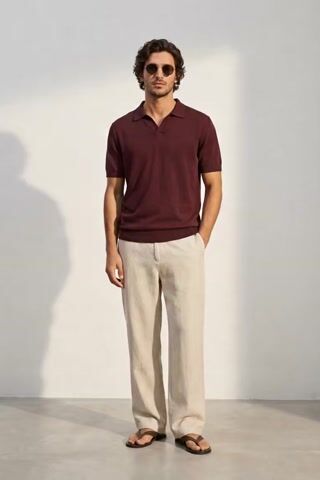

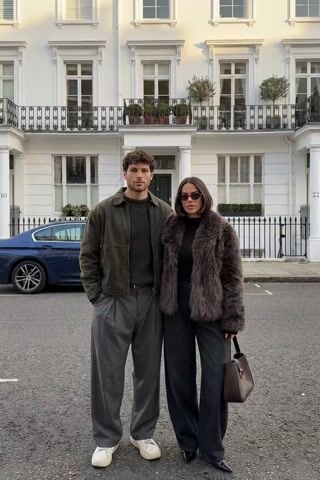
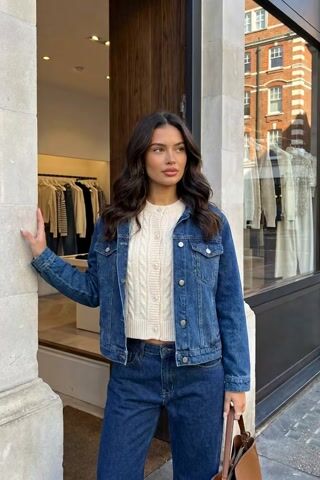




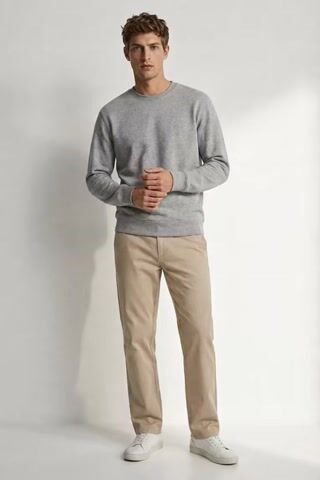


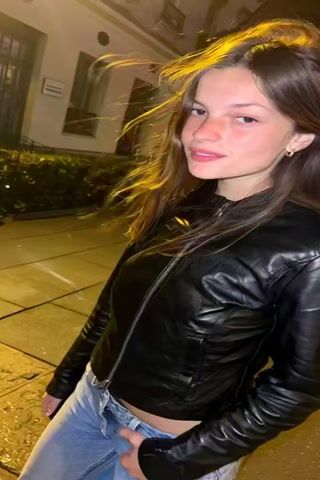


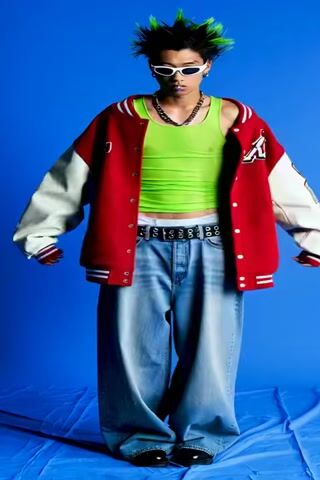
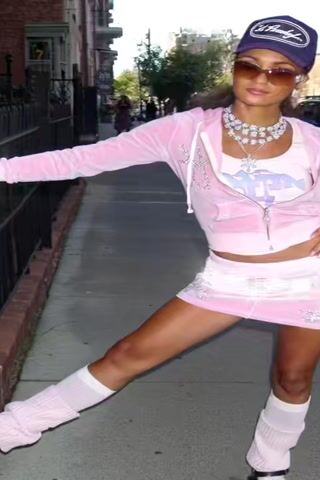
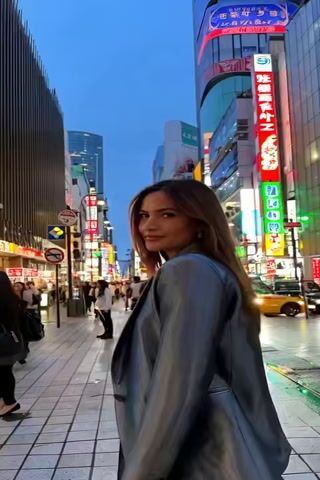
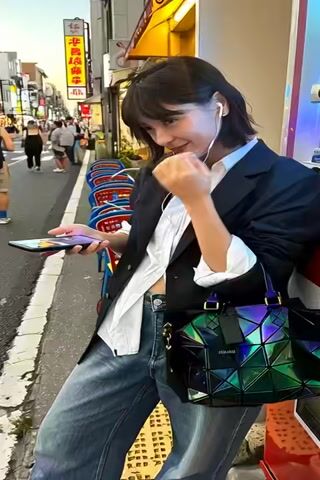
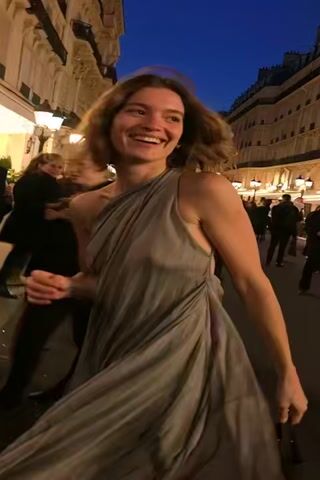

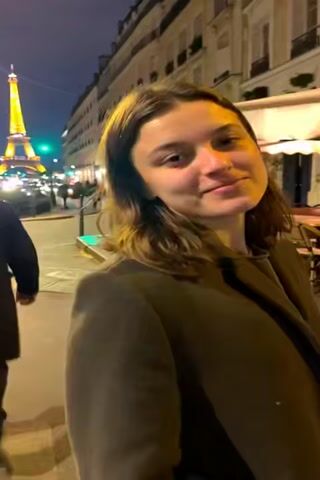

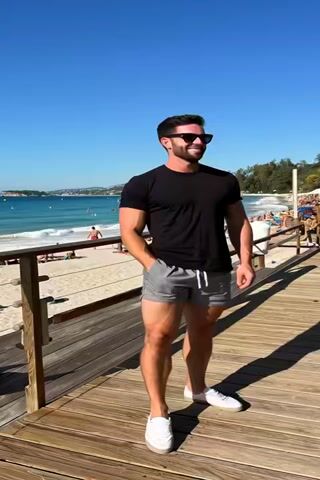
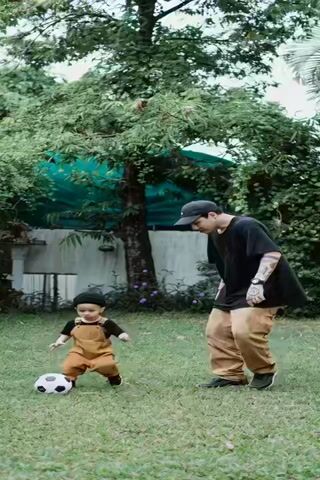
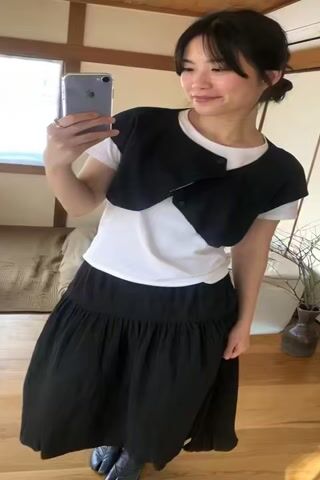





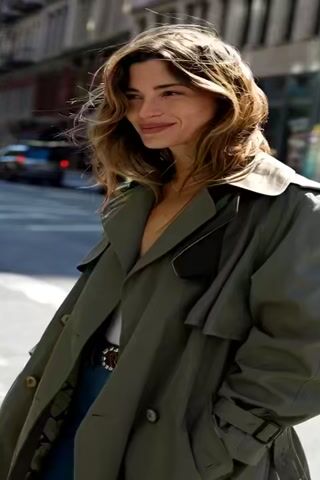
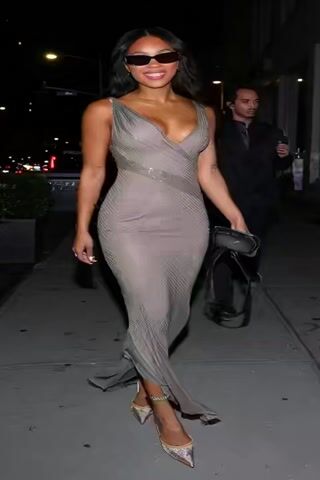
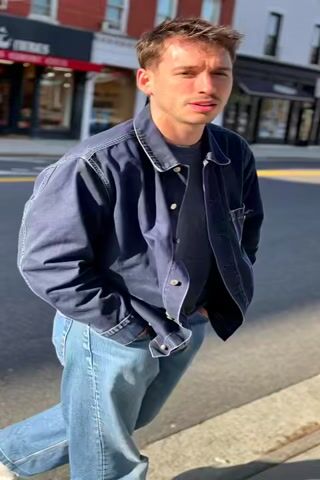




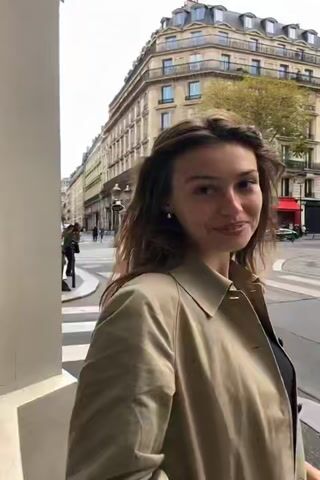










AI Video Effects turns one still photo into a short animated clip with a single effect applied. There are 61 effects in eight groups: Fun (11), Transformation (10), Fantasy (8), Visual FX (8), Action (7), Love (7), Luxury (6) and Nature (4). Behind them are three video models. 28 effects run on MiniMax Hailuo 02 Pro from a written instruction, such as "zoom out the frame and create a huge explosion behind the image". 18 are named preset effects on PixVerse v5.5, like Earth Zoom and Holy Wings, and 15 are presets on Wan, like Cakeify and Super Saiyan. You don't write a prompt or pick a camera move; the effect carries it. The photo sets the people, clothes and setting, and the model adds the motion, so results vary from run to run.
Examples

“make lot's of dollar bills rain to the scene and on the subject and piles up on the subject”
Try this style →
“Holy Wings (PixVerse v5.5 preset effect)”
Try this style → “Super Saiyan (Wan preset effect)”
Try this style → “zoom out the frame and create a huge explosion behind the image”
Try this style →What the ai video effects styles do
Things raining down and piling up
Money Rain, Clothes Rain, Shopping Spree, Heart Rain, Confetti Rain and Snowing drop things into the scene, and several of them pile up on the subject. Fireworks, Smokes and Lens Flare change the scene around you.
Transformations
Turn into a Sculpture, Diamond or Glass Shatter, puff up with Inflate, shrink with Deflate, get squashed by Squish or Crush, or become a cake with Cakeify. Baby Face, Long Hair Magic and Muscle Surge change you over the clip.
Fantasy and big moments
Holy Wings, Beam Me Up, I Believe I Can Fly, Earth Zoom and Super Saiyan go big. The Love set has Hug, Red Roses, Teddy Bear and Heart Balloons, and Fun has I Quit, Arrested, Zoom Call, Doom FPS and Jumpscare.
How it works
- 1
Pick an effect
Filter the grid by Fun, Love, Fantasy or another group, and open an effect. Each card plays a sample clip, so you can see the motion before you spend credits.
- 2
Upload one photo
Use a clear photo with the subject well framed and the face visible. Most effects are written for one person; Hug works best with a photo that already shows two people. There is no ratio to pick: Hailuo effects come out square, the Wan effects come out vertical (9:16), and PixVerse sets the shape itself.
- 3
Generate and watch it in History
Press Generate; the price shows on the button. The page hands your photo to the video creator, and the clip appears in your History as it renders. Download it from there when it is done.
Who it's for
Short-form creators
Make a Reel or TikTok out of one photo: Explosion, Money Rain or Paparazzi give a still a reason to stop the scroll, without filming anything.
Birthdays and occasions
Confetti Rain, Fireworks, Heart Balloons and Red Roses turn a photo of the person you are celebrating into a short clip for a message or a story.
Jokes for the group chat
Arrested, Get Punched, Cakeify, Jumpscare and I Quit are made for laughs. Run one on a friend's photo, with their blessing, and send it over.
More to try


Frequently asked questions
How do AI video effects work?
You upload one photo and pick an effect. The effect sends your photo to a video model along with a fixed instruction or a named preset, and the model animates the photo with that effect. You get back one short video clip per run.
Do I need a video, or is a photo enough?
A photo is enough, and it is all these effects take. They animate a still image; they don't add effects to a video you already have.
Which models make the videos?
Three. 28 effects, including Money Rain, Explosion and Paparazzi, run on MiniMax Hailuo 02 Pro. 18, including Earth Zoom, Holy Wings and Hug, are PixVerse v5.5 effects. 15, including Cakeify, Squish and Super Saiyan, are Wan effects.
How much does a video effect cost?
It depends on the model: 100 credits for the Hailuo 02 Pro effects and 125 for the PixVerse and Wan effects. The exact price shows on the Generate button before you start, and you need to be signed in.
Will the people in my photo still look like themselves?
The clip starts from your photo, so faces, clothes and the setting come from it. Motion is generated, though, and faces and hands can change as people move, most of all in big transformations. Running the effect again gives a different clip.
Can I choose the length or the aspect ratio?
No. Effects run at the model's default settings, so there is no length or ratio picker. Hailuo effects are rendered square (1:1), the Wan effects vertical (9:16), and PixVerse picks the shape on its side.
Pick a style and try it on your photo
Choose any of the 61 styles above, upload a photo, and generate. The price shows on the button before you start.
Browse the styles