
Retouch
Retouch · 12 portrait retouches on Nano Banana 2
AI Photo Retouch
Pick one fix, upload a portrait, and get the same photo back with clearer skin, whiter teeth or softer lines.


Retouch is a set of one-tap portrait fixes. Instead of brushes and sliders, each card is one short instruction to an image editing model (Nano Banana 2): "remove acne, spots, and skin imperfections", "remove wrinkles naturally", "make the teeth natural white healthy teeth". You upload a photo, pick the fix, and get one retouched image back. There are 12 retouches in all. Ten come in a men's and a women's card with the same instruction, Muscular Body is in the men's set and Fuller Lips in the women's, so the grid shows 22 cards. Most of the instructions ask for a subtle, natural change, so the result should still look like a photo of you rather than a filtered one.
Examples
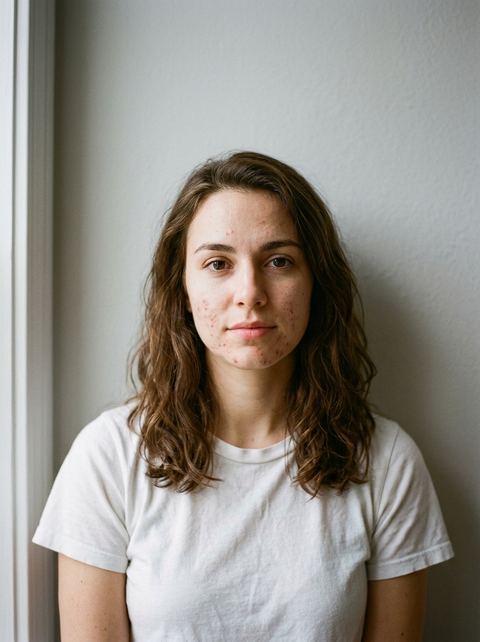
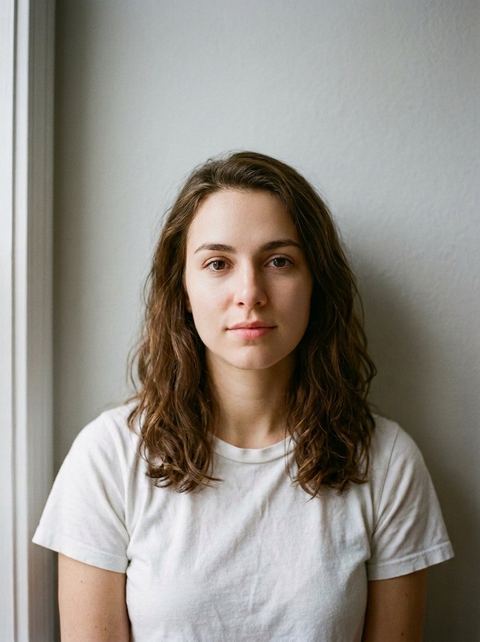
“remove acne, spots, and skin imperfections”
Try this style →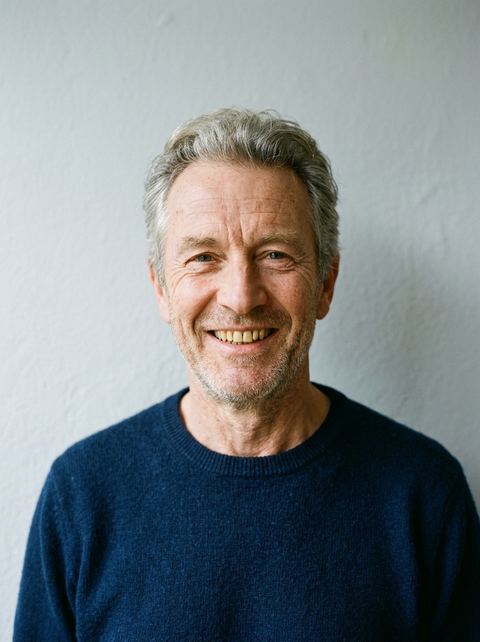
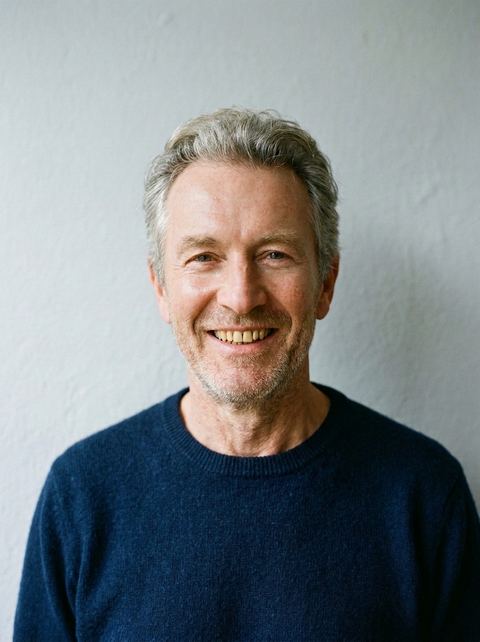
“remove wrinkles naturally”
Try this style → 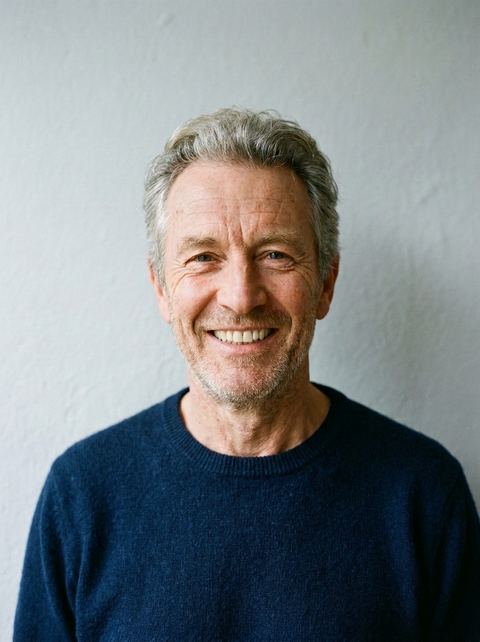
“make the teeth natural white healthy teeth”
Try this style → 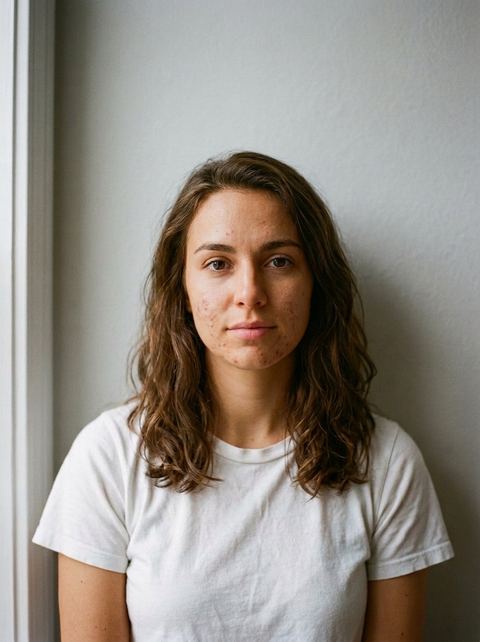
“subtly make the skin bronze naturally”
Try this style →What the retouch styles do
Skin
Remove Blemishes clears acne and spots, Smooth Skin evens out texture and tone, and Remove Wrinkles softens lines. Bronze Skin adds a light tan and Whiten Skin brightens the tone. Auto Retouch makes small, natural fixes across the whole portrait.
Face and smile
Whiten Teeth brightens a smile without making it look painted. Define Jawline sharpens the jaw slightly, Refine Nose subtly reshapes the nose, and Fuller Lips adds lip volume with a natural look.
Body
Fit Body makes a slight, natural toning change, and Muscular Body enhances muscle definition. Muscular Body has its own page with more before and after examples. For beards, frizz and hair fixes, use Hair Retouch instead.
How it works
- 1
Pick a retouch
Open a card such as Remove Blemishes or Whiten Teeth. Where a retouch has a men's and a women's card, the Male and Female chip switches between them; the instruction sent is the same.
- 2
Upload a portrait
Use a sharp, well lit photo where the area you want fixed is clearly visible: the face for skin and teeth, the arms or torso for body retouches. Signed in, you can also pick a recent generation.
- 3
Generate, then stack if needed
Choose Auto or a ratio, and press Generate. Each run costs 20 credits and applies one retouch. To combine fixes, such as clearer skin and whiter teeth, run a second retouch on the result from your recent images.
Who it's for
Profile and dating photos
Clear a breakout or brighten your teeth on the photo you already like, without a phone editor's heavy beauty filter.
Work headshots
Auto Retouch, Smooth Skin and Remove Wrinkles tidy a headshot for a team page, a speaker bio or a professional profile, while keeping it believable.
Event and family photos
A great group moment with one person mid-breakout or a portrait for an invitation: fix the one thing that bothers you and leave the rest as it was.
More to try
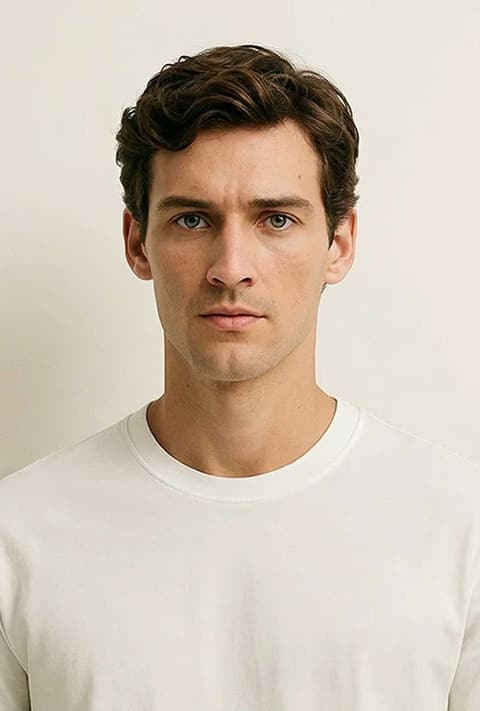
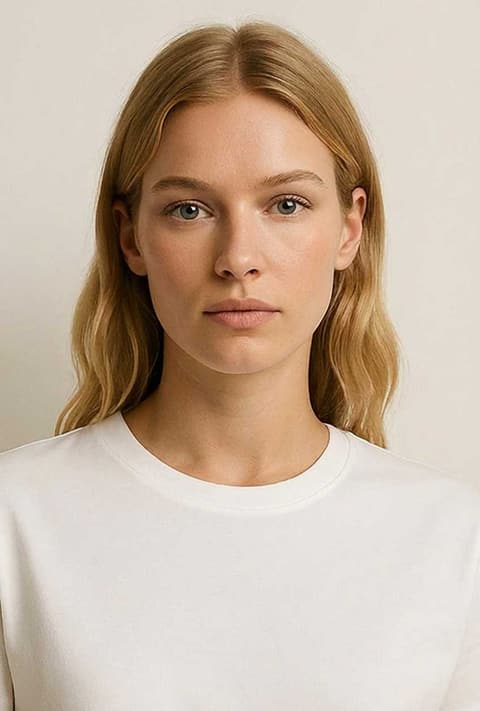
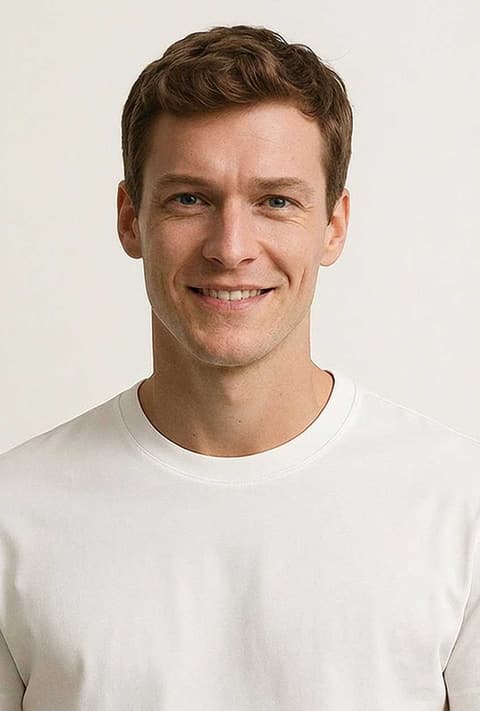
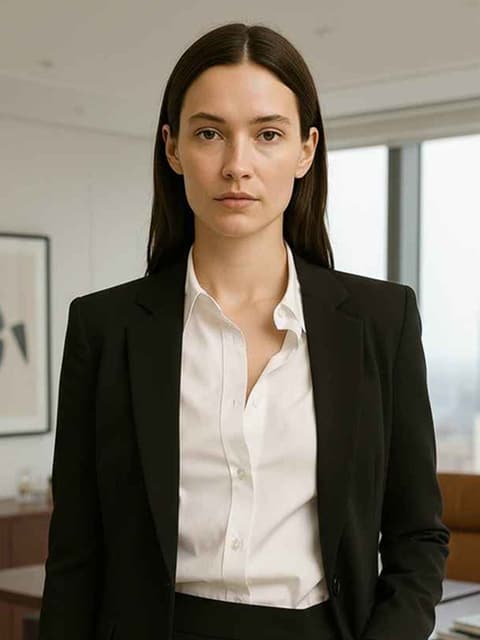
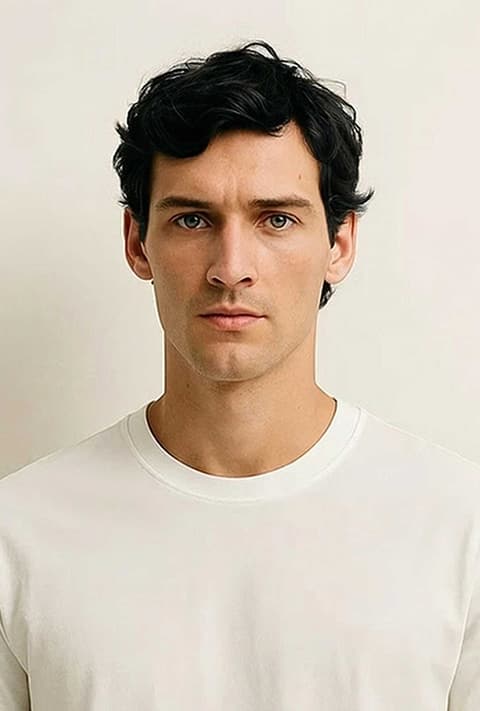
Frequently asked questions
How does AI photo retouching work here?
Each retouch is a written instruction, and Nano Banana 2 edits your uploaded photo to follow it, for example removing spots or whitening teeth. You don't paint or select anything. The model decides where the change goes, which makes it fast but less precise than manual retouching.
Can it remove acne and blemishes?
Yes. Remove Blemishes asks the model to remove acne, spots and skin imperfections, as in the first example below. Smooth Skin goes further and evens out texture and tone. Both work best on a sharp, close photo of the face.
Will the result look fake or over-smoothed?
Most instructions ask for a natural or subtle change, and in the examples below skin texture stays visible. It is still AI: some runs smooth more than others, and fine detail like pores, freckles or stubble can change. Run it again if a result looks too polished.
Can I apply several retouches at once?
One retouch per generation. To combine them, run the next retouch on the image you just made, which you can pick from your recent generations when signed in. Each run is charged separately.
Does it change my face or body shape?
Define Jawline, Refine Nose, Fuller Lips, Fit Body and Muscular Body are meant to change shape slightly. The skin and teeth retouches are not, but AI edits can still shift small details, so compare the result with your original.
How much does it cost?
20 credits per image for every retouch. The price shows on the Generate button before you run it, and you need to be signed in to generate.
Pick a style and try it on your photo
Choose any of the 22 styles above, upload a photo, and generate. The price shows on the button before you start.
Browse the styles