
Makeup
Makeup effect · 16 looks on Nano Banana 2
Virtual Makeup Try On
Upload a selfie, pick a look, and get your own photo back wearing that makeup.


This is a makeup filter for photos. You upload a picture of your face, choose one of 16 preset looks, and Nano Banana 2 paints the makeup onto that photo. It does not use your camera, so there is no live AR mirror; you get a still image back, which makes it easy to put a Smokey Eye and a Bold Lip side by side. The looks run from everyday (Natural Makeup, Minimal Chic) to evening (Glitter Accent, Sunset Eyes). They are AI generated, so color and placement can vary between runs.
Examples
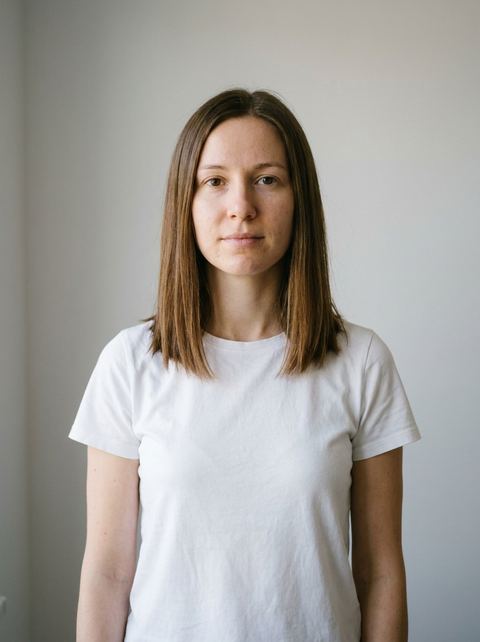
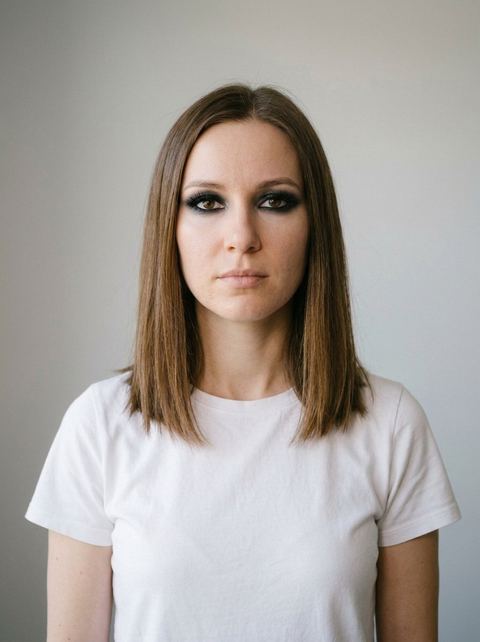
“smokey eye makeup with dark shadow and defined lashes, sultry look”
Try this style → 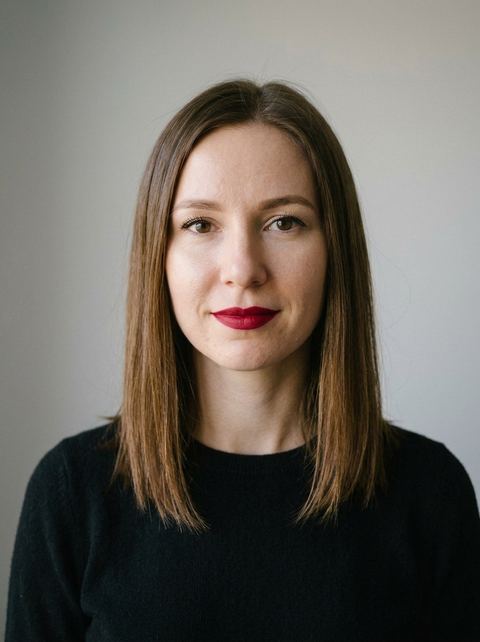
“bold red lip with neutral eye makeup, classic elegant look”
Try this style → 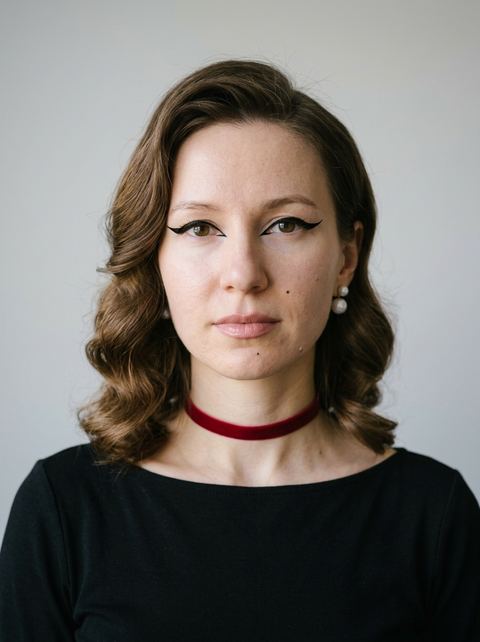
“sharp cat eye liner with nude lip, retro glam look”
Try this style → 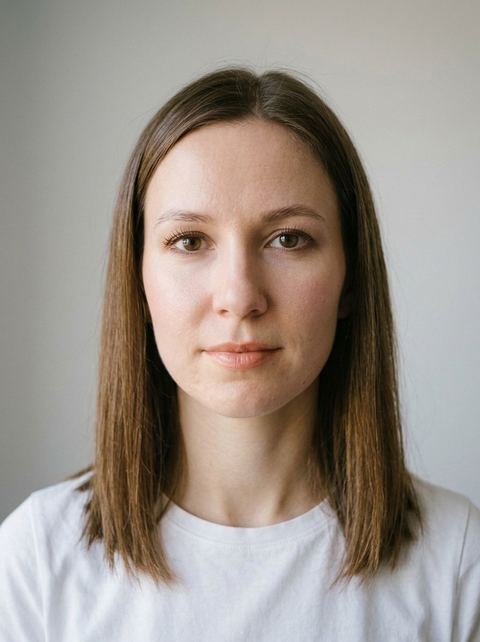
“natural minimal makeup with nude lips and soft definition, fresh-faced look”
Try this style →What the makeup styles do
16 looks, eyes to skin
Eye looks: Smokey Eye, Cat Eye, Winged Liner, Foxy Eyes, Sunset Eyes and Glitter Accent. Lips: Bold Lip and Berry Lips. Skin finishes: Matte Skin and Dewy Skin. Full-face palettes: Natural Makeup, Monochrome, Cool Toned, Soft Pink, Golden Hour and Minimal Chic.
Each look is a specific brief
Presets name the tones and placement. Cool Toned uses mauve lips and taupe shadows, Golden Hour uses bronze and gold, Berry Lips pairs a deep plum lip with neutral eyes. That keeps a look recognizable from one photo to the next.
A still photo you keep
The result is a new image in your Create Image history. Choose Auto (keeps your photo's shape), 1:1, 16:9, 9:16, 3:4 or 4:3, and run another look on the same selfie to build a comparison.
How it works
- 1
Choose a look
Tap a card in the Makeup grid. Each preview shows the look on a model so you can see the finish before you run it.
- 2
Upload a selfie
Use a front-facing photo in good light with your whole face visible, or reuse a recent image from your history. Hair over your eyes, a hand on your face or a dark room make the makeup harder to place.
- 3
Generate and compare
Pick Auto to keep your photo's framing, sign in if asked, and press Generate; the price shows on the button. Then come back and try a second look on the same photo.
Who it's for
Before you buy a palette
See whether a berry or a bold red lip suits you, or whether Cool Toned or Golden Hour fits your coloring, before ordering products. Treat it as a guide, since AI color will not match a real swatch exactly.
For planning event makeup
Preview a Smokey Eye or Glitter Accent for a party, or Natural Makeup for a daytime event, and show your makeup artist the version you liked.
For profile photos and posts
Give a profile picture a Matte Skin or Dewy Skin finish, or post a grid of four looks on one selfie.
More to try
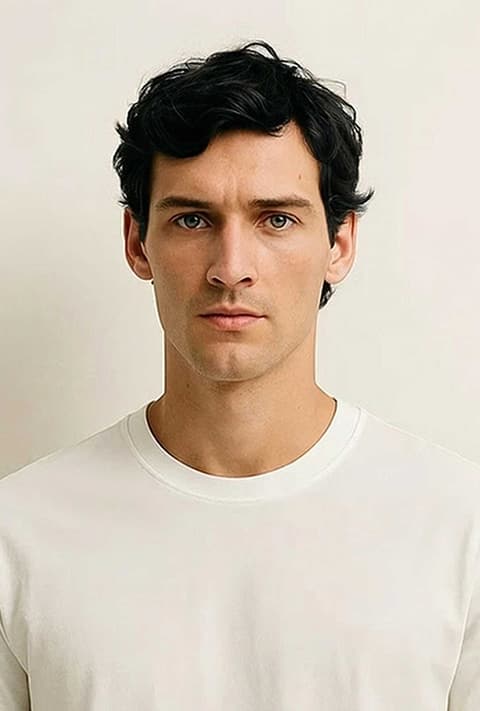
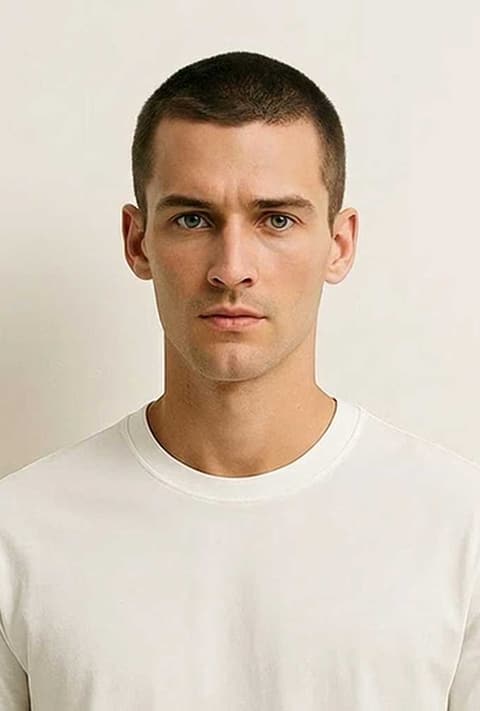
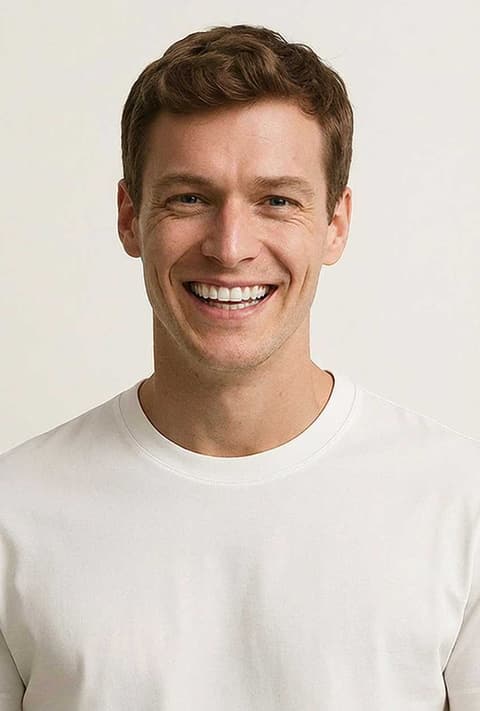
Frequently asked questions
Is this a live virtual makeup try on?
No. It works on a photo you upload and does not open your camera. You get back a still image with the look applied, which you can save and compare with other looks.
How do I try makeup on my photo?
Pick a look, upload a clear selfie, and press Generate. Nano Banana 2 edits your photo using that look's description while aiming to keep your features. One image comes back per run.
Which makeup looks can I try?
Sixteen: Natural Makeup, Smokey Eye, Bold Lip, Matte Skin, Cat Eye, Monochrome, Dewy Skin, Cool Toned, Berry Lips, Winged Liner, Minimal Chic, Glitter Accent, Soft Pink, Golden Hour, Foxy Eyes and Sunset Eyes.
Does it work on any face?
The previews show women, but you can upload any face photo. Results are AI generated and vary, most of all when the face is small in the frame or partly covered.
Will the colors match real products?
The looks are described in general tones such as nude, mauve, berry and bronze. They are not tied to a brand or shade, so use the result to judge a style and then match the shade in a store.
How much does it cost?
Each look is priced per generation, and the exact price is on the Generate button before you run it. You need to be signed in to generate.
Pick a style and try it on your photo
Choose any of the 16 styles above, upload a photo, and generate. The price shows on the button before you start.
Browse the styles