
AI Ads
Product effect · 15 ad styles
AI Ad Generator for product photos
Upload one photo of your product and get it back frozen in ice, floating over clouds or held between two fingers, ready to post as an ad.


AI Ads turns a single product photo into an advertising image. You pick one of 15 art directions and the product is restaged inside it: encased in a block of ice, suspended underwater, rising through a sea of clouds, sculpted from its own ingredients, or bursting through paint. Each style is a detailed creative brief written for product shots and run on Nano Banana 2. The output is one still image per generation. It is a creative tool for the visual itself; it does not plan, target or publish campaigns.
Examples
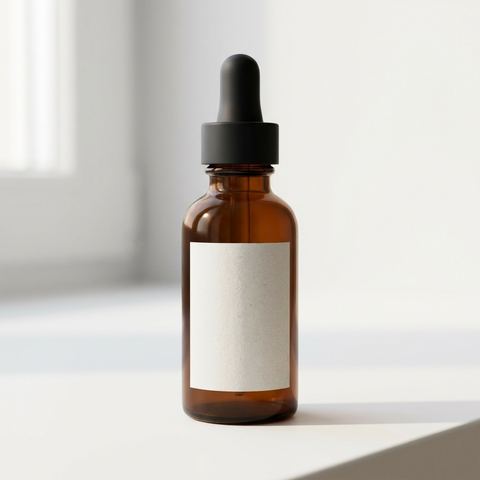
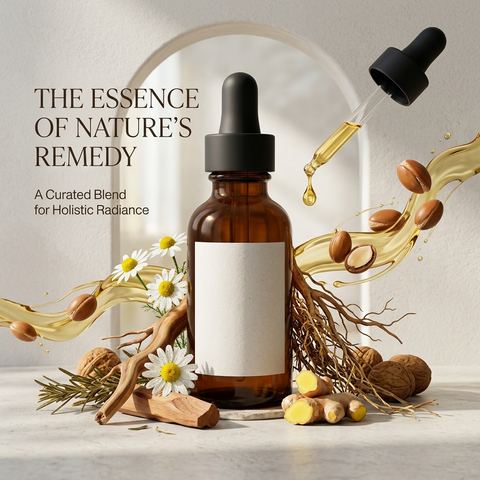
“turn the uploaded product into a creative ad image of the product, use product relative creative art direction, props and ideas. make it look professional and creative”
Try this style → 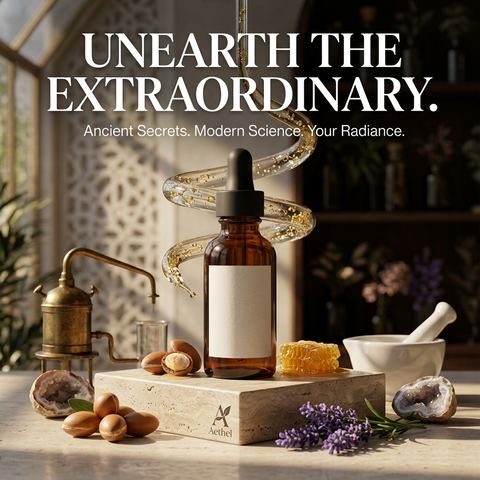
“turn the uploaded product into a creative ad image of the product with a bold title slogan, use product relative creative art direction, props and ideas. make it look professional and creative.”
Try this style → 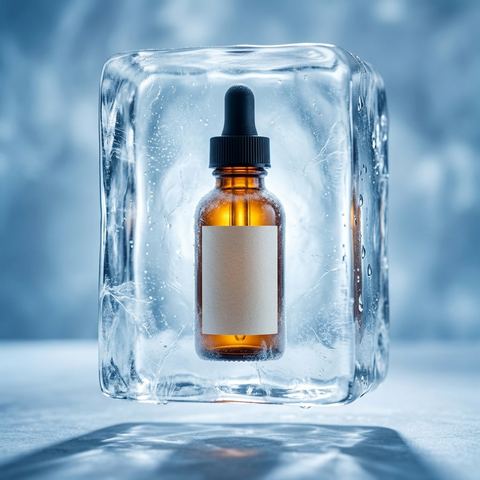
“The product dramatically encased in a solid block of crystal-clear ice, suspended in the center and perfectly preserved. The ice has subtle internal textures and frosty edges, giving it a cold, premium, and untouched appearance. The background is softly lit in cool blue tones to enhance the feeling of freshness and purity. The product is front-facing and well-lit within the ice, conveying a message of long-lasting quality, preservation, or ultimate freshness.”
Try this style → 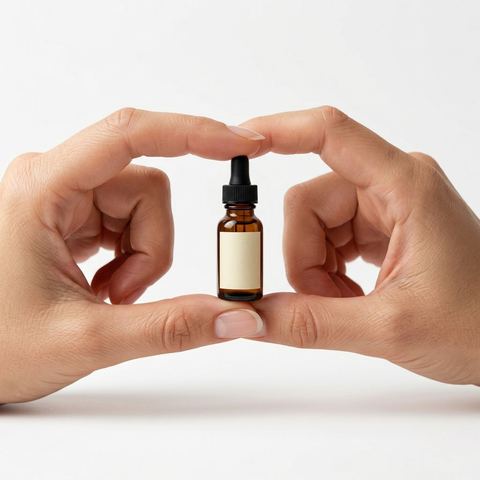
“A high-resolution advertising photograph of a realistic, miniature product held delicately between a person's thumb and index finger. clean and white background, studio lighting, soft shadows. The hand is well-groomed, natural skin tone, and positioned to highlight the product’s shape and details. The product appears extremely small but hyper-detailed and brand-accurate, centered in the frame with a shallow depth of field. Emulates luxury product photography and minimalist commercial style.”
Try this style →What the ai ads styles do
Fifteen art directions
Smart, Ice, Elegant, Floral, Slogan, Underwater, Dreamlike, Ingredient, Tiny, Explode, Levitation, Clouds, Terrarium, Ice Splash and Paint Splash. Each sets the scene, props, lighting and mood around your product.
Smart and Slogan for when you are unsure
Smart picks the scene and props itself based on what your product is. Slogan does the same and adds a bold title line, so the image reads as an ad without a separate design pass.
Built around the brand that is visible
Dreamlike places the product's logo at the top with a small tagline underneath. If no logo is visible it leaves it out; if a logo shows but no tagline does, it writes one.
How it works
- 1
Choose an ad style
Open one of the 15 styles. Start with Smart if you want the AI to decide, or pick a specific look such as Ice for drinks or Floral for skincare.
- 2
Upload your product photo
Use a clear shot of one product with its label or logo readable. The styles are written to restage the product, so the cleaner it is in the photo, the more the AI has to keep.
- 3
Pick the placement size and generate
Choose 1:1 or 4:5 for feeds, 9:16 for stories, 16:9 for banners, or Auto to match your photo. Press Generate and the ad image lands in your History, where you can download it or animate it.
Who it's for
For online stores
Give a listing or launch post something beyond the white background shot: the same bottle in Underwater, Levitation and Terrarium, from one photo.
For social media managers
Make several creatives for one product in an afternoon and test which art direction gets the clicks, each in the ratio the placement needs.
For small brands without a studio
Styles like Tiny, Ice Splash and Explode imitate setups that need macro lenses, high speed flash or a set builder. Here they start from a phone photo.
More to try
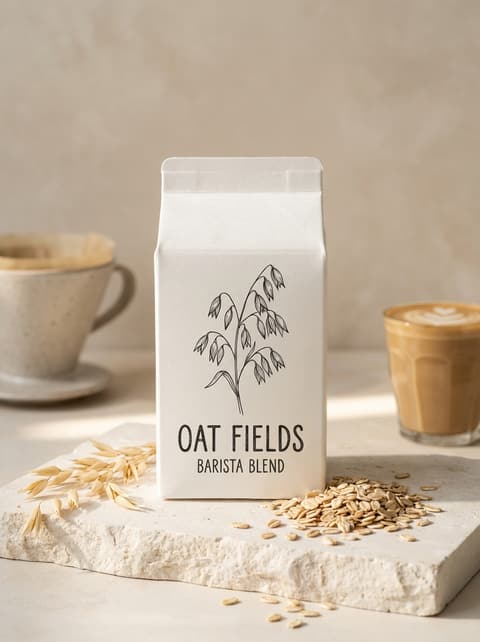

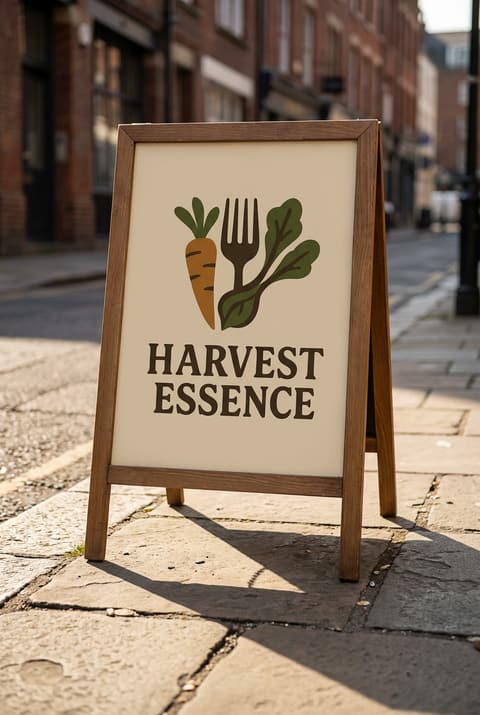
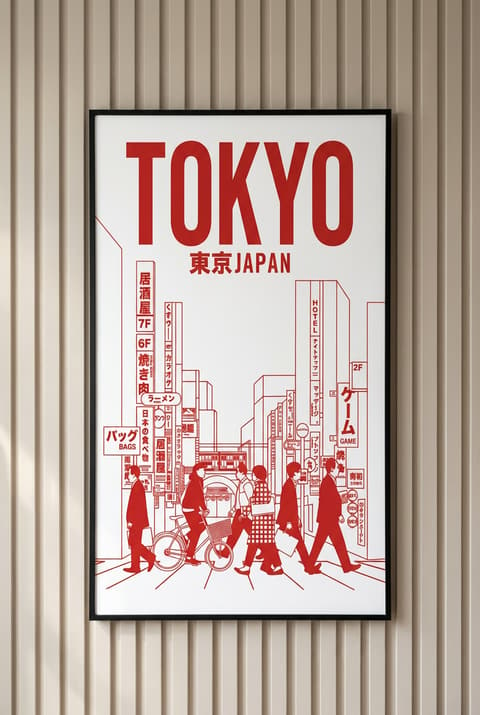
Frequently asked questions
What does the AI ad generator make?
One ad style still image per run, built from the product photo you upload. It does not write ad copy for platforms, create video, or run campaigns. For moving ads, see the AI video ads effect.
What should I upload?
A photo of the product itself, ideally one item, well lit, with the packaging and label visible. A cluttered photo with several objects gives the AI less to go on about what the product is.
Can it add text or a slogan to the ad?
Two styles do. Slogan adds a bold title slogan, and Dreamlike adds the product's logo and a tagline, writing one if the logo is visible but no tagline is. The other 13 styles focus on the scene.
Will my product look exactly the same?
The styles ask the model to keep the product accurate, but results are AI generated and can change small details like label text or proportions. Check the image before using it in an ad, and run it again if something is off.
Which sizes can I generate?
Auto follows your photo. You can also pick 1:1, 16:9, 9:16, 3:4, 4:3, 2:3, 3:2, 4:5 or 5:4, which covers square and portrait feed posts, stories and landscape banners.
How much does one ad image cost?
Each generation costs credits, and the exact amount is shown on the Generate button before you run it. You need to be signed in to generate.
Pick a style and try it on your photo
Choose any of the 15 styles above, upload a photo, and generate. The price shows on the button before you start.
Browse the styles