
Emotions
Emotions · 22 expressions on Nano Banana 2
AI Expression Changer
Upload a portrait, pick an expression, and get the same photo back with a smile, a laugh, a frown or a look of surprise.


Emotions is a set of 22 facial expression templates for a photo of a person. Each one is a short written instruction, such as "natural confident smile with eyes engaged, relaxed facial expression" or "surprised expression with raised eyebrows and wide eyes", and an image editing model (Nano Banana 2) applies it to the face in your picture. The aim is to change the expression and leave the rest alone: the same person, clothes and background, now smiling, laughing or scowling. It is useful when a good photo has the wrong face in it, like a stiff, closed-mouth look in an otherwise usable portrait, and for making a set of reaction images of one person. Results are AI generated, so the face can drift slightly and two runs of the same expression can differ.
Examples
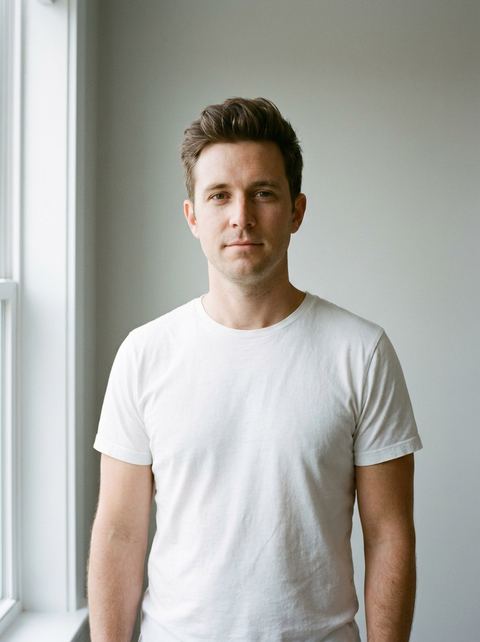
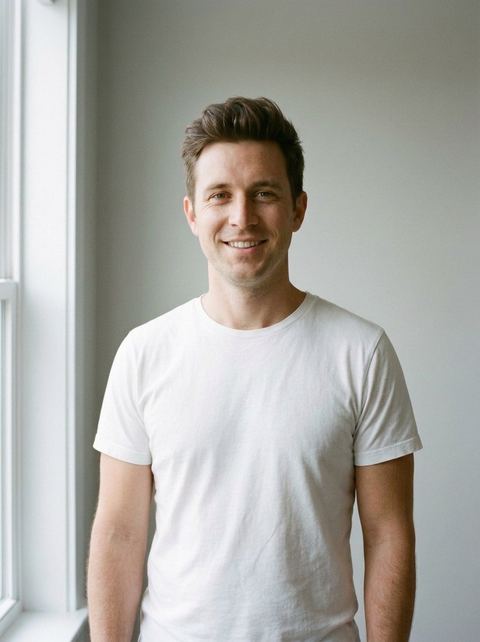
“natural confident smile with eyes engaged, relaxed facial expression”
Try this style →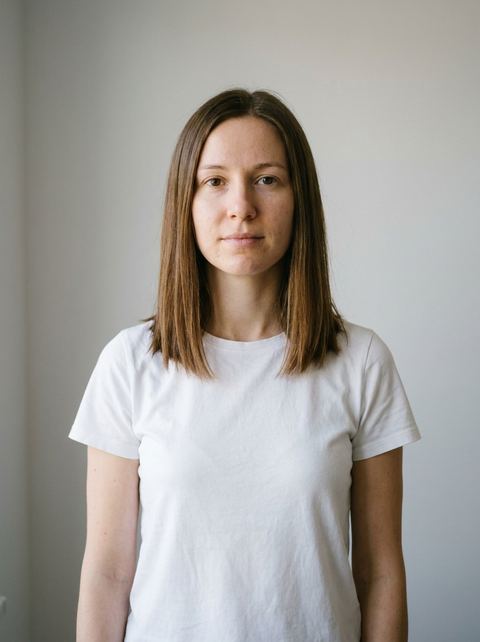
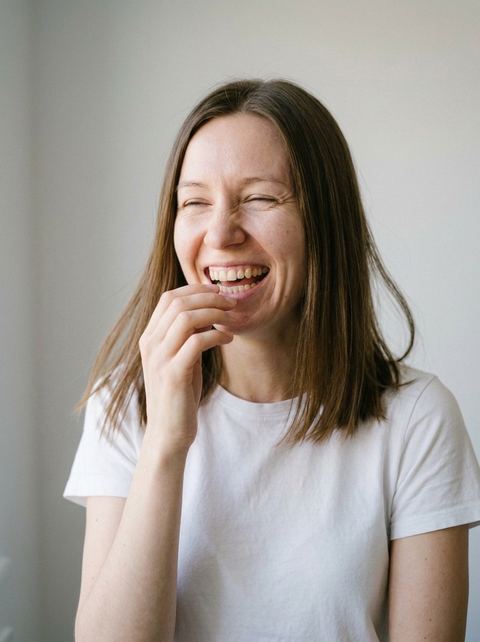
“authentic candid laugh captured mid-moment, joyful and natural”
Try this style → 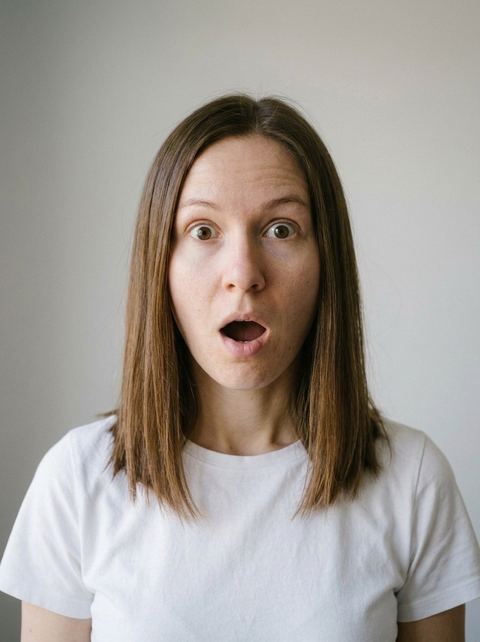
“surprised expression with raised eyebrows and wide eyes, astonished look”
Try this style → 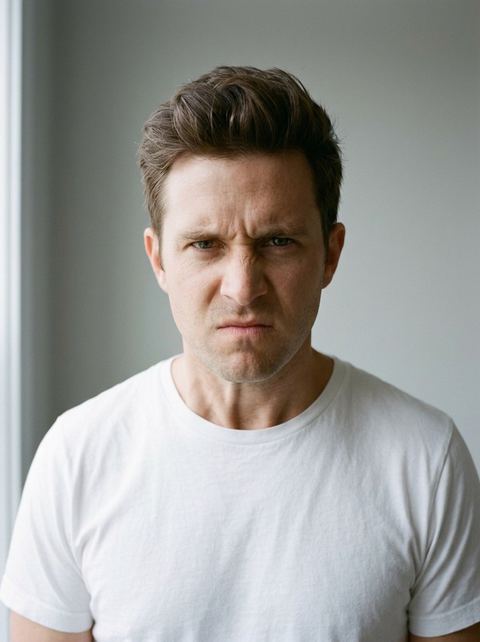
“angry intense expression with furrowed brows, fierce look”
Try this style →What the emotions styles do
Smiles for photos you will actually use
Six of the 22 are variations on a smile: Confident Smile, Soft Smile, Subtle Smirk, Flirtatious Smile, Joyful and Candid Laugh. Natural Relaxed and Confident Stare give a calm, closed-mouth look for when a big smile feels wrong.
The full range, not only happy
Sad, Crying, Angry, Frustrated, Annoyed, Disgusted, Nervous, Concerned, Confused, Surprised, Excited, Proud, Seductive and Cynical Laugh cover the expressions people need for memes, reaction images, storyboards and character references.
One change, the same photo
Every template asks only for an expression, so pose, hair and outfit are meant to stay put. Auto keeps the shape of your photo, or pick 1:1, 4:5, 9:16, 16:9 and other ratios. One image per run, 20 credits each.
How it works
- 1
Pick an expression
Open one of the 22 cards above, for example Confident Smile, Candid Laugh or Surprised. Each card shows a sample result, and the Info button explains what the tool does.
- 2
Upload a clear portrait
Use a photo where one face is large, sharp and well lit, ideally facing the camera. Sunglasses, a hand over the mouth or a face turned far to the side leave the model less to work with. Signed in, you can also pick a recent generation.
- 3
Choose a ratio and generate
Leave the ratio on Auto or pick another. The price, 20 credits, shows on the Generate button, and you sign in there if you have not. The result appears in your Create Image history, where you can download it or run another expression on it.
Who it's for
Fixing a photo that is almost right
A headshot with good light and a stiff face, or a group of shots where you never smiled: run Confident Smile or Soft Smile on the best frame instead of booking a reshoot.
Creators and meme makers
Turn one portrait into a set of reactions, from Surprised and Disgusted to Cynical Laugh and Crying, for thumbnails, stickers, reply images or a before and after post.
Storyboards and character sheets
Writers, designers and game makers can keep one face and show it Nervous, Proud, Angry and Concerned, as a quick reference for how a character reacts across scenes.
More to try

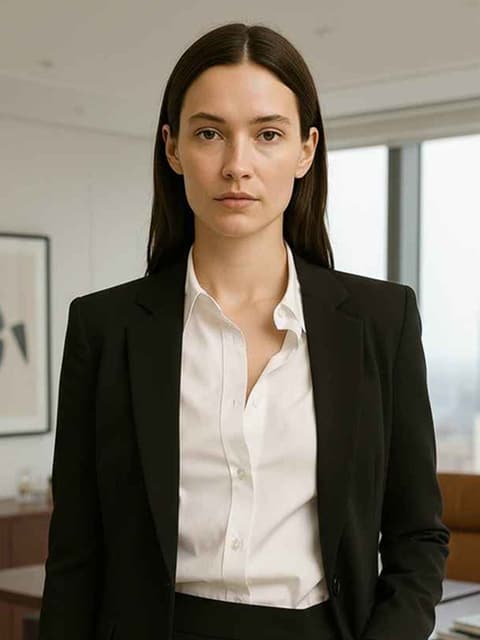
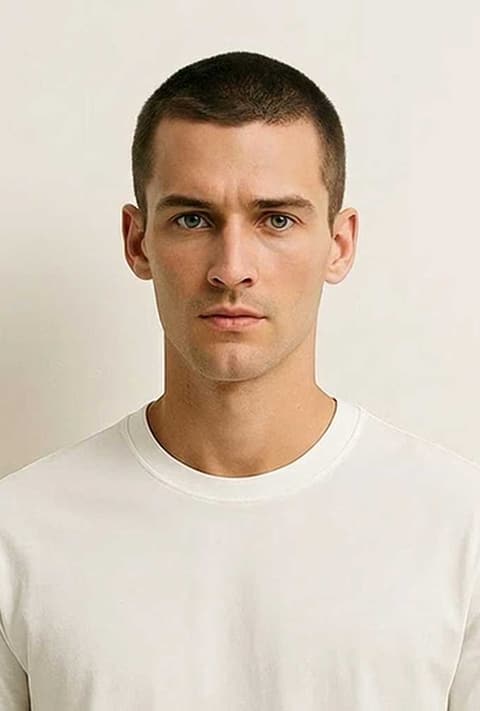
Frequently asked questions
How do I change the facial expression in a photo?
Pick one of the 22 expression templates on this page, upload a photo of a person and press Generate. The model edits the face in your photo to match the expression and aims to keep everything else the same.
Can AI make me smile in a photo?
Yes. Confident Smile, Soft Smile, Joyful and Candid Laugh all add a smile, from a small closed-lip one to a full laugh. A photo where your mouth and eyes are clearly visible gives the most natural result.
Will it still look like me?
The templates only ask for an expression, and the model tries to keep the same face. It is AI, so features can shift a little, and strong expressions such as Crying or Angry change more of the face than a soft smile does. The framing can also change: in the Angry example below the photo came back closer to the face. Running it again gives a different take.
Does it work on group photos?
The templates are written for one person. With several faces in the frame, the model may change only one of them or all of them, so crop to the person first for a predictable result.
Can I make the expression move?
Not here; Emotions returns a still image. Video Emotions is the video version: 13 expressions such as Laugh, Cry, Shocked and Facepalm, animated from one photo.
How much does it cost?
20 credits per image, the same for all 22 expressions. The price shows on the Generate button before you run it, and you need to be signed in to generate.
Pick a style and try it on your photo
Choose any of the 22 styles above, upload a photo, and generate. The price shows on the button before you start.
Browse the styles