
AI Filters
AI Filters · 95 styles on GPT Image and Nano Banana 2
AI Photo Filters
Upload one photo and get it back redrawn as an anime still, a clay character, a collectible figure or a painting.


AI Filters is a set of 95 style filters for your photos. Unlike a color filter that tints the picture, each one redraws it: your photo goes to an image model together with a written style brief, and you get back a new image of the same person or scene in that style. Some briefs are one line, like "in watercolor painting style"; others spell out materials, lighting and framing in detail. 74 filters run on OpenAI's GPT Image model and 21 newer ones on Nano Banana 2. They are grouped into six sets: Cartoon (27), Art (18), Physical (16), Cultural (13), Digital (11) and Gaming (9), plus Smart, which picks a style for you based on what is in the photo. Results are AI generated, so each run of the same filter comes out a little differently.
Examples
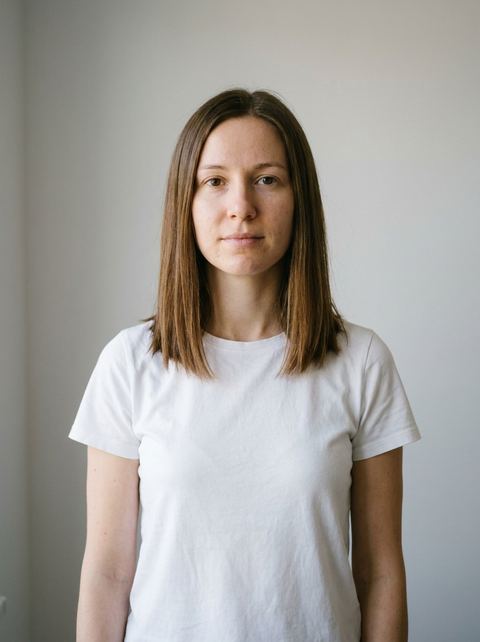
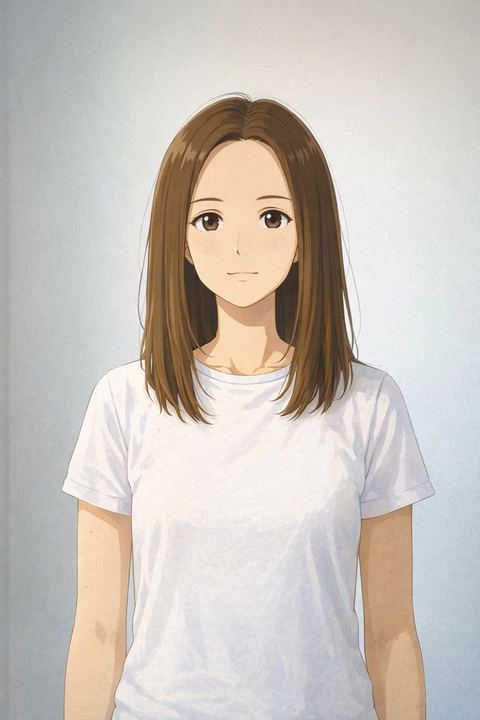
“as a studio ghibli style anime”
Try this style →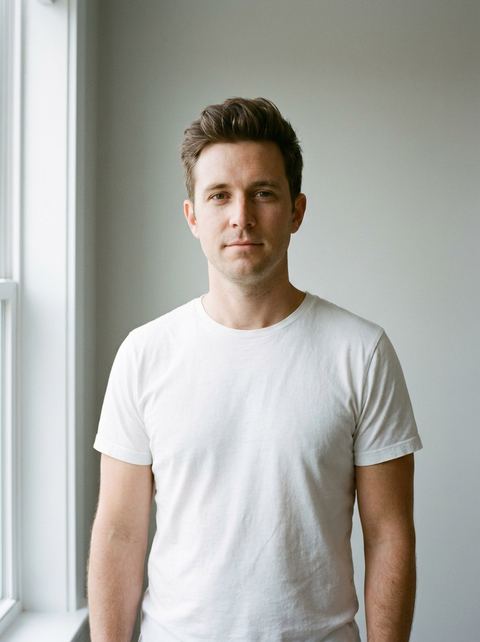
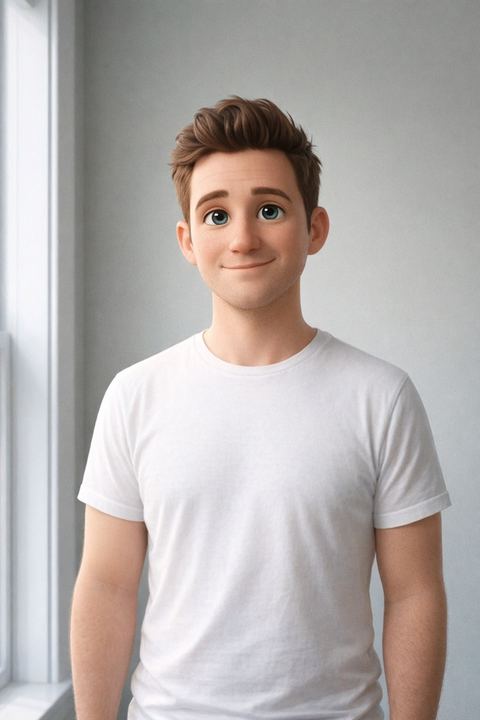
“as a pixar style cartoon”
Try this style → 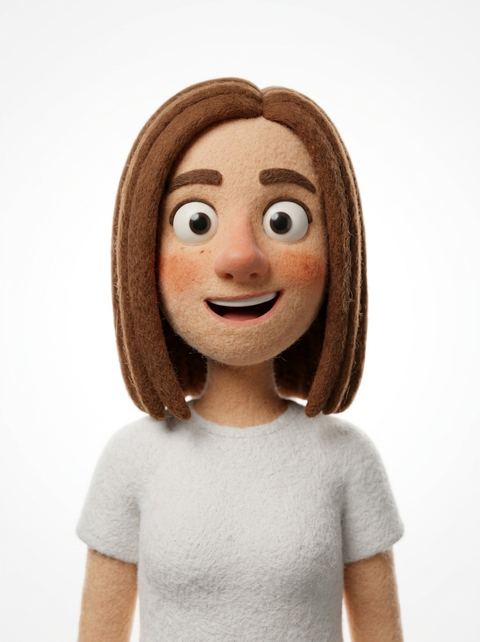
“Transform the uploaded image into a stylized 3D claymation character. Soft felt / fuzzy texture skin, rounded exaggerated facial features, big expressive eyes... Clean pure white studio background.”
Try this style → 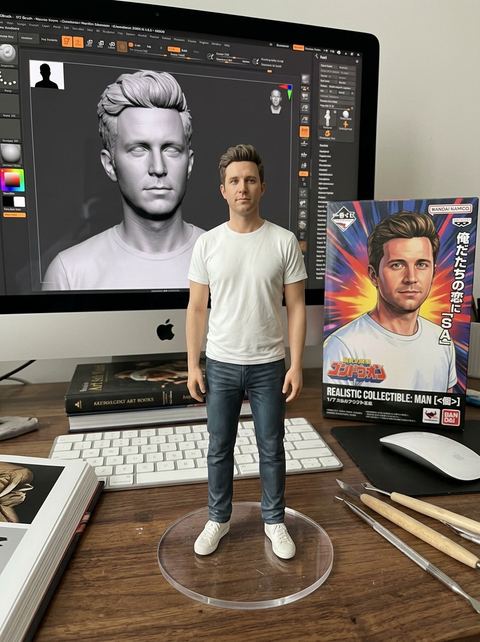
“Create a realistic and commercial 1/7 scale figurine of the character in the picture, depicting a realistic style and a realistic environment. The figurine is placed on a computer desk with a round transparent acrylic base...”
Try this style →What the ai filters styles do
Cartoon, anime and 3D characters
The Cartoon set redraws you as a character from a style of animation: Ghibli, Pix, Titan, Anime Opening, 80s Cartoon, Clay and more. Digital adds 3D Character, Cute Claymation, Sage Cartoon, Memoji, Pixel and Black Outline.
Turn yourself into an object
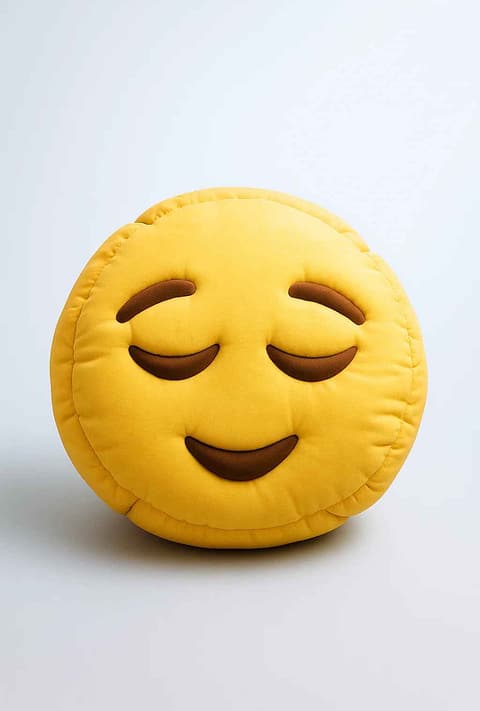
The Physical set makes a product out of you: 3D Figurine on a desk, Toy Box in blister packaging, Funko, Plush, Bricks, Fridge Magnet, a Cereal Box mascot or a holographic Poke Card. Gaming puts you in Blox, SIM, Crossing, NPC Mode or a Choose Fighter screen.
Painting and world crafts
Art covers Van Gogh, Raphael, Watercolor, Colored Pencils, Comic book, Court Sketch and Crayon. Cultural draws on traditional crafts: Ukiyo-e, Iznik Mosaic, Ebru, Azulejo, Stained Glass, Ottoman Miniature, Bayeux Tapestry and Turkish Rug.
How it works
- 1
Pick a filter
Use the chips above the grid to narrow to Cartoon, Art, Physical, Cultural, Digital or Gaming, then open a card. If you can't decide, start with Smart and let it choose a style.
- 2
Upload a photo
A clear photo of one or two people with faces visible works best, since most briefs are written around the subject. Signed in, you can also pick a recent generation instead of uploading.
- 3
Choose a ratio and generate
Auto keeps your photo's shape. GPT Image filters also offer 1:1, 2:3 and 3:2; Nano Banana 2 filters offer more, including 9:16 and 4:5. Each run costs 20 credits, and the result lands in your Create Image history.
Who it's for
Profile pictures and avatars
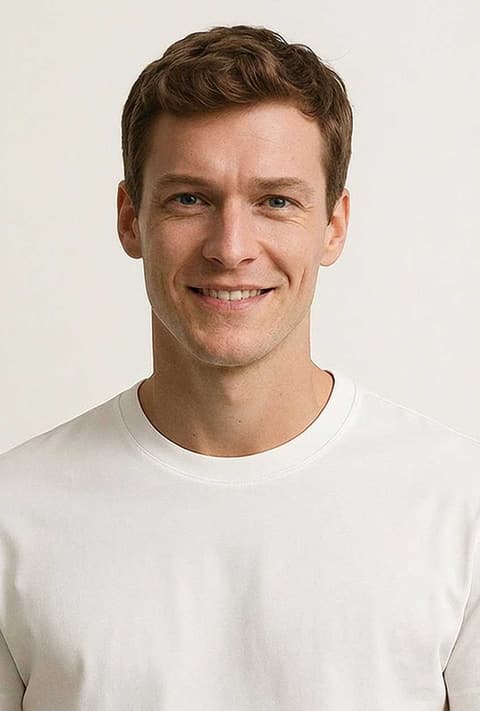
Turn a selfie into a Ghibli frame, a Cute Claymation head or a Black Outline portrait for a profile picture that is still recognizably you.
Gifts and keepsakes
A family photo as Watercolor, Stained Glass or a Teddy Bear makes a card, a print or a framed gift, and Ukiyo-e or Azulejo give it a craft look.
Posts and trends
Toy Box, Poke Card, Cereal Box and Choose Fighter are made to be shared. Run the same photo through three or four and post the set.
More to try

Frequently asked questions
What is an AI photo filter?
A filter that redraws your photo in a new style instead of adjusting its colors. Here, each of the 95 filters sends your photo and a style description to an image model, which returns a new image of the same subject in that style, from anime to oil painting to a boxed action figure.
Which filters are there?
95 in six sets plus Smart: Cartoon (27), Art (18), Physical (16), Cultural (13), Digital (11) and Gaming (9). The grid above shows every one with a sample result, and the chips filter by set.
Will the result look like me?
Several briefs, such as 3D Character and Sage Cartoon, tell the model to keep identity, pose and expression, and a clear, front-facing photo helps every filter. Stylized looks change the face by design, though, so expect a likeness in the new style rather than an exact copy. Running a filter again gives a different take.
Can I use it on pets, groups or objects?
Any photo can go in, and several briefs refer to "the subject" or "the subjects", so pets and pairs often work. The filters are written with people in mind, though, so faces in a crowded group shot or an object with no clear subject give less predictable results.
Why do some filters offer more sizes than others?
The size options come from the model behind the filter. The 74 GPT Image filters offer Auto, 1:1, 2:3 and 3:2. The 21 Nano Banana 2 filters, such as 3D Figurine, Cute Claymation and Poke Card, add 16:9, 9:16, 3:4, 4:3, 4:5 and 5:4.
How much does it cost?
20 credits per image for every filter, whichever model it runs on. The price shows on the Generate button before you start, and you need to be signed in to generate.
Pick a style and try it on your photo
Choose any of the 95 styles above, upload a photo, and generate. The price shows on the button before you start.
Browse the styles