
AI Photobooth
AI Photobooth · 35 looks on Nano Banana 2
AI Photo Booth
Pick a look, upload a photo of yourself or your pet, and get back a new picture starring you.


AI Photobooth is a set of 35 templates that each turn one uploaded photo into a staged shot. Some recreate the booth itself: a four-frame strip with props, or two strips lying side by side. Others drop you into a scene, such as a 90s yearbook portrait, a fashion magazine cover, a late-night payphone, a mugshot or a holographic basketball card. Each template is a written brief sent to Nano Banana 2 together with your photo, and most of them ask the model to keep your face as it is. There is no camera or booth to stand in; you bring the photo. Results are AI generated, so two runs of the same look can differ.
Examples
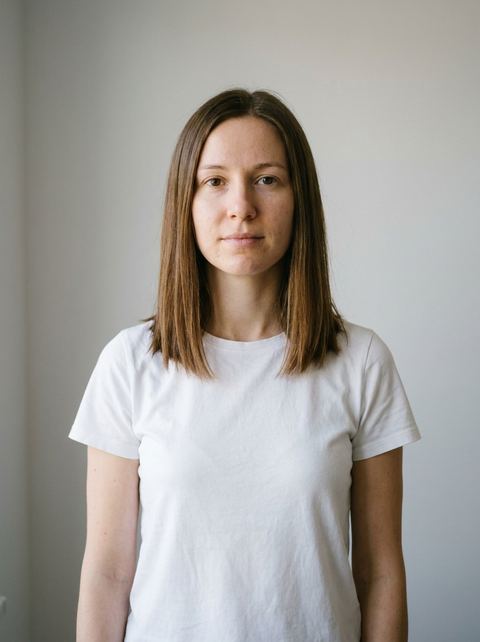
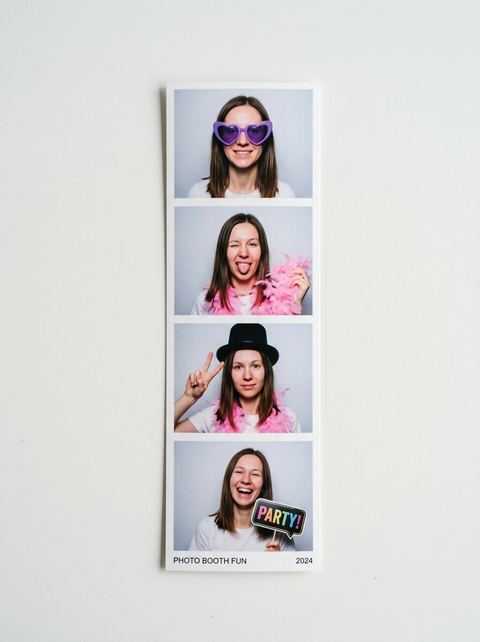
“the subject in a modern photo booth strip, four frames with fun poses and props, bright flash”
Try this style →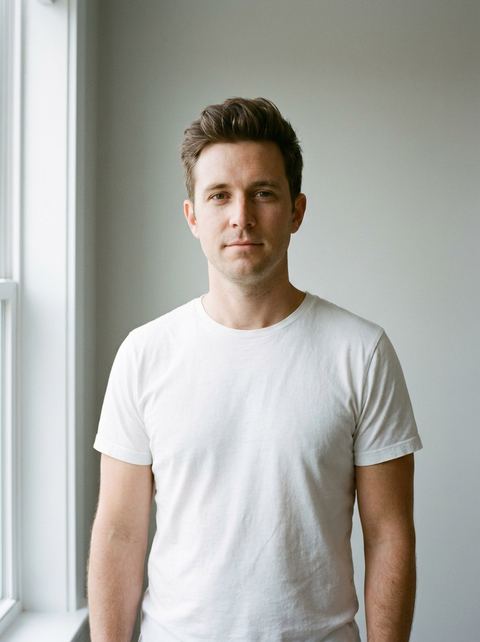
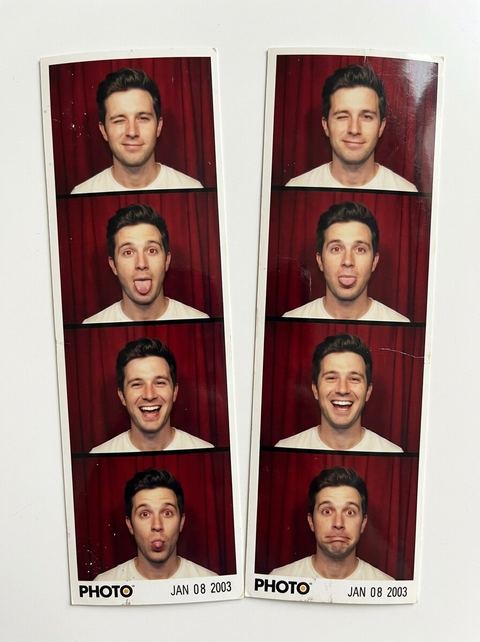
“two classic photo booth strips side by side, four frames each, red curtain and harsh flash”
Try this style → 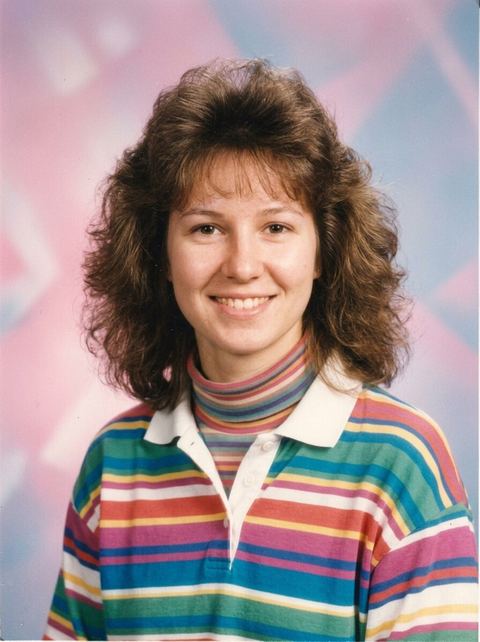
“the subject as a 90s high school yearbook photo, soft focus with a pastel gradient background”
Try this style → 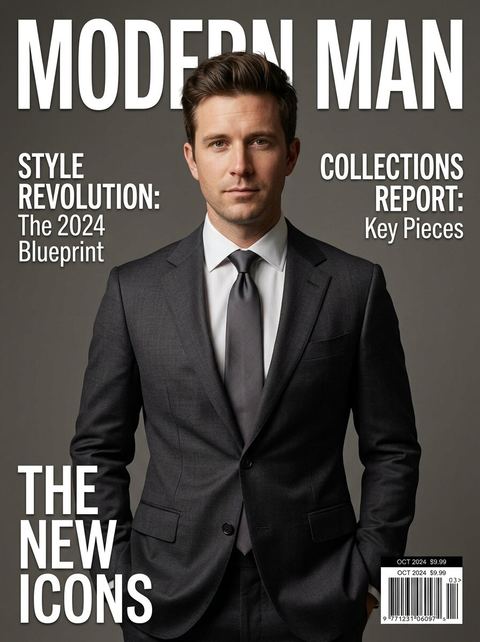
“the subject on the cover of a high-fashion magazine, studio lighting and bold cover lines”
Try this style →What the ai photobooth styles do
Strips, portraits and scenes
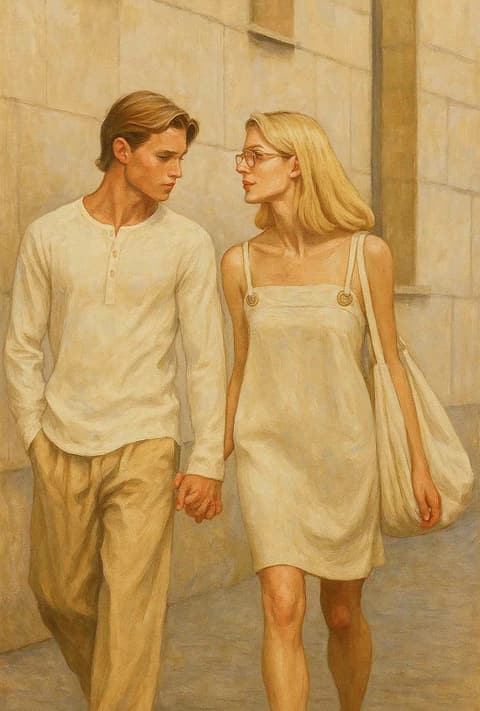
Booth looks: Photo Booth, Y2K Photo Booth and Blurry Poloroid. Portraits: Headshot, Ice Headshot, Dual Color Headshot, Passport Photo, 90s Yearbook and Oil Painting. Scenes: Magazine Cover, Cinematic Mugshot, Basketball Card, Y2K Payphone, Y2K House Party, Gas Station, Museum, Classified, Birthday Balloons and more.
Grids from a single photo
Three looks return a 2x3 grid instead of one frame. Angles shows six camera angles of the same scene, Age Transformation shows you at six ages from baby to about 80, and What's Next continues your photo into five more cinematic moments.
Looks for pets
Craft Pet turns your pet into a blocky video game animal, Blocks Pet into a toy brick figure, and Sim Pet into a cartoon life-sim pet, each keeping the rest of the photo the same. Puppy in Snow adds a white puppy beside you at a ski resort.
How it works
- 1
Pick a look from the gallery
Browse the templates on this page and open one, such as Photo Booth or Magazine Cover. Each card shows a sample result so you know what the look produces.
- 2
Upload one clear photo
A well lit photo with your face fully visible works best; for pet looks, use a photo where the pet is easy to see. Signed in, you can reuse a recent image instead of uploading.
- 3
Set a ratio and generate
Leave the ratio on Auto or choose 1:1, 16:9, 9:16, 3:4 or 4:3. The price shows on the Generate button before you start, and the result appears in your Create Image history.
Who it's for
For parties and birthdays
Make a booth strip or a Birthday Balloons portrait of the guest of honor for an invite or a group chat, without renting a booth.
For profile and work photos
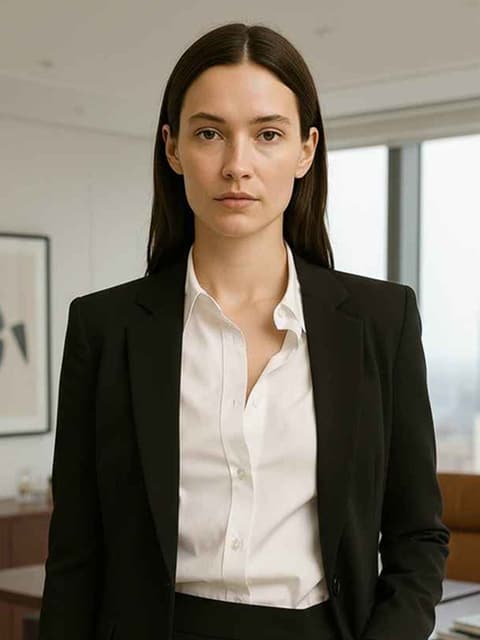
Turn a casual selfie into a Headshot on a white backdrop, or a sharply lit studio portrait in a black turtleneck with Ice Headshot or Dual Color Headshot, for a profile picture.
For posts and laughs
Put a friend on a magazine cover, a trading card or a mugshot board, or run Age Transformation on yourself and post the grid.
More to try
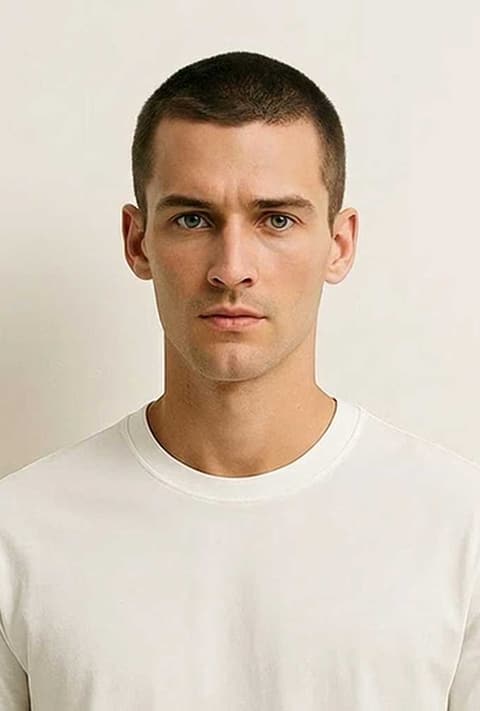
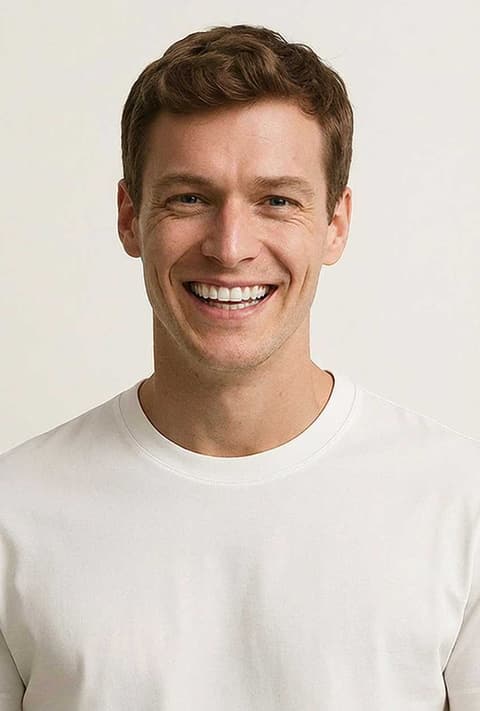
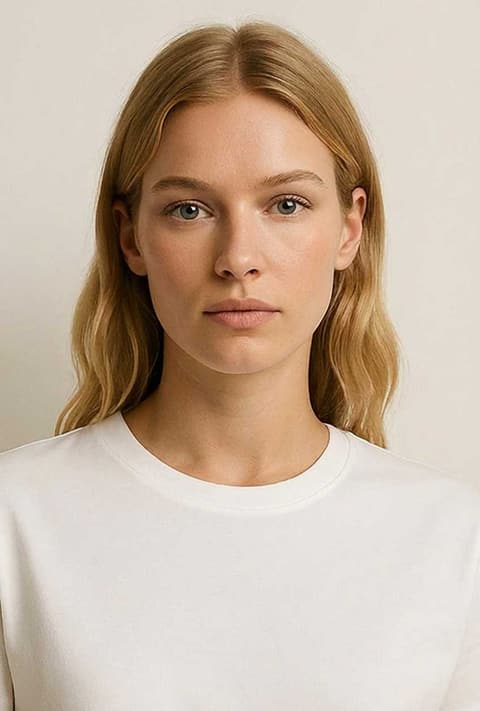
Frequently asked questions
Do I need to upload a photo?
Yes. Every look in AI Photobooth edits a photo you provide, so there is nothing to generate until you upload one or pick one from your recent images. One photo is enough for any look.
Will the result look like me?
Most templates tell the model to keep your face and identity the same, and a clear, front-facing photo gives it the most to work with. It is AI, so features can still drift, most of all in the grid looks with several small faces.
Which looks are there?
Thirty-five, including Photo Booth, Y2K Photo Booth, 90s Yearbook, Magazine Cover, Passport Photo, Headshot, Oil Painting, Basketball Card, Cinematic Mugshot, Museum, Age Transformation, Angles and three pet looks. The full set is in the gallery on this page.
Can I use the Passport Photo look for a real passport?
Treat it as a fun look, not an official photo. It produces a neutral, front-facing shot on a white background, but it is AI edited and is not checked against any country's photo rules.
How much does it cost?
Each look is priced per generation, and the exact price shows on the Generate button before you run it. You need to be signed in to generate.
Pick a style and try it on your photo
Choose any of the 35 styles above, upload a photo, and generate. The price shows on the button before you start.
Browse the styles