Image tool · 11 upscale models
AI Image Upscaler with a choice of engines
Upload a small or soft image, choose the upscaler that suits it, and get a larger, sharper version back in your History.
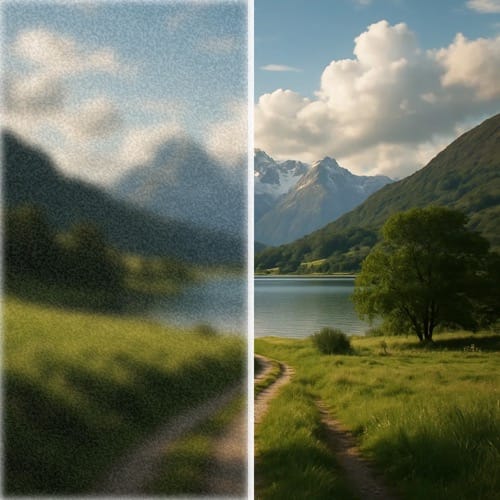
Most image upscalers run one model and give you one slider. This one puts eleven upscale models behind a single picker, because a scanned print, a 3D render and a phone selfie need different treatment. Topaz is selected when you open it, set to 2x. You can raise or lower the factor, switch the Topaz preset, turn on Face Enhancement, or move to Clarity, SeedVR, Recraft, Phota, Ideogram, Flux Vision, Creative or Chrono. Each upscale is AI generated, so fine detail is rebuilt rather than recovered, and two runs can differ.
Examples
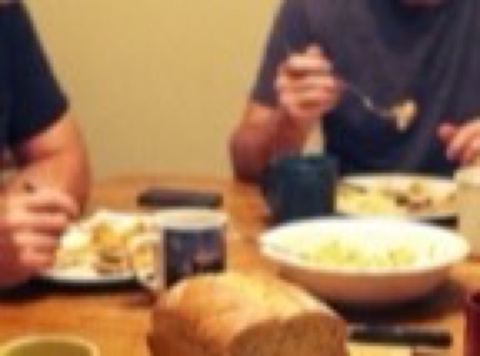
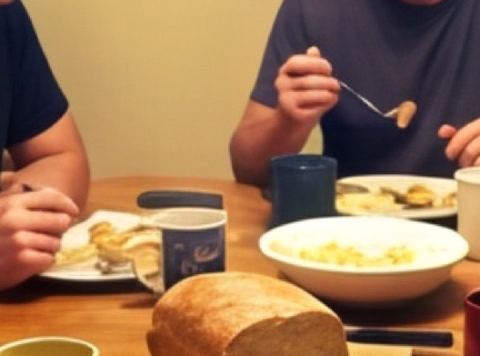
“Upscale a blurry 2012 phone photo of a family dinner to print size with Topaz Recovery and Face Enhancement on”
Try it on your own photo ↑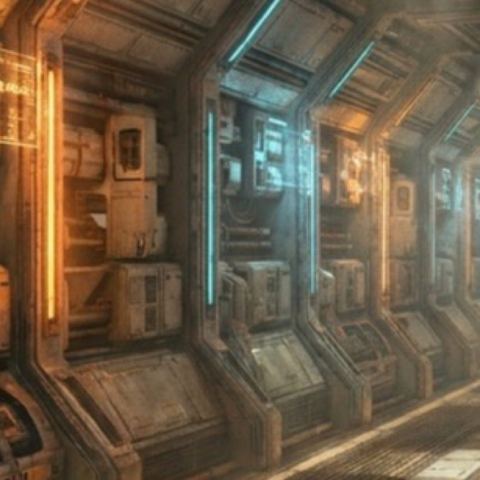
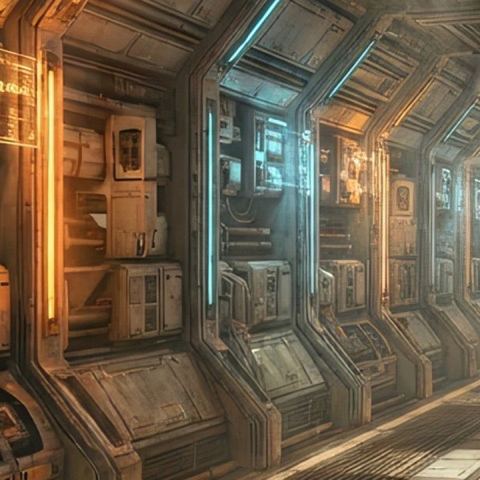
“Take a 1024 pixel 3D render of a sci-fi corridor to 3x with the Topaz CGI preset for a desktop wallpaper”
Try it on your own photo ↑Why this image tool
Topaz with eleven presets
Topaz runs from 1x to 3x in half steps, with a Face Enhancement switch and presets named for the job: Low Resolution V2, Standard V2, High Fidelity V2, CGI for renders, Text Refine for lettering, Recovery and Recovery V2 for damaged sources, Redefine, Standard MAX and Wonder. Topaz returns a PNG.
Upscale by factor or by target size
Clarity and Chrono go from 1x to 4x in half steps. SeedVR upscales to a target resolution (720p, 1080p, 1440p or 2160p) so you can aim for an exact tier for a screen or print layout, or, with the target set to Off, by a factor up to 10x.
Models for faces, detail and tiles
Recraft Crisp focuses on small details and faces, Phota Enhance is built to keep a person's identity, Ideogram goes up to 2x, and a second SeedVR model is built to keep a repeating texture tileable after it grows.
How it works
- 1
Add the image
Drop a file onto the upload card or click to choose one. If you are signed in, earlier images from your history sit in the rail on the left and can be used without uploading again.
- 2
Pick a model and settings
Open the model picker, then set the factor, target resolution, Topaz preset or Face Enhancement, depending on what that model offers. The price for the selected model shows on the Upscale button.
- 3
Collect the result
Press Upscale. You move to the image workspace, where the job runs in History with a loading placeholder. Download the result there, or run it again with a different model to compare.
Who it's for
For old and low resolution photos
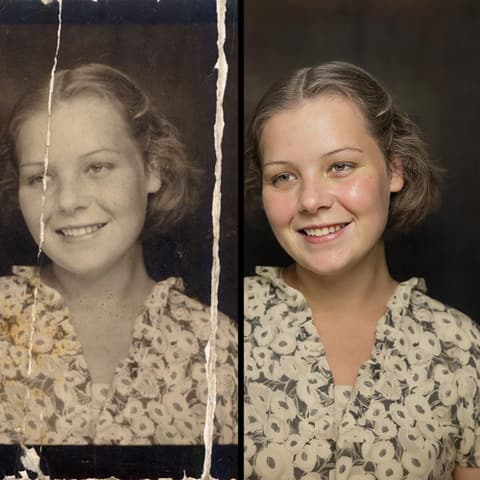
A 640 pixel phone picture from 2010 or a scanned 4x6 print can be pushed up for a frame or a photo book. Try Topaz Recovery first, and Face Enhancement when people are in the shot.
For AI art and renders
Generate at a lower resolution to explore, then upscale the keeper. Topaz CGI suits 3D and game renders; Clarity at 4x suits illustrations headed for a poster.
For textures and product images
Pattern and surface designers can grow a tile with the tiling SeedVR model and keep the edges matching. Shop owners can lift a supplier's small product photo with Recraft Crisp before it goes on a listing.
More to try

Frequently asked questions
How much can I upscale an image?
It depends on the model. Topaz goes up to 3x, Clarity and Chrono up to 4x, Ideogram up to 2x, and SeedVR targets 720p, 1080p, 1440p or 2160p, or goes up to 10x by factor. Some models cap their output size, so a very large input can fail on them; pick another model if that happens.
Which upscale model should I use?
Start with Topaz at 2x; it is the default for a reason. Switch to Recraft Crisp or Phota Enhance for portraits, Topaz Text Refine for screenshots and signage, and SeedVR when you need a specific output size.
Will the upscaler change faces or details?
It can. Upscaling with AI invents plausible detail where the original has none, and the creative models do this more than the fidelity ones. Compare against your original, and rerun on another model if a face or a logo drifts.
Can I upscale an image I made in AI Canvas?
Yes. Images from your history appear in the rail beside the upload card, and any result in the image workspace can be sent to Upscale from its detail view.
Do I need an account?
Yes, you need to be signed in before an upscale runs. Each model is priced per image, and the price shows on the button before you press it.
Can I upscale a video here?
This page is for still images. Video has its own tool, Video Upscale, with separate models.
Try it on your own photo
Pay only for what you generate. The price shows on the button before you start.
Upload a photo