
AI Album Cover Generator
 Logo
 Poster
 Instagram Post
 Instagram Story
 T-Shirt
 Branding
 Card & Invite
 Flyer
 Infographic
 Design Mockup
 Sticker
 Icon
 Wallpaper
 Pattern
 Book Cover
 Album Cover
 Meme
 Emoji
 Tattoo
 Signature
 Slide
 YouTube Thumbnail
No album cover templates available
Design tool · Album covers
Write your title, artist name and the image you hear in the music, choose a genre, and compare square album covers side by side.
This tool designs square album art from a short brief. You write the album or single title, the artist name and the image you see, and the tool adds an album cover brief that asks for the artwork itself with no mockup, so you get a flat square cover rather than a photo of a record sleeve. Pick one of ten genre styles, add a color palette, and ask for several covers at once. Every model in the picker draws the 1:1 shape that streaming services ask for, and the tool starts on GPT Image 2. The model usually writes the title and artist name in readable lettering, but AI text can slip, so check each letter before you upload.
Examples
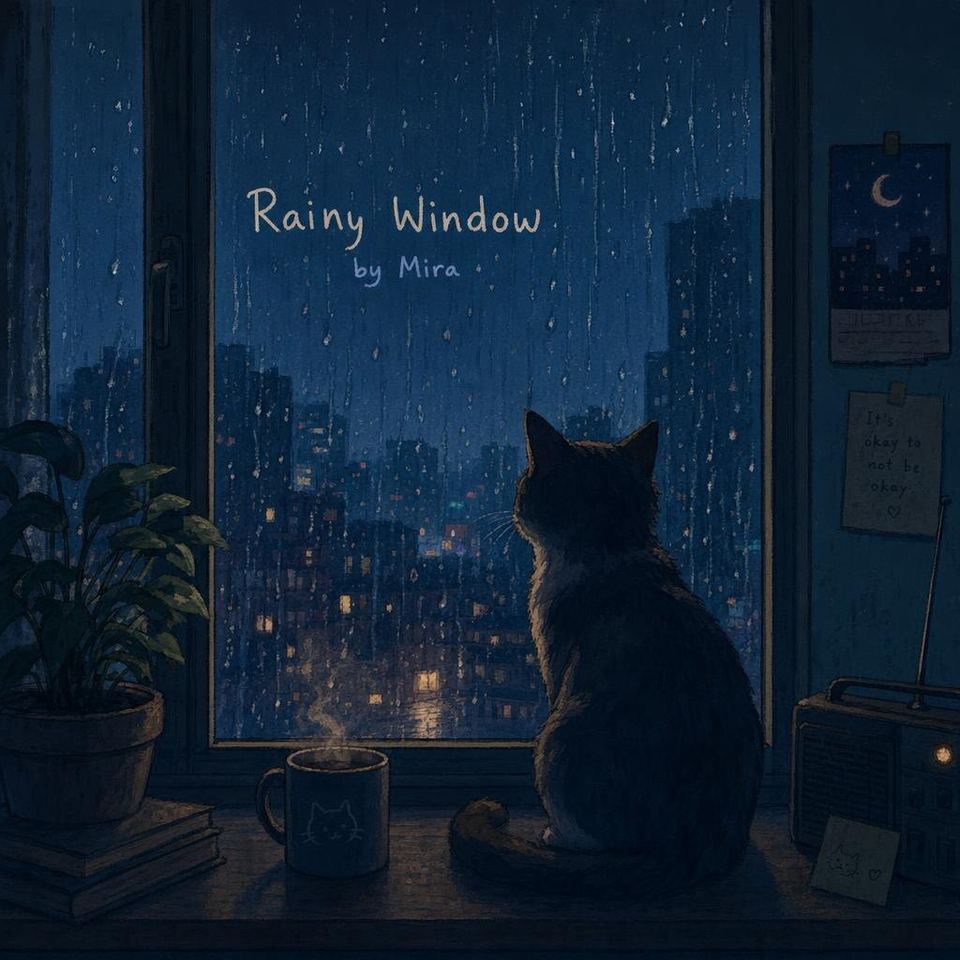
“an album called 'Rainy Window' by Mira, a cat on a windowsill at night with rain”
Make one like this ↑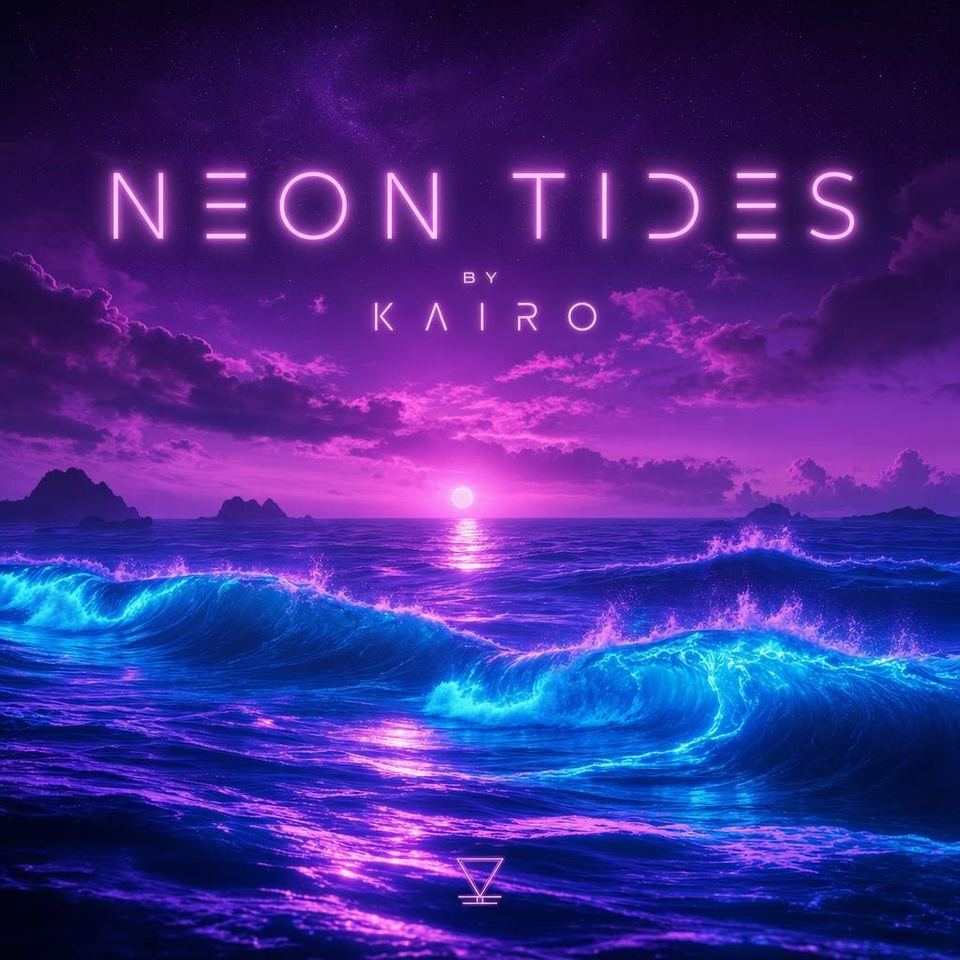
“an album called 'Neon Tides' by KAIRO, glowing waves under a purple sky”
Make one like this ↑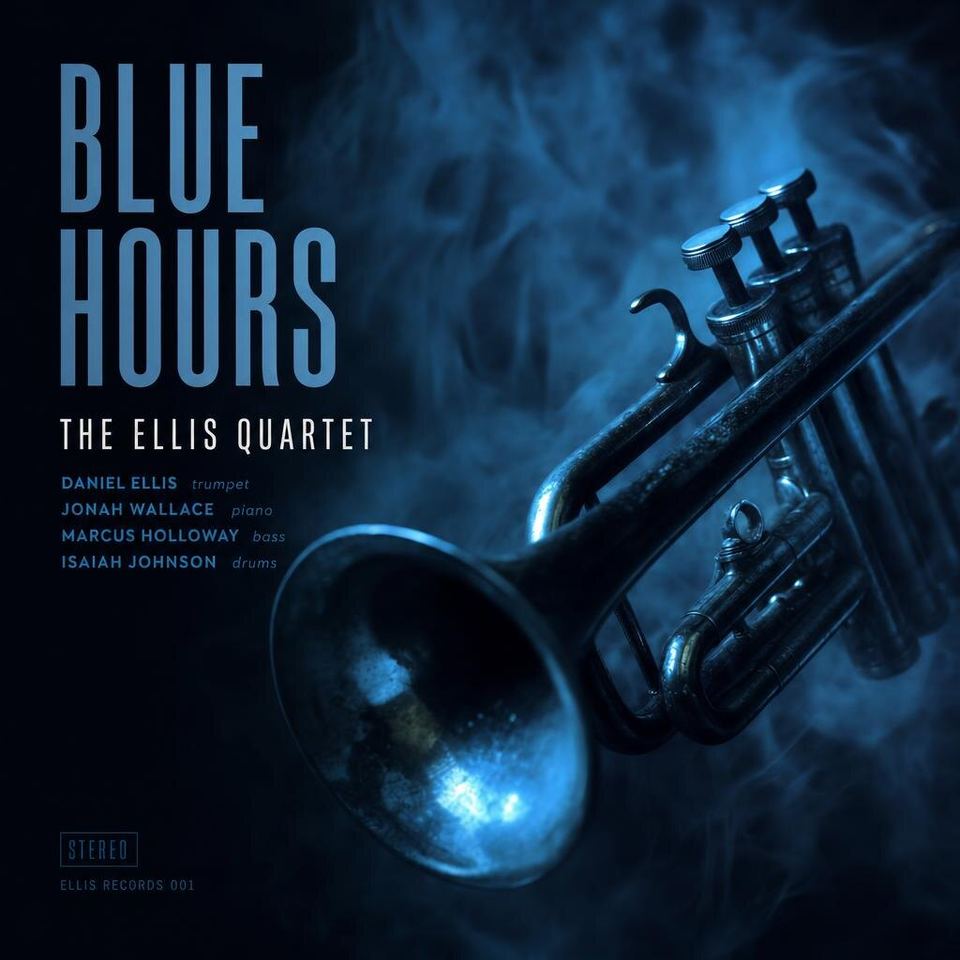
“an album called 'Blue Hours' by The Ellis Quartet, a trumpet in smoky blue light”
Make one like this ↑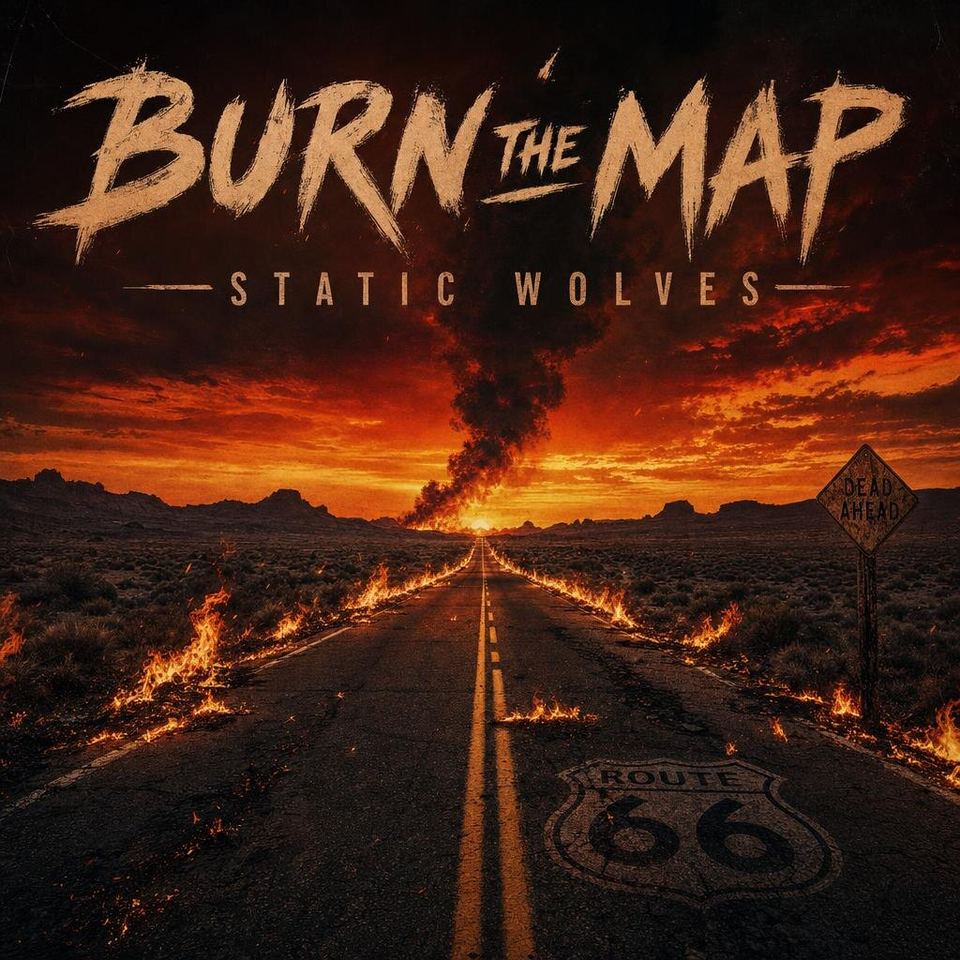
“an album called 'Burn the Map' by Static Wolves, a desert highway on fire at dusk”
Make one like this ↑What it does
Ten genre styles
Choose Pop, Hip-Hop, Rock, Electronic, Lo-Fi, Jazz, Classical, Indie, Metal or R&B. The genre goes into your prompt, so the same idea, a desert road at dusk, can come back grainy and warm as Lo-Fi or loud and burning as Rock.
Square on every model
Covers are 1:1 only, the shape used by streaming services, Bandcamp and record sleeves. Every model offers it, so you can run the same prompt on GPT Image 2, Nano Banana Pro, Flux 2 Pro or Recraft V4 and compare the looks.
Fix the lettering after
Open a cover from your history and use the Text menu: Change Text corrects a misspelled title, Add Text puts on a featured artist, and Remove Text clears the lettering if you would rather set the type yourself.
How it works
- 1
Write the brief
Put the title and artist in quotes and describe one image: an album called 'Rainy Window' by Mira, a cat on a windowsill at night with rain. A single strong image still reads when the cover is a small square in a playlist.
- 2
Pick a genre, palette and count
Choose the genre style closest to your sound, add a palette like Midnight Blue or Sunset Boulevard, pick a model and set how many covers to see, up to four on GPT Image 2.
- 3
Check, upscale and download
Read the title and artist name on every cover and fix any slip with Change Text. Upscale the one you pick, since distributors ask for large square files, then download it.
Who it's for
For independent artists
Rappers, producers and bands releasing through a distributor who need cover art for every single, EP and album, and want to see options before hiring an illustrator.
For playlists and podcasts
Curators who want a custom square cover for a playlist, and podcasters who need square show art with the show name on it.
For mixtapes and demos
A cover for a SoundCloud upload, a DJ mix, a demo you send to venues or a music class project, with your own title on it.
More to try



Frequently asked questions
What size should an album cover be?
Square. Streaming services and distributors ask for a 1:1 image, often at least 3000 by 3000 pixels, and each lists its own rules. The tool makes 1:1 covers only; use Upscale on the one you pick and check your distributor's artwork requirements before you upload.
Will my distributor accept the cover?
That depends on the distributor and the stores. Many reject covers with blurry images, web addresses, social handles or other artists' names and logos, so keep the cover to your title, your artist name and the artwork, and read the artwork guidelines first.
Will the title and artist name be spelled correctly?
Usually, especially with short titles and models that are good at lettering, such as GPT Image 2 and Nano Banana Pro. AI can still swap or drop a letter, so zoom in and fix mistakes with Change Text or by generating again.
Can I use a photo of myself or the band?
Yes. Attach a photo and describe the cover, such as this photo as a moody Jazz cover in blue light. GPT Image 2 and most other models accept a reference image. Recraft V4, Recraft V4 Pro, Stable Diffusion 3.5 and MiniMax Image-01 work from text only, so the attach button hides when one of them is selected.
Can I make a moving version of the cover?
This tool makes still images. Open a cover and send it to Video to animate it. Looping visuals for streaming apps and Reels are tall, so you may want to Reframe the cover to 9:16 first.
Do I need an account?
You can open the tool and write your brief without one. Generating asks you to sign in and uses credits, and the price for the model and number of covers shows on the Generate button. The Explore tab shows example covers with their prompts.
Make your own
The generator is at the top of this page. The price shows on the Generate button before you start.
Back to the tool