
AI Tattoo Generator
 Logo
 Poster
 Instagram Post
 Instagram Story
 T-Shirt
 Branding
 Card & Invite
 Flyer
 Infographic
 Design Mockup
 Sticker
 Icon
 Wallpaper
 Pattern
 Book Cover
 Album Cover
 Meme
 Emoji
 Tattoo
 Signature
 Slide
 YouTube Thumbnail
No tattoo templates available
Design tool · Tattoos
Describe the idea behind your tattoo, choose a tattoo style, and get design drawings to bring to your artist.
This tool draws tattoo designs from a description. You say what the piece should show and where it will go, the tool adds a tattoo design and ink art brief to your prompt, and the model you pick returns up to five drawings at once (fewer on some models). The prompt asks for a tattoo design in ink art, so results usually come out as a design on a plain background, like a sheet of flash art. The tool does not place the design on a photo of your skin, so judge the size and placement with your artist, who will also redraw it to work as a real tattoo.
Examples
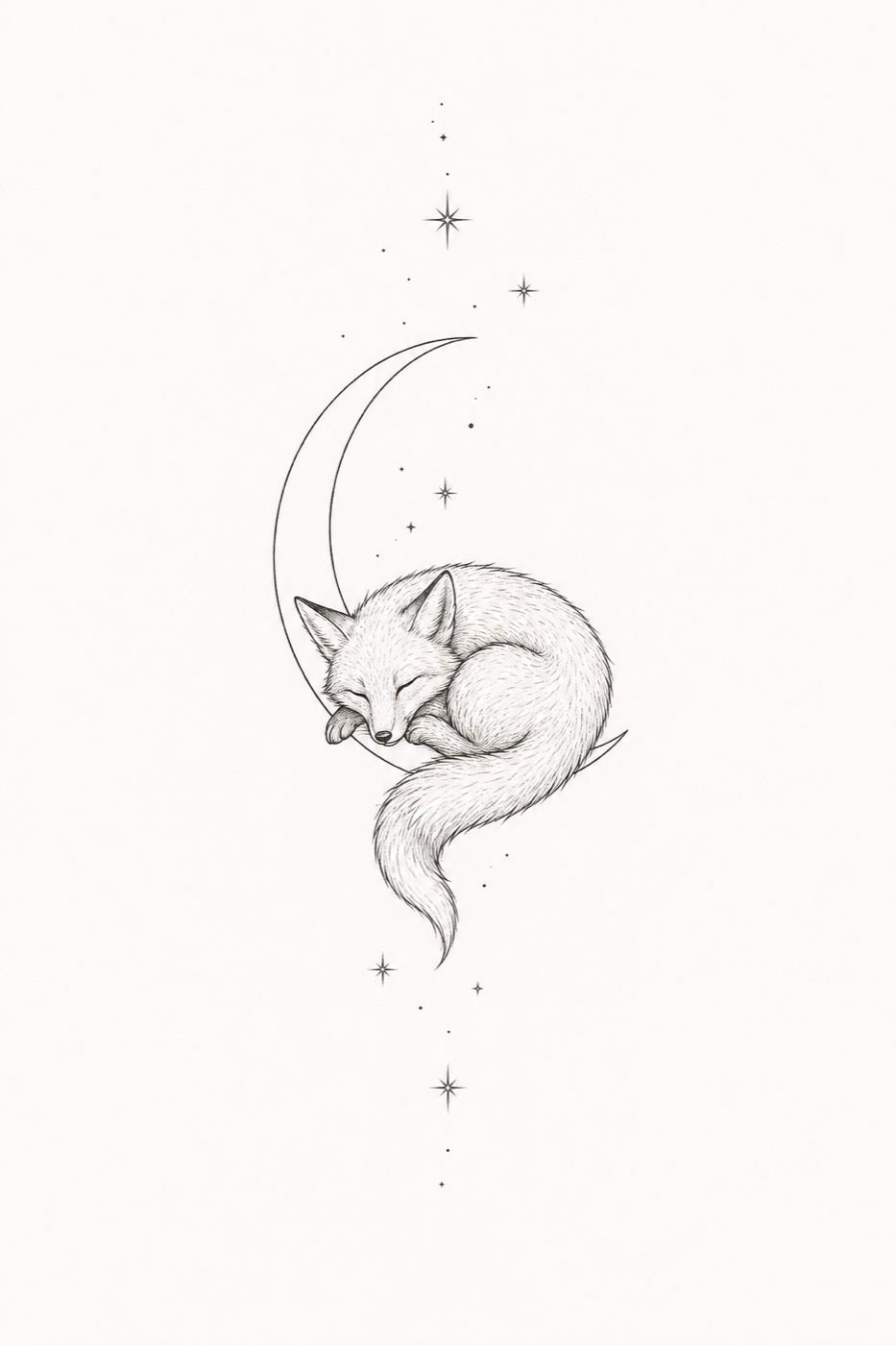
“Fine line tattoo of a fox curled around a crescent moon, tiny stars, delicate black lines, for the inner forearm”
Make one like this ↑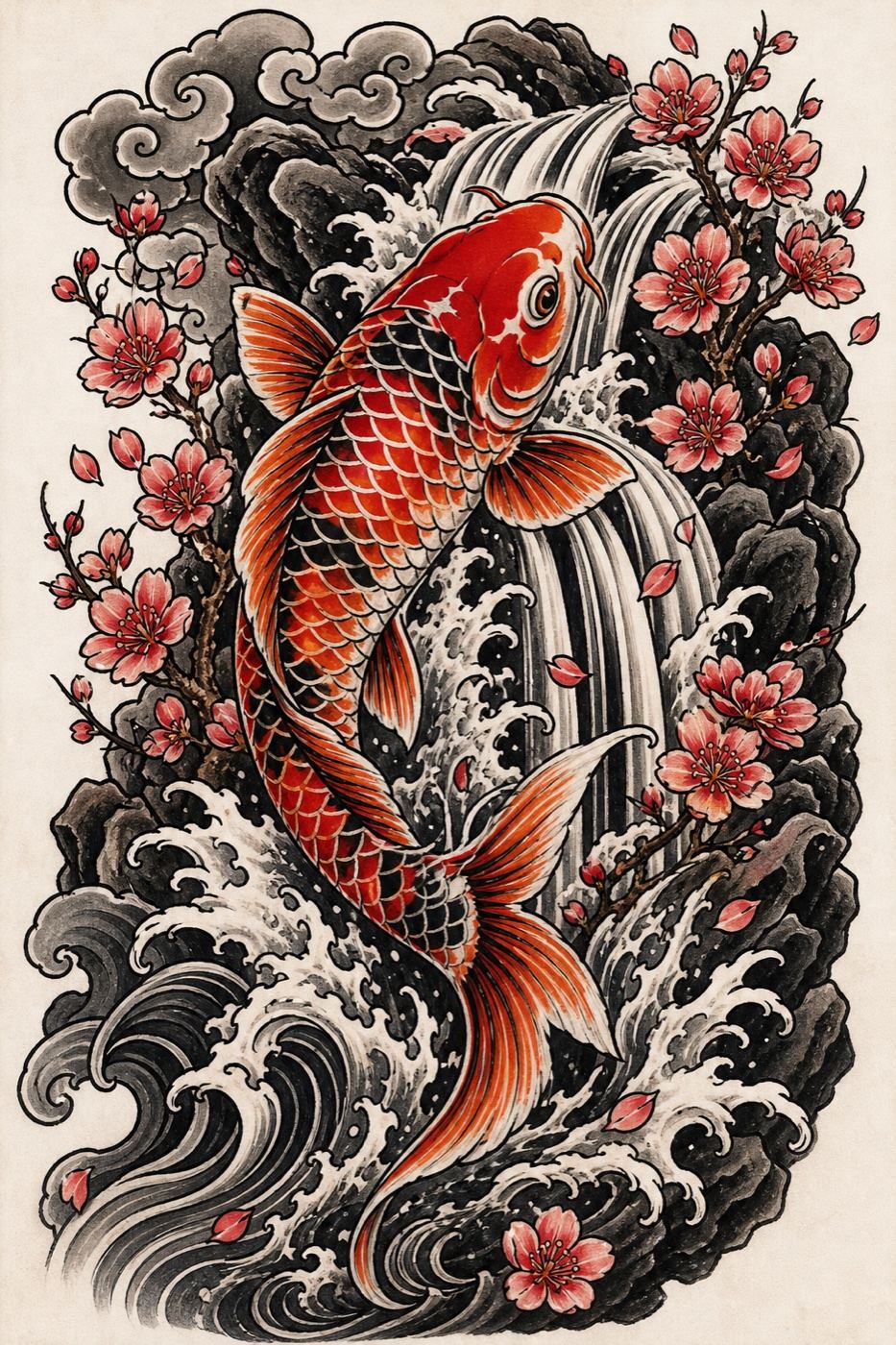
“Japanese tattoo design of a koi fish swimming up a waterfall with cherry blossoms and waves, bold outlines, red, orange and black”
Make one like this ↑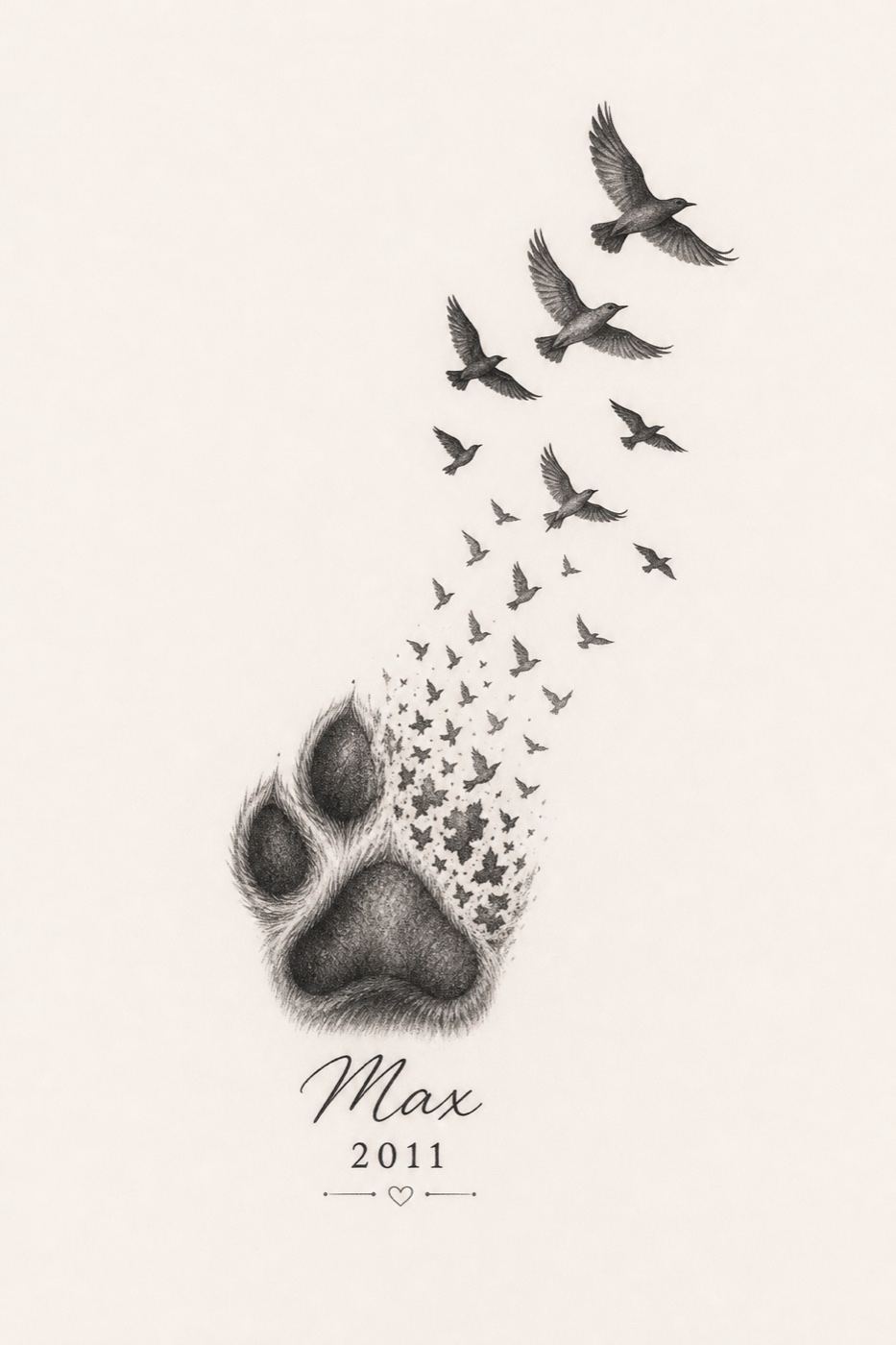
“Memorial tattoo of a golden retriever's paw print turning into flying birds, small text "Max 2011", black and grey”
Make one like this ↑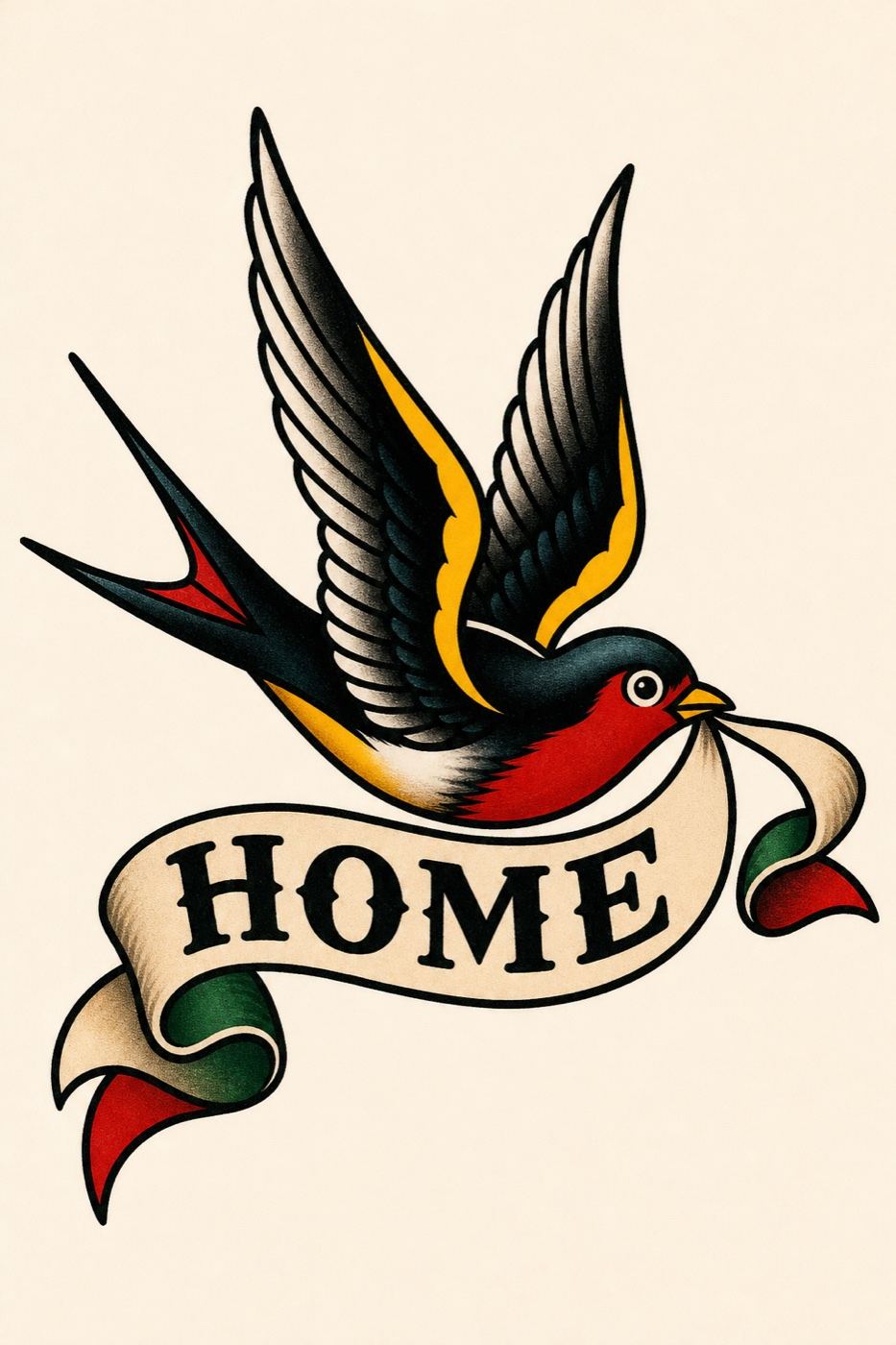
“Old school flash of a swallow carrying a banner that says "HOME", bold black outlines, red, yellow and green, classic sailor style”
Make one like this ↑What it does
Twelve tattoo styles
Pick Traditional, Old School, Neo Traditional, Japanese, Blackwork, Tribal, Dotwork, Geometric, Minimalist, Illustrative, Realism or Watercolor. The style is added to your prompt, so one idea, like a swallow, can be tried as bold Old School flash and as a soft Watercolor piece.
Shapes for forearms, backs and small pieces
Designs come in 2:3 for a forearm, calf or spine, 3:2 for a chest or collarbone piece, and 1:1 for a small round or wrist tattoo. GPT Image 2 (the default), Nano Banana Pro, Nano Banana 2, Flux 2 Pro and Grok Imagine offer all three; the other models draw square only.
Start from a sketch or reference
Attach your own sketch, a photo of a pet, or an old tattoo you want reworked or covered, and describe the change. Recraft V4, Recraft V4 Pro, Stable Diffusion 3.5 and MiniMax Image-01 work from text only, so the attach button hides when they are selected.
How it works
- 1
Describe the piece
Name the subject, the details that matter to you and the placement: a fox curled around a crescent moon, for the inner forearm, fine lines. Include any word or date in quotes and keep it short.
- 2
Pick a style and shape
Choose a tattoo style, then the shape that matches the body part. Add a palette like Grayscale for black and grey work, or leave it off for color. Set how many versions you want to see.
- 3
Choose and take it to your artist
Compare the designs, edit the closest one with an instruction or upscale it, then download it. Bring it to your tattoo artist as a reference; they will adjust line weight, size and flow to fit your body.
Who it's for
For your first tattoo
When you know the meaning but not the look, see the same idea in several styles before booking a consultation, so you arrive with a clear reference.
For cover ups and reworks
Attach a photo of the old tattoo and ask for a darker design that sits over it. Your artist decides what can actually cover it, but you can explore ideas first.
For tattoo artists
Turn a client's rough description into quick reference drawings during a consultation, or sketch out flash sheet ideas to redraw by hand.
More to try




Frequently asked questions
Can I see how the tattoo looks on my body?
Not in this tool. It makes the design drawing only, with no preview on a photo of your skin. Print it at the planned size and hold it against the spot, or ask your artist for a stencil placement.
Can a tattoo artist use the design as it is?
Use it as a starting point. AI drawings can have lines that are too fine, details that blur over time, or shapes that do not follow the muscle. A good artist will redraw it for skin.
Can it include a name or a date?
Yes, put the text in quotes in your prompt. AI lettering can misspell, so check every letter and have your artist write the final lettering, since a typo on skin is hard to fix.
Can I make black and grey designs only?
Yes. Choose Blackwork, Dotwork or Realism, write black and grey in the prompt, and add the Grayscale palette to push the design toward black and grey.
Can it help with a cover up?
Attach a clear photo of the existing tattoo, choose a model that accepts images, and describe a design that is larger and darker. Whether it covers the old ink is a decision for your artist in person.
Do I need an account?
You can open the tool and write your idea without one. Generating asks you to sign in and uses credits, and the price for the model and number of designs shows on the Generate button. The Explore tab shows example tattoos with their prompts.
Make your own
The generator is at the top of this page. The price shows on the Generate button before you start.
Back to the tool