AI Logo Generator
Logo Maker
Your logo in 60 seconds: pick a look, add your name, get four.
 Logo
 Poster
 Instagram Post
 Instagram Story
 T-Shirt
 Branding
 Card & Invite
 Flyer
 Infographic
 Design Mockup
 Sticker
 Icon
 Wallpaper
 Pattern
 Book Cover
 Album Cover
 Meme
 Emoji
 Tattoo
 Signature
 Slide
 YouTube Thumbnail
No logo templates available
Design tool · Logos
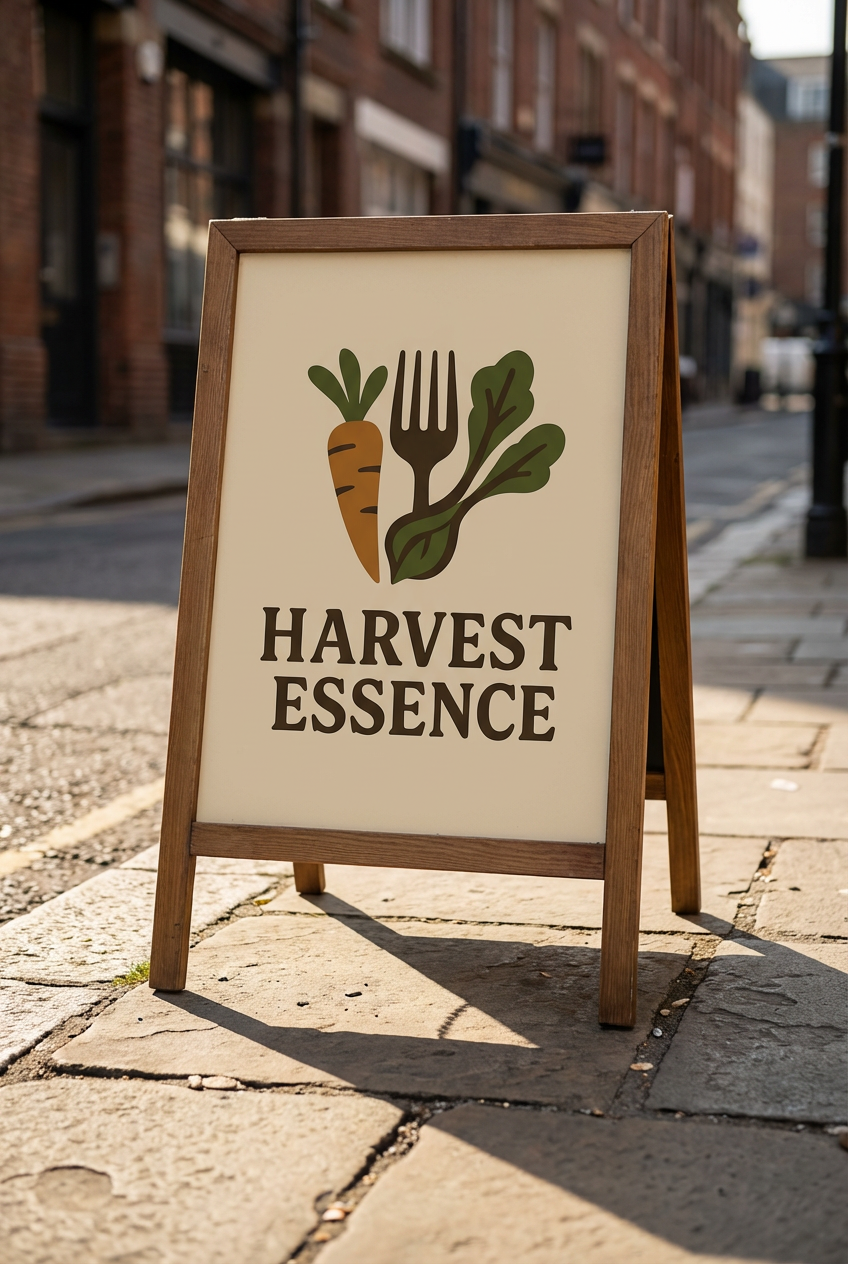
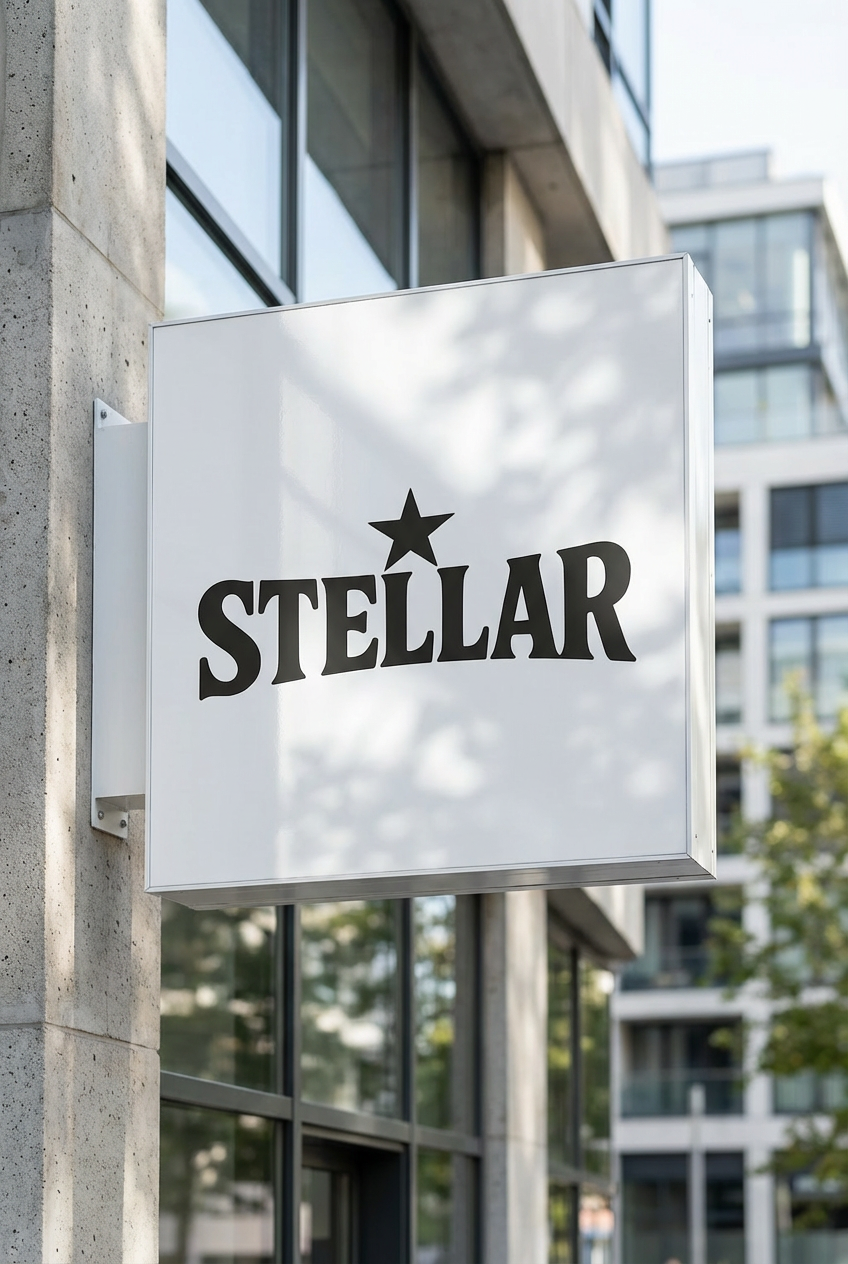
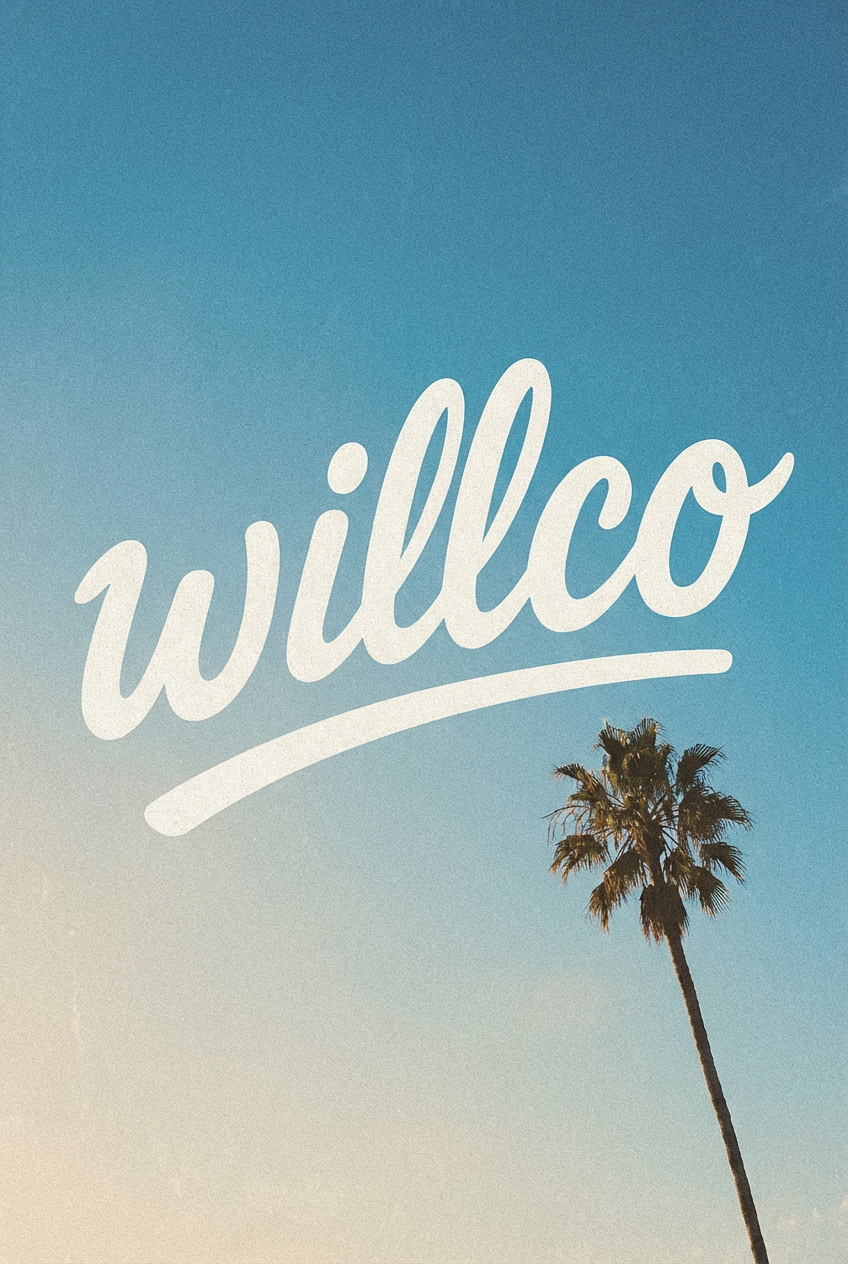
Type your brand name and what you do, choose one of fifteen logo styles, and get logo concepts to compare side by side.
This tool turns a short brief into logo concepts. You write the brand name, what the business does and the feeling you want, and the tool adds a vector style logo brief to your prompt before the model you picked draws it. Pick a style such as Lettermark, Mascot or Luxury, add a color palette if you already have brand colors, and ask for several concepts at once. Each result is an image drawn by the AI. There is no SVG or vector file export, so treat the result as a concept to refine, and check the spelling of the brand name in every version.
Examples
“Logo for "Harbor Coffee", a small coffee roaster by the sea, coffee bean shaped like a ship's anchor, warm brown and cream, hand drawn feel”
Make one like this ↑
“Lettermark logo with the letters "NV" for a cloud software startup, interlocking geometric shapes, deep blue on white, clean and modern”
Make one like this ↑
“Mascot logo for a youth hockey team called "Ridge Wolves", fierce grey wolf head with a hockey stick, bold outlines, navy and silver”
Make one like this ↑
“Round vintage emblem for "Mill Lane Bakery", wheat stalks around a rolling pin, text "EST. 2019" at the bottom, cream and deep red”
Make one like this ↑What it does
Fifteen logo styles in three groups
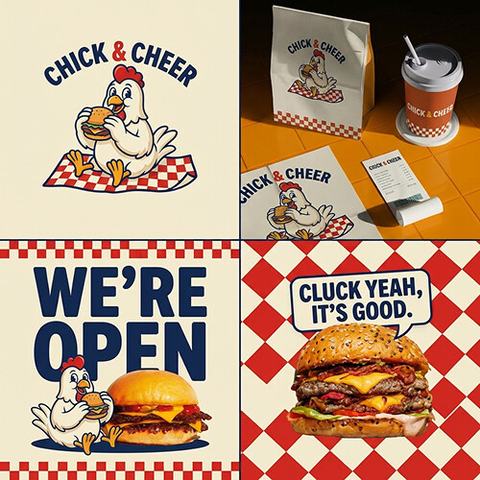
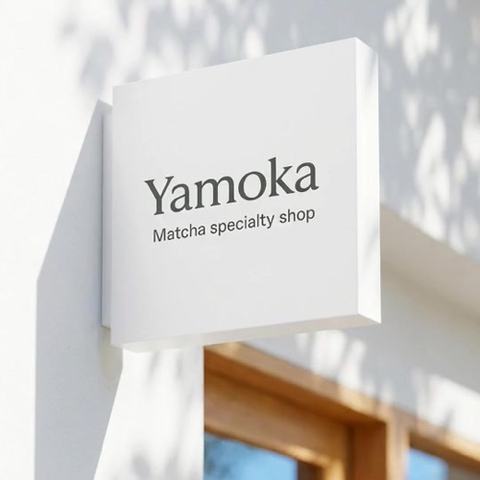
The style picker is grouped into Classic (Emblem, Wordmark, Luxury, Vintage, Lettermark), Modern (Modern, Minimalist, Gradient, Combined, Geometric) and Creative (Food & Beverage, Hand Drawn, Abstract, Mascot, Playful). Picking one adds that style to your prompt, so you can run the same brand name through a Wordmark and a Mascot and compare.
Square, wide or tall
Logos come out in 1:1 for app icons and profile pictures, or 16:9 and 9:16 for headers and story covers. GPT Image 2, the default model, only draws the square version here; Nano Banana Pro, Nano Banana 2, Flux 2 Pro, Recraft V4 and the other models in the picker offer all three.
Sketches and old logos as references
Attach a napkin sketch, your current logo or a mark you like, and say what to keep and what to change. Recraft V4, Recraft V4 Pro, Stable Diffusion 3.5 and MiniMax Image-01 work from the prompt only, so the attach button hides when one of them is selected.
How it works
- 1
Write the brief
Put the exact brand name in quotes, then add the business and the mood: "Harbor Coffee", a small roasting company, warm and handmade. Short names come out cleaner than long ones.
- 2
Pick a style, palette and count
Choose one of the logo styles, or none and describe the look yourself. Add a palette like Earth Tones or Midnight Blue, pick a model and set how many concepts to make: up to five on Seedream 5 Lite, four on most models, one on Flux 2 Pro.
- 3
Refine the one you like
Open the concept you like most from your history and keep going: recolor it, edit it with an instruction, remove the background, or upscale it. Read the lettering once more before you download it.
Who it's for
For new businesses
A cafe, a cleaning service or an online shop that needs something for the sign, the Instagram avatar and the first invoice, and wants to see several directions before spending money on a designer.
For side projects and apps
Indie developers, podcasters and newsletter writers who need a square mark for an app icon or cover art, and a lettermark that still reads at small size.
For designers in the concept stage
Generate a wide spread of directions for a client brief in one sitting, then redraw the chosen idea as a proper vector in your own design software.
More to try
Frequently asked questions
Can I download my logo as an SVG or vector file?
No. The prompt asks for a vector style look, but the download is a raster image, not a vector file. For a sign, embroidery or large print, have a designer trace it into a vector file. Upscaling the image first gives them a cleaner start.
Will the brand name be spelled correctly?
Often, especially with short names and models that are good at lettering such as Recraft V4, Nano Banana Pro and GPT Image 2. AI can still swap or drop a letter, so zoom in on every concept, and regenerate or edit the text if it is wrong.
Can I get a logo with a transparent background?
Logos usually come back on a background. Use Remove BG on the result from your history to cut the mark out, then download it and check the edges on a dark and a light background.
Which style should I start with?
Wordmark or Lettermark if the name is the brand, Emblem or Vintage for a badge feel, Mascot or Playful for a character, Minimalist or Geometric for a simple icon. Running two styles on the same brief makes the choice easier.
Can I use the logo for my business?
The result is a new image made from your prompt, but AI can produce marks that resemble existing logos. Search your design against trademarks in your market before you register it or print it at scale.
Do I need an account?
You can write your brief and choose a style without one. Generating asks you to sign in and uses credits; the price for your model and number of concepts shows on the Generate button.
Make your own
The generator is at the top of this page. The price shows on the Generate button before you start.
Back to the tool