
AI Signature Generator
 Logo
 Poster
 Instagram Post
 Instagram Story
 T-Shirt
 Branding
 Card & Invite
 Flyer
 Infographic
 Design Mockup
 Sticker
 Icon
 Wallpaper
 Pattern
 Book Cover
 Album Cover
 Meme
 Emoji
 Tattoo
 Signature
 Slide
 YouTube Thumbnail
No signature templates available
Design tool · Signatures
Type your name, choose one of eight handwriting styles, and compare signature designs you can practice, cut out and download.
This tool draws a handwritten signature design from a name. You type the name, the tool adds a signature brief that asks for elegant handwriting, and the model draws it as one signature in a wide 3:2 frame, usually dark ink on a plain light background. Pick one of eight styles, from Cursive and Calligraphic to Minimalist and Formal, and make several versions in one run to compare letter shapes. The result is an image of a signature design, not a legal or verified electronic signature. Use it for your own name only: as a model to practice by hand, in an email footer, or as a mark on your artwork or brand.
Examples
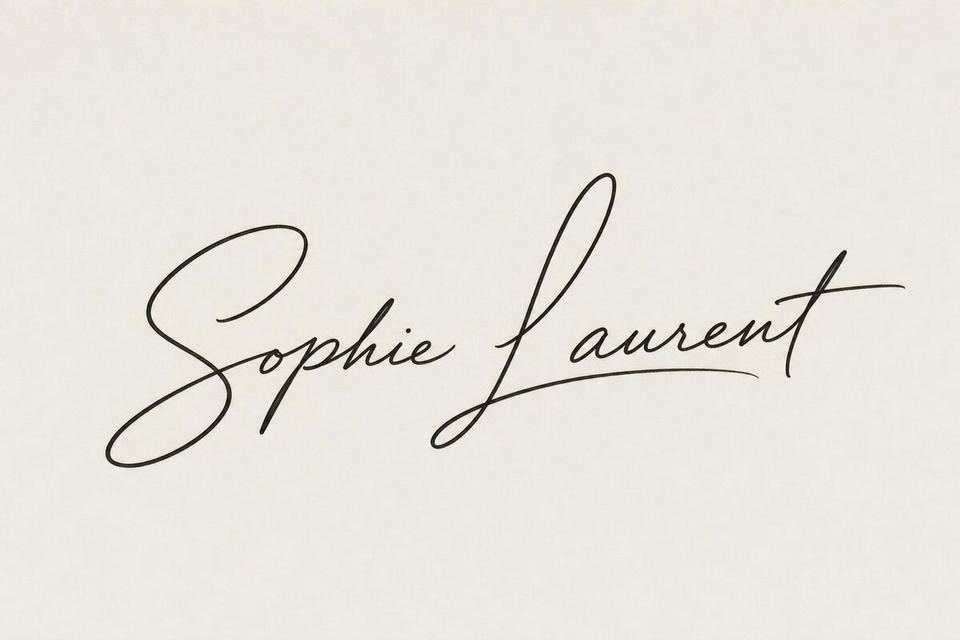
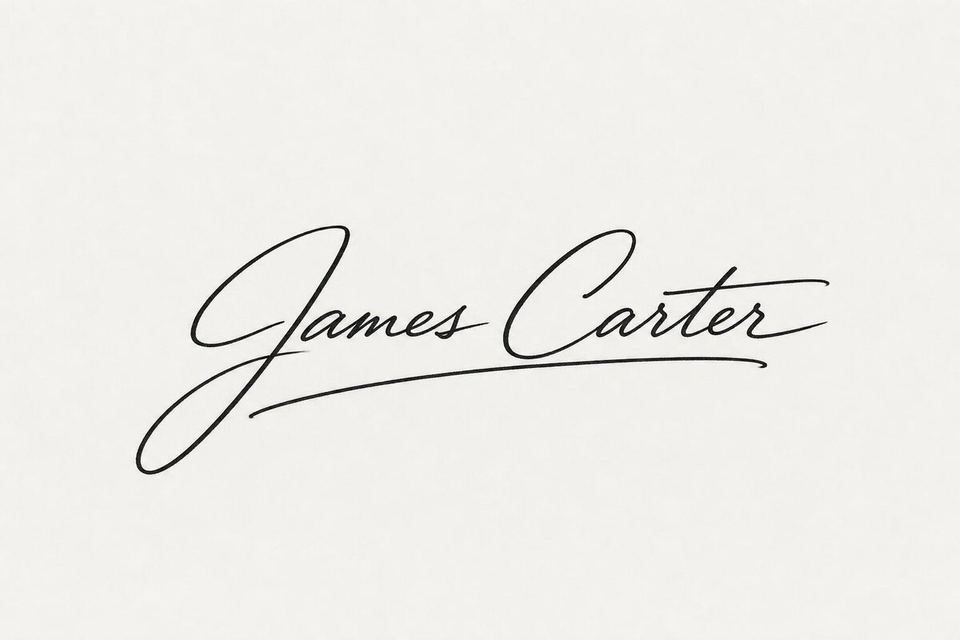
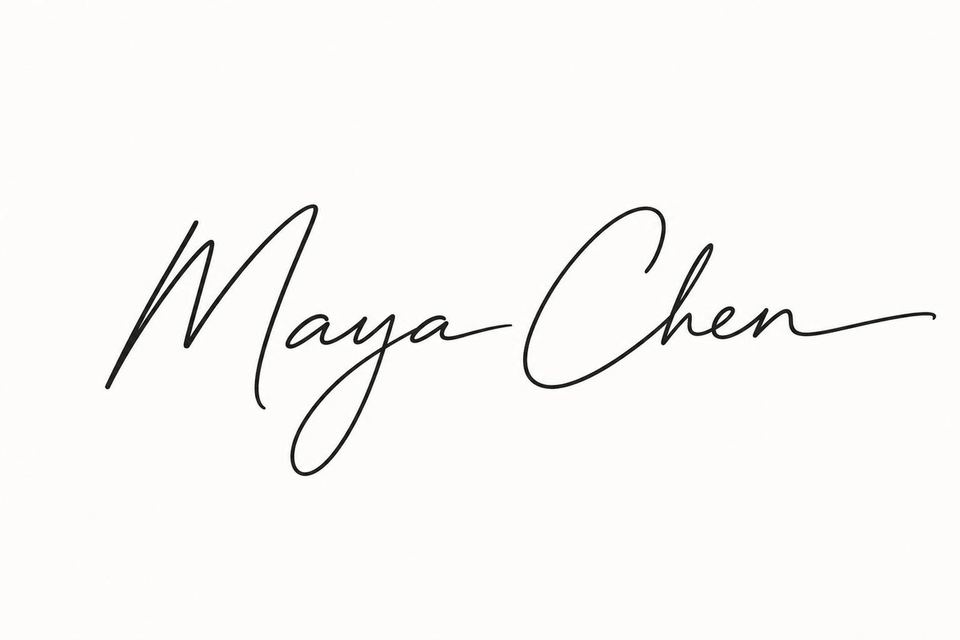
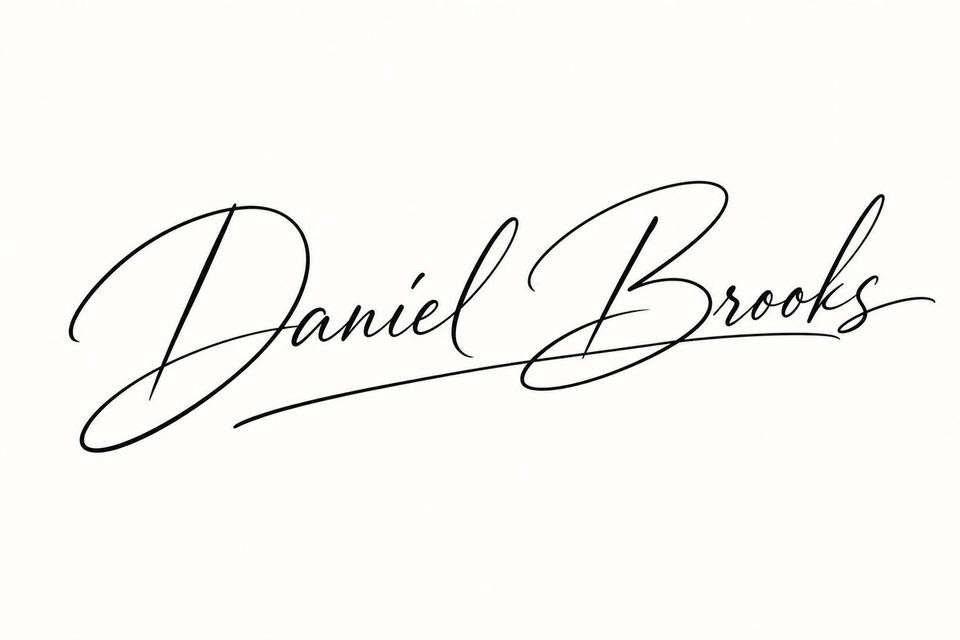
What it does
Eight signature styles
Choose Elegant, Modern, Minimalist, Classic, Artistic, Formal, Cursive or Calligraphic. The style goes into your prompt, so the same name can come back as a quick Minimalist line, a flowing Cursive signature or a Calligraphic one with thick and thin strokes.
Wide 3:2 and 16:9
Signatures are wide, so the tool offers 3:2 and 16:9 only. GPT Image 2, where the tool starts, draws 3:2. Nano Banana Pro, Nano Banana 2, Flux 2 Pro and Grok Imagine draw both, and most other models in the picker draw 16:9.
Ink color and cutouts
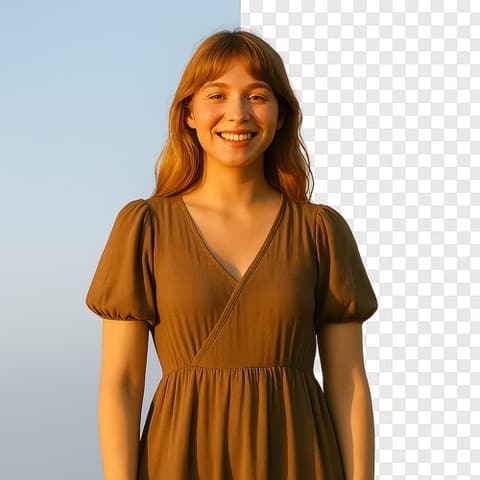
Add a palette such as Midnight Blue or Grayscale to steer the ink color. Signatures come on a background, so run Remove BG on the one you pick to get a cutout you can place over an email footer, a photo or a print.
How it works
- 1
Type the name
Write the name exactly as you want it signed, like Sophie Laurent, or an initial and a surname such as S. Laurent. Add a hint about the feel if you have one: fast and slanted, or round and easy to read.
- 2
Pick a style and count
Choose a style such as Elegant or Formal, keep 3:2 or pick a model that draws 16:9, and make up to four versions on GPT Image 2 so you can compare the capitals and the final stroke side by side.
- 3
Check and download
Open your favorite from your history and read every letter of the name. Run Remove BG for a transparent cutout, upscale it if you need it larger, then download it.
Who it's for
For a new signature of your own
After a name change, a wedding or simply wanting a signature you like, generate versions of your own name and copy the one that suits you by hand until it feels natural.
For email footers and websites
Consultants, coaches and writers who want a signed look at the end of an email, a newsletter or an About page, using a cutout of their own name.
For artists and makers
Painters, photographers and crafters who want a signature mark for prints, product tags or a watermark, in a style that matches their work.
More to try



Frequently asked questions
Can I use this signature to sign documents?
That is your decision. The download is an image of a design, not a verified electronic signature, and it carries no identity check or record of who signed. Some e-signature services let you upload a signature image, but what a document needs depends on the document and where you live. Only create a signature for your own name, and never use the tool to copy or imitate someone else's.
How do I get a transparent background?
The signature comes on a background. Open it from your history and use Remove BG, then download the cutout and check the thin strokes on both a dark and a light background.
Will my name be spelled correctly?
Usually, especially for short names. Handwriting styles with big loops can merge or drop a letter, so read the name closely and generate again if anything is off.
Which style looks most like a real signature?
Cursive, Modern and Minimalist look closest to everyday handwriting. Elegant and Calligraphic give flowing, decorative strokes, and Formal and Classic stay neat and readable. Generating two styles on the same name makes the choice easier.
Do I need an account?
You can open the tool and write your name without one. Generating asks you to sign in and uses credits, and the price for the model and number of signatures shows on the Generate button. The Explore tab shows example signatures with their prompts.
Make your own
The generator is at the top of this page. The price shows on the Generate button before you start.
Back to the tool